Atoms vs MyPaste
In the face-off between Atoms vs MyPaste , which AI Code Assistant tool takes the crown? We scrutinize features, alternatives, upvotes, reviews, pricing, and more.
In a face-off between Atoms and MyPaste , which one takes the crown?
If we were to analyze Atoms and MyPaste , both of which are AI-powered code assistant tools, what would we find? With more upvotes, Atoms is the preferred choice. Atoms has 92 upvotes, and MyPaste has 6 upvotes.
Think we got it wrong? Cast your vote and show us who's boss!
Atoms
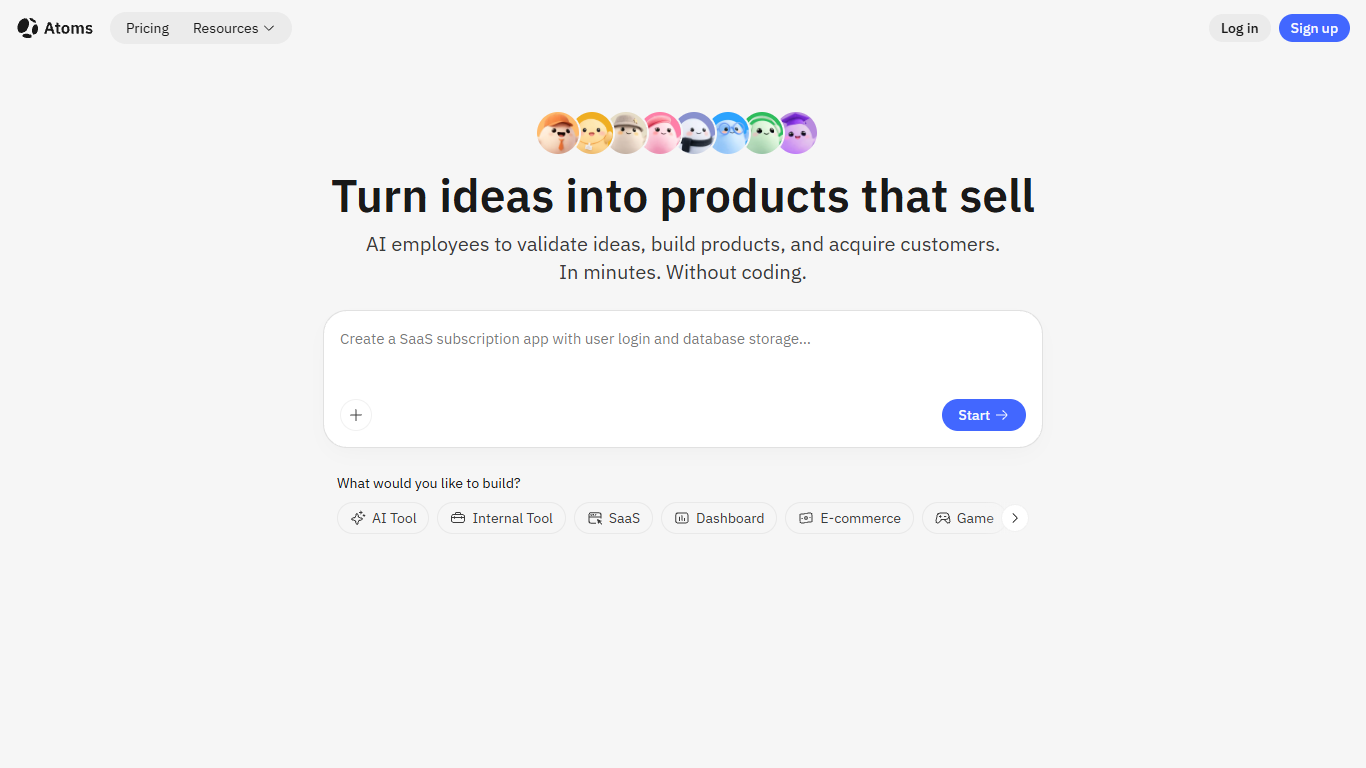

What is Atoms?
Describe a product in chat and Atoms assigns a team of coding agents to research, architect, build, test, and deploy a full-stack app with login, database, Stripe payments, and hosting. Named agents cover product management, engineering, SEO, Google Ads, and data analysis in one workflow. The platform evolved from the MetaGPT open-source multi-agent framework and reports 1M+ builders across 170+ countries.
Most vibe-coding tools stop at a frontend mockup. Atoms assigns named agents (Product Manager Emma, Engineer Alex, SEO Specialist Sarah, Ads Specialist Adrian, and others) to cover research through customer acquisition in one workflow. Race Mode runs prompts across multiple models for higher accuracy on Max plans, and you can export code or sync to GitHub when you outgrow the hosted builder.
Solo founders, indie hackers, and non-technical teams use Atoms to ship SaaS subscriptions, internal dashboards, portfolios, and e-commerce pages without hiring a dev shop. One-click publishing handles hosting, while built-in SEO and Google Ads agents target paying customers from day one.
MyPaste
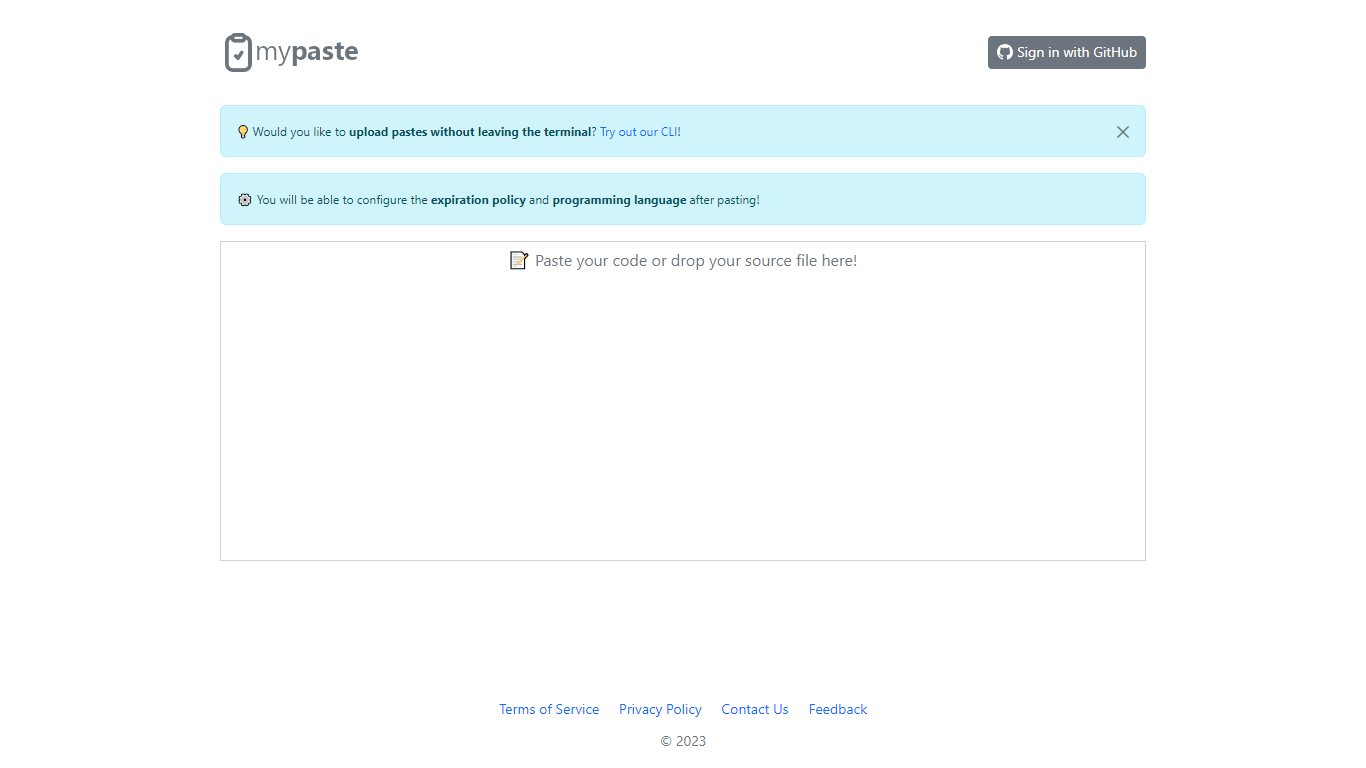
What is MyPaste ?
MyPaste is a code pasting service built for developers who need to share snippets fast. Paste your code on the homepage and get a shareable link with automatic programming language detection, so you are not stuck picking syntax from a dropdown before anyone can read your snippet.
After you paste, MyPaste lets you fine-tune the expiration policy and programming language before you send the link. That post-paste control is useful when you want a quick share first and settings second. The site also offers GitHub sign-in and a CLI for uploading pastes straight from your terminal.
MyPaste is still alpha software, and the team welcomes feedback on bugs and feature requests. It fits developers, open source contributors, and anyone who shares code snippets or logs during debugging sessions.
Atoms Upvotes
MyPaste Upvotes
Atoms Top Features
Eight named agents (research, architecture, engineering, SEO, ads, PM, team lead, data) coordinate builds from chat
Atoms Cloud ships user login, database, Stripe payments, and one-click hosting without separate backend setup
Free plan includes 15 daily credits (up to 25 per month), 2 GB storage, and 2 backend projects
Race Mode on Max plans runs prompts across multiple models for up to 3x accuracy improvement
Visual editor plus GitHub export and code download for full ownership of generated projects
Built-in SEO and Google Ads agents automate page optimization and campaign management
MyPaste Top Features
Detects the programming language automatically when you paste code
Set expiration policy and syntax language after the paste is created
Sign in with GitHub to manage pastes tied to your account
Upload snippets from the terminal with the MyPaste CLI
Access paste uploads through API services listed in the terms
Atoms Category
- Code Assistant
MyPaste Category
- Code Assistant
Atoms Pricing Type
- Freemium
MyPaste Pricing Type
- Free