
Last updated 07-25-2026
Category:
Reviews:
Join thousands of AI enthusiasts in the World of AI!
MyPaste
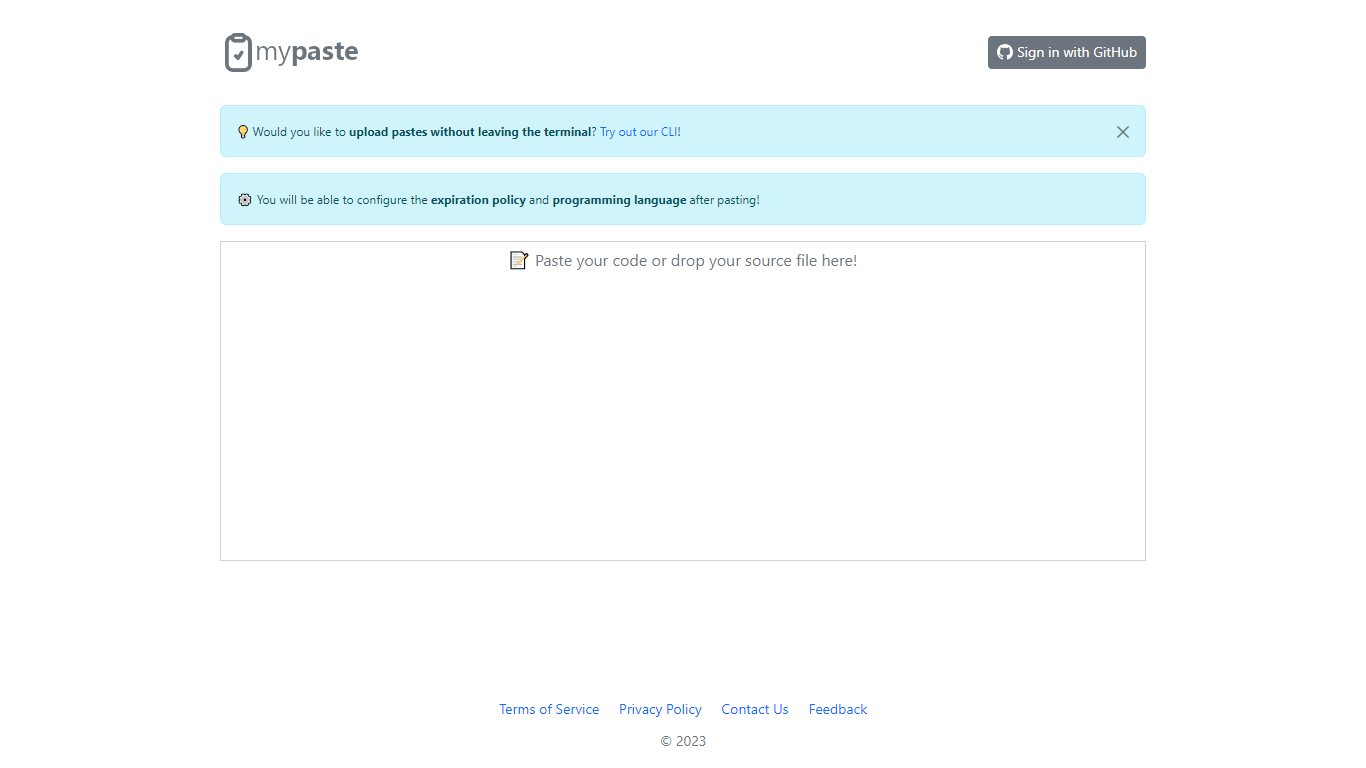
MyPaste is a code pasting service built for developers who need to share snippets fast. Paste your code on the homepage and get a shareable link with automatic programming language detection, so you are not stuck picking syntax from a dropdown before anyone can read your snippet.
After you paste, MyPaste lets you fine-tune the expiration policy and programming language before you send the link. That post-paste control is useful when you want a quick share first and settings second. The site also offers GitHub sign-in and a CLI for uploading pastes straight from your terminal.
MyPaste is still alpha software, and the team welcomes feedback on bugs and feature requests. It fits developers, open source contributors, and anyone who shares code snippets or logs during debugging sessions.
Detects the programming language automatically when you paste code
Set expiration policy and syntax language after the paste is created
Sign in with GitHub to manage pastes tied to your account
Upload snippets from the terminal with the MyPaste CLI
Access paste uploads through API services listed in the terms
Automatic language detection removes manual syntax selection before sharing
Post-paste controls let you adjust expiration and language after the snippet is created
CLI support makes terminal uploads possible without opening the site
No paid plans are listed, so basic pasting stays free
The product is still labeled alpha software, so features may change
No dedicated pricing or enterprise page is published on the site
Public documentation beyond terms, privacy, and contact pages is limited
Is MyPaste free to use?
Yes. MyPaste does not list paid plans or pricing tiers on its site. You can create and share pastes without paying.
Do I need an account to use MyPaste?
No. You can paste code on the homepage without signing in. GitHub sign-in is available if you want to authenticate with your GitHub account.
Does MyPaste have a command-line tool?
Yes. MyPaste links to a CLI on GitHub so you can upload pastes from the terminal without opening the browser.
What data does MyPaste store when I create a paste?
MyPaste stores the paste content, settings, and the uploader IP address to fight spam. Paste content and settings such as programming language and expiration are public. IP addresses are not made public.
Does MyPaste offer an API?
Yes. MyPaste terms of service refer to using the platform through API services, so integrations can upload or manage pastes programmatically.
Is MyPaste still in development?
Yes. MyPaste describes itself as alpha software on its contact page and asks users to report bugs and request features.