MyPaste vs Codex
In the face-off between MyPaste vs Codex, which AI Code Assistant tool takes the crown? We scrutinize features, alternatives, upvotes, reviews, pricing, and more.
In a face-off between MyPaste and Codex, which one takes the crown?
If we were to analyze MyPaste and Codex, both of which are AI-powered code assistant tools, what would we find? The community has spoken, MyPaste leads with more upvotes. MyPaste has attracted 6 upvotes from aitools.fyi users, and Codex has attracted 4 upvotes.
Feeling rebellious? Cast your vote and shake things up!
MyPaste

What is MyPaste ?
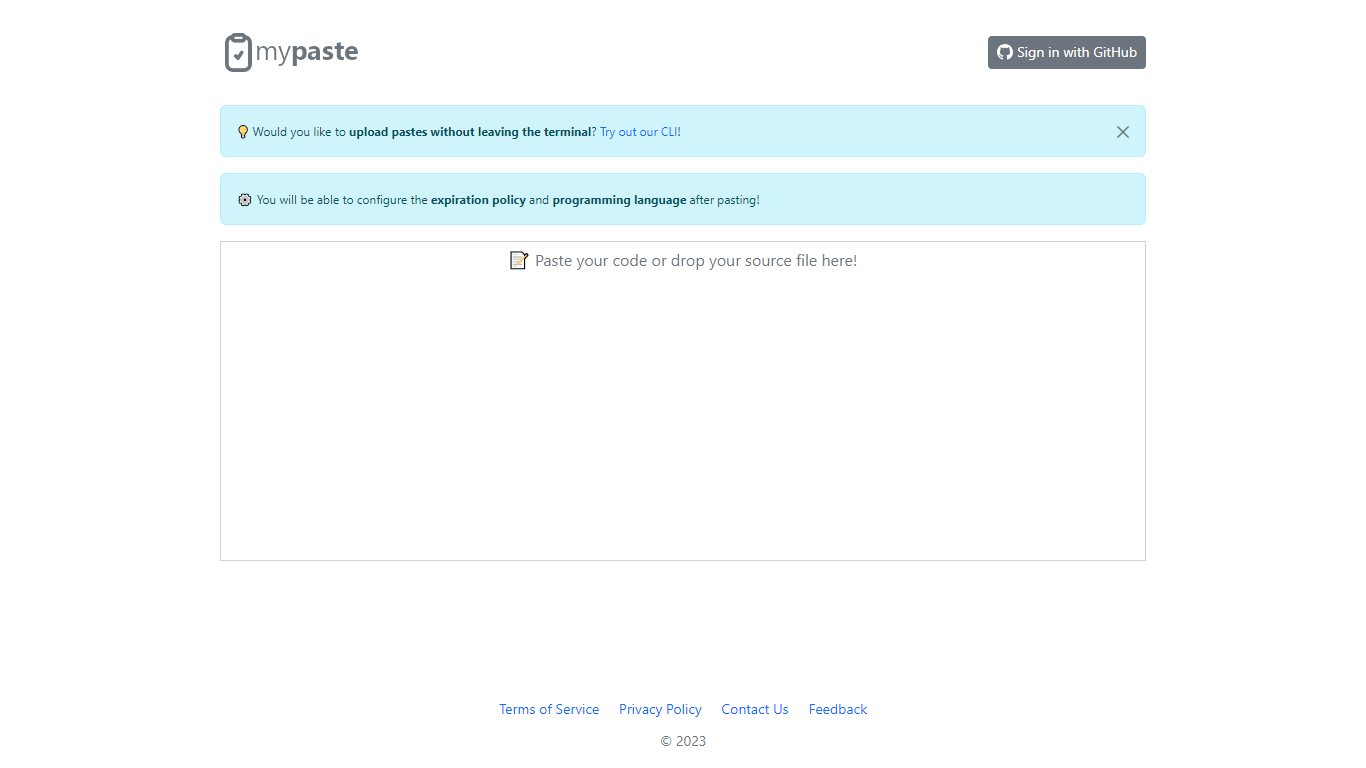
MyPaste is a code pasting service built for developers who need to share snippets fast. Paste your code on the homepage and get a shareable link with automatic programming language detection, so you are not stuck picking syntax from a dropdown before anyone can read your snippet.
After you paste, MyPaste lets you fine-tune the expiration policy and programming language before you send the link. That post-paste control is useful when you want a quick share first and settings second. The site also offers GitHub sign-in and a CLI for uploading pastes straight from your terminal.
MyPaste is still alpha software, and the team welcomes feedback on bugs and feature requests. It fits developers, open source contributors, and anyone who shares code snippets or logs during debugging sessions.
Codex
What is Codex?
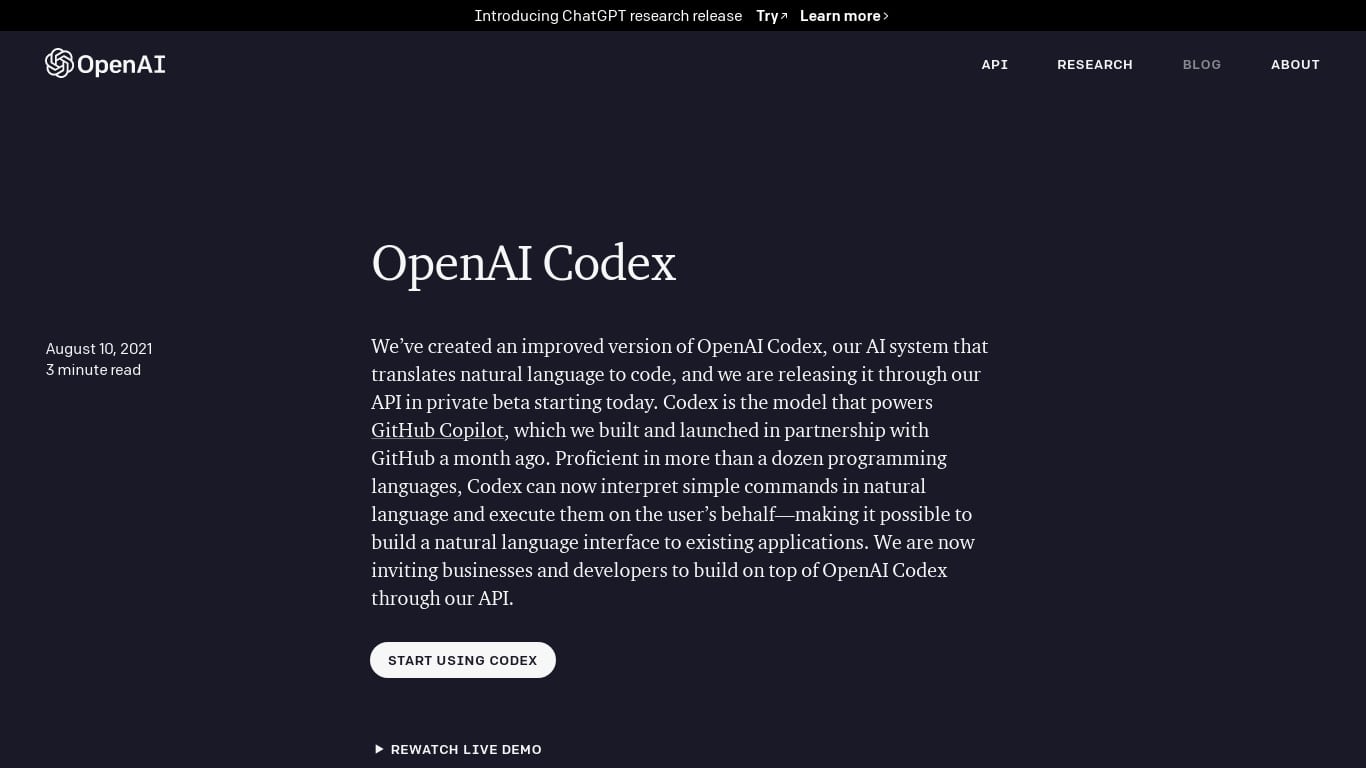
Codex is OpenAI's agentic coding assistant that writes features, fixes bugs, answers codebase questions, and opens pull requests from ChatGPT, a terminal CLI, or an IDE extension. Each cloud task spins up an isolated sandbox preloaded with your GitHub repository, where GPT-5-Codex edits files, runs tests, linters, and type checkers, and commits results you can review or merge. The same ChatGPT account links ChatGPT, the Codex CLI, and the IDE extension so you can pair locally or delegate longer jobs to run in parallel.
Unlike inline autocomplete tools that suggest the next line, Codex treats software engineering as delegated work. You assign a scoped task, wait one to thirty minutes depending on complexity, and get verifiable citations from terminal logs and test output rather than a single pasted snippet. That trade-off favors refactors, test generation, and multi-file features over keystroke-level completion, which is why teams at Ramp, Duolingo, and Harvey use it for PR reviews and background chores they would otherwise postpone.
Developers on ChatGPT Plus, Pro, Business, and Enterprise plans can run Codex in ChatGPT with built-in worktrees, schedule recurring jobs like issue triage or CI monitoring, and teach team standards through Skills. Repositories can include AGENTS.md files that tell Codex how to run tests and follow project conventions. A Codex SDK embeds the same agent in custom workflows, and a Slack integration lets teams assign tasks from channels.
MyPaste Upvotes
Codex Upvotes
MyPaste Top Features
Detects the programming language automatically when you paste code
Set expiration policy and syntax language after the paste is created
Sign in with GitHub to manage pastes tied to your account
Upload snippets from the terminal with the MyPaste CLI
Access paste uploads through API services listed in the terms
Codex Top Features
Cloud tasks run in isolated sandboxes preloaded with your GitHub repository
GPT-5-Codex model tuned for agentic coding across CLI, IDE, and cloud environments
Tasks typically finish in 1 to 30 minutes with live progress and terminal log citations
AGENTS.md files guide testing commands and repo conventions inside each sandbox
Codex CLI installs via npm i -g @openai/codex and signs in with your ChatGPT account
codex-mini-latest API priced at $1.50 per 1M input tokens and $6 per 1M output tokens
Slack integration and Codex SDK let teams delegate tasks outside ChatGPT
MyPaste Category
- Code Assistant
Codex Category
- Code Assistant
MyPaste Pricing Type
- Free
Codex Pricing Type
- Paid