MyPaste vs GPT95
Dive into the comparison of MyPaste vs GPT95 and discover which AI Code Assistant tool stands out. We examine alternatives, upvotes, features, reviews, pricing, and beyond.
In a comparison between MyPaste and GPT95, which one comes out on top?
When we compare MyPaste and GPT95, two exceptional code assistant tools powered by artificial intelligence, and place them side by side, several key similarities and differences come to light. Both tools have received the same number of upvotes from aitools.fyi users. Be a part of the decision-making process. Your vote could determine the winner.
Does the result make you go "hmm"? Cast your vote and turn that frown upside down!
MyPaste

What is MyPaste ?
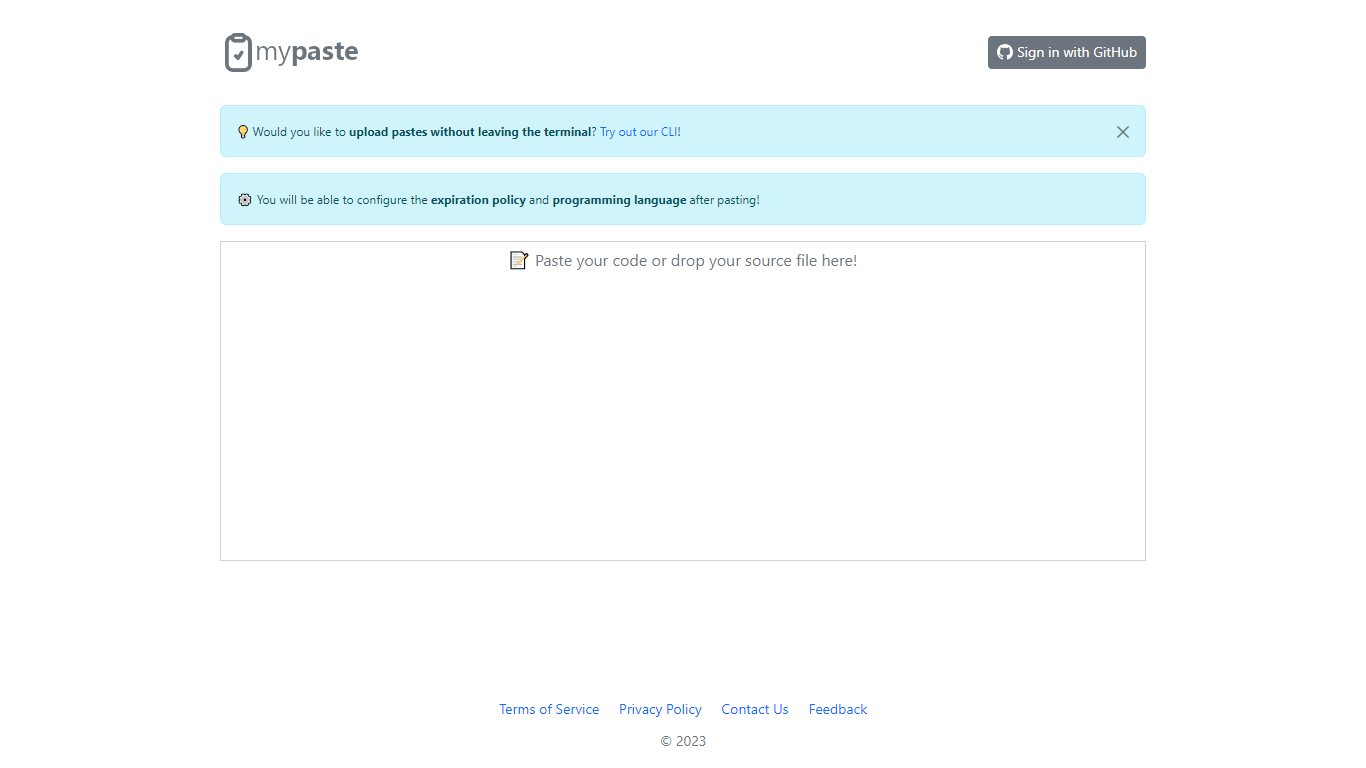
MyPaste is a code pasting service built for developers who need to share snippets fast. Paste your code on the homepage and get a shareable link with automatic programming language detection, so you are not stuck picking syntax from a dropdown before anyone can read your snippet.
After you paste, MyPaste lets you fine-tune the expiration policy and programming language before you send the link. That post-paste control is useful when you want a quick share first and settings second. The site also offers GitHub sign-in and a CLI for uploading pastes straight from your terminal.
MyPaste is still alpha software, and the team welcomes feedback on bugs and feature requests. It fits developers, open source contributors, and anyone who shares code snippets or logs during debugging sessions.
GPT95
What is GPT95?
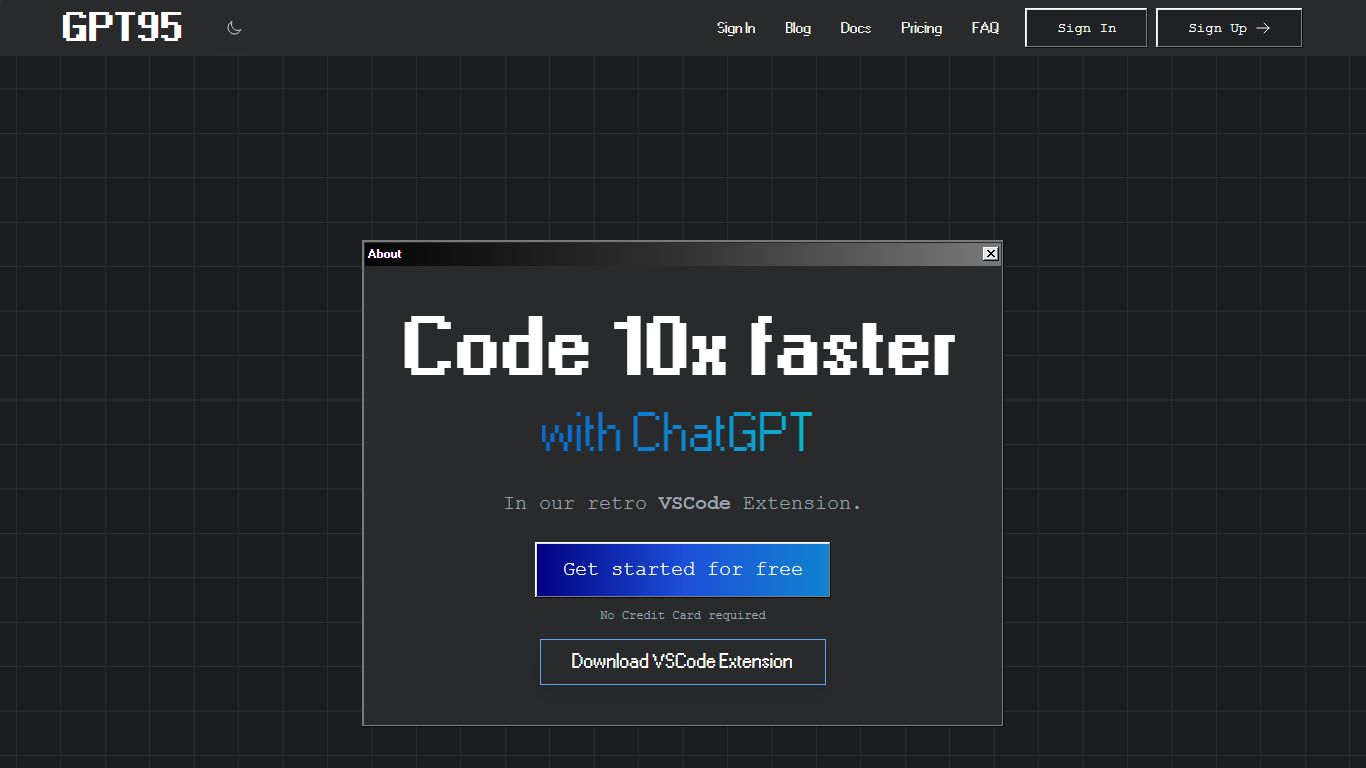
"This Visual Studio Code extension allows you to use ChatGPT combined with our Fine-Tuned GPT3 Code Model to generate code or natural language responses to your questions.
Automatically generate code from scratch, ask questions, get explanations, refactor code, find bugs and more!"
MyPaste Upvotes
GPT95 Upvotes
MyPaste Top Features
Detects the programming language automatically when you paste code
Set expiration policy and syntax language after the paste is created
Sign in with GitHub to manage pastes tied to your account
Upload snippets from the terminal with the MyPaste CLI
Access paste uploads through API services listed in the terms
GPT95 Top Features
No top features listedMyPaste Category
- Code Assistant
GPT95 Category
- Code Assistant
MyPaste Pricing Type
- Free
GPT95 Pricing Type
- Paid