Atoms vs Screenshot to Code
In the clash of Atoms vs Screenshot to Code, which AI Code Assistant tool emerges victorious? We assess reviews, pricing, alternatives, features, upvotes, and more.
When we put Atoms and Screenshot to Code head to head, which one emerges as the victor?
Let's take a closer look at Atoms and Screenshot to Code, both of which are AI-driven code assistant tools, and see what sets them apart. In the race for upvotes, Atoms takes the trophy. The upvote count for Atoms is 92, and for Screenshot to Code it's 6.
Does the result make you go "hmm"? Cast your vote and turn that frown upside down!
Atoms
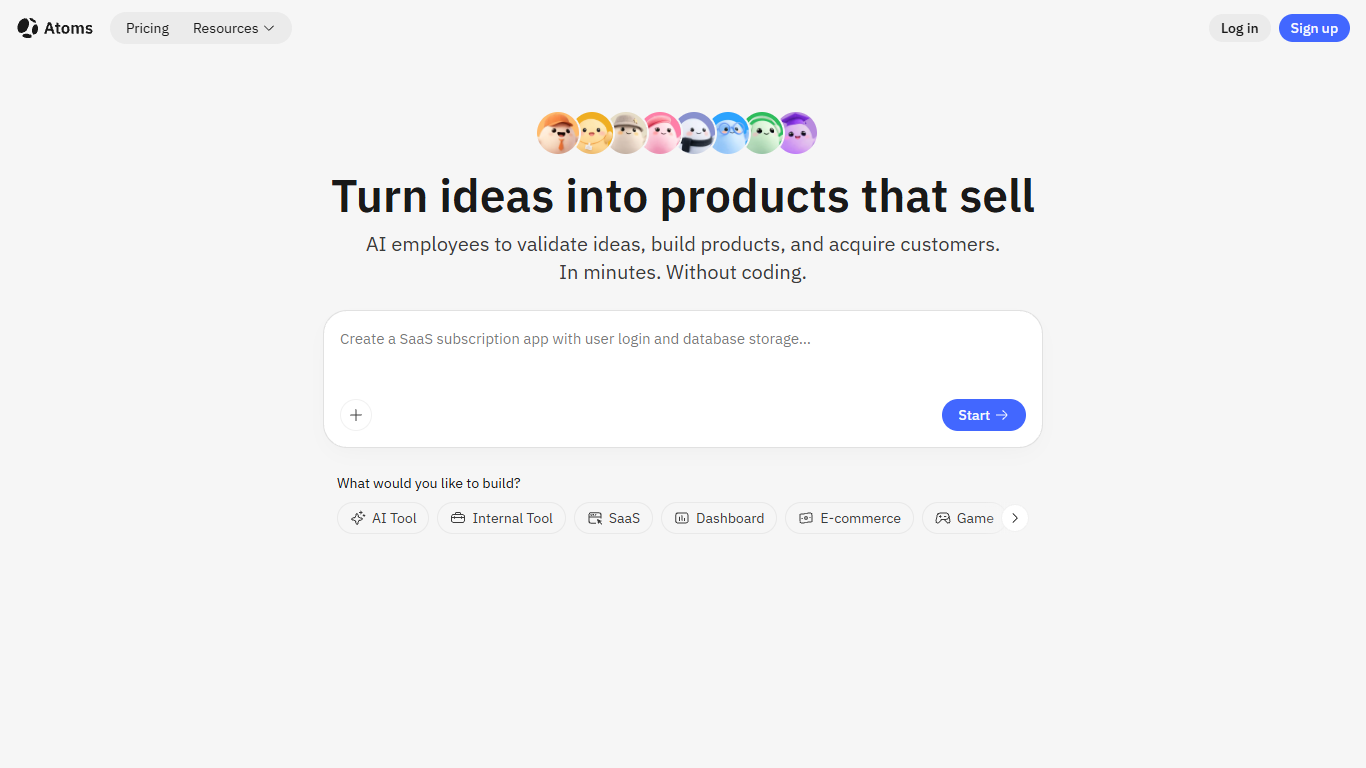

What is Atoms?
Atoms is an AI-powered platform designed to help individuals and teams build websites and applications without needing coding skills. It uses a multi-agent AI system where virtual employees like Product Managers, Engineers, and Data Scientists collaborate to plan, build, test, and launch full-stack apps from simple natural language descriptions. This approach allows users to turn ideas into functional products quickly, making it suitable for entrepreneurs, startups, and professionals who want to create digital products without technical barriers.
The platform supports a wide range of projects including websites, SaaS tools, dashboards, e-commerce stores, portfolios, and even simple games. Users can start with templates or describe their vision in plain language, and Atoms generates complete apps with features like user login, data storage, payment integration via Stripe, and SEO optimization. This makes it a comprehensive solution for building, launching, and growing digital products.
Atoms stands out by combining research, design, coding, and marketing in one place, automating repetitive tasks so users can focus on their core business. It offers one-click deployment with hosting and server management handled automatically. Users maintain full control by exporting code or syncing projects to GitHub, allowing them to scale and customize as needed.
The platform supports multiple languages for natural language input, enabling a seamless experience for users worldwide. It integrates with common tools to fit into existing workflows, ensuring that products built are viable for real business use, not just demos. Atoms also uses a transparent credit system to manage AI task complexity and usage, providing clear budget control.
Overall, Atoms is designed to accelerate product development cycles, reduce the need for technical expertise, and help users acquire paying customers faster by providing built-in business toolkits and growth features.
Screenshot to Code
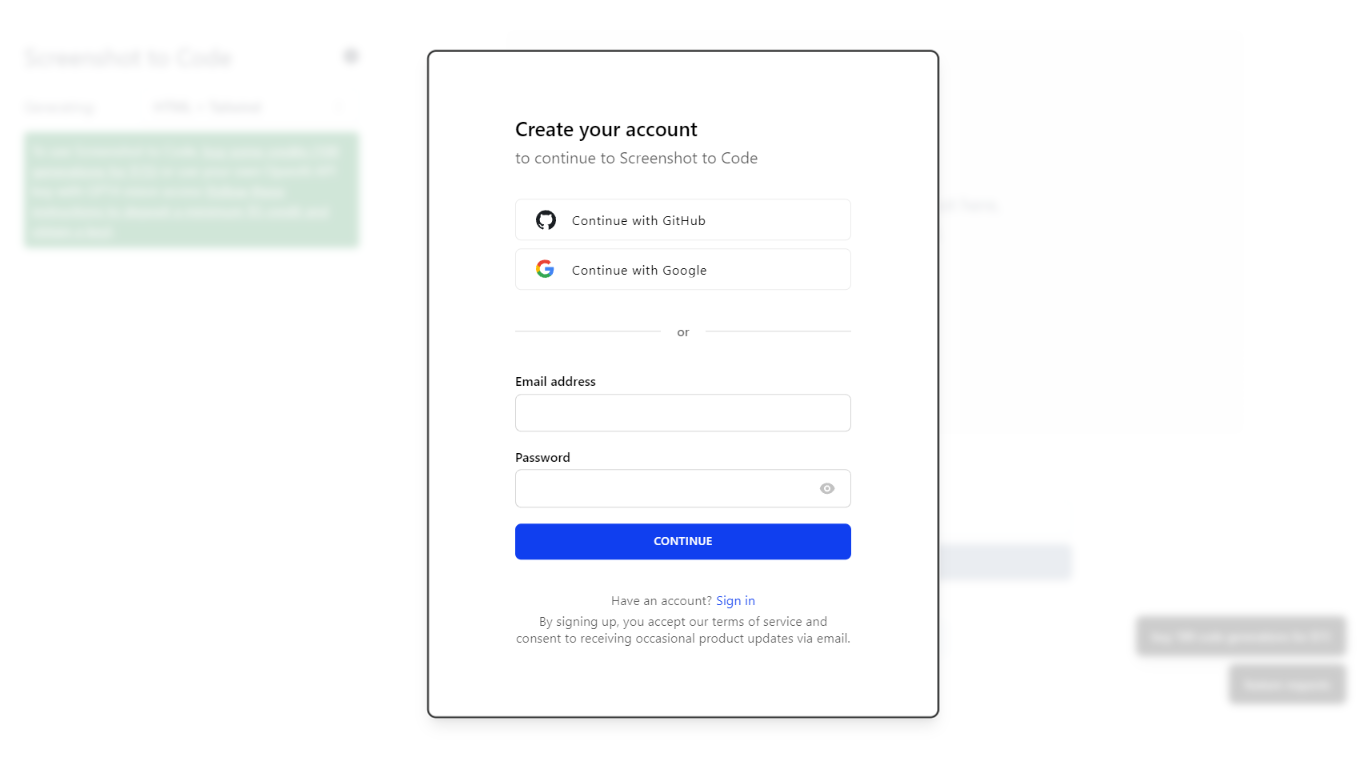
What is Screenshot to Code?
The GitHub repository 'screenshot-to-code' by user 'abi' is an application that revolutionizes the way developers can generate code from visual inputs. By simply dropping in a screenshot, the tool employs the capabilities of GPT-4 Vision and DALL-E 3 to create clean, executable code in HTML, Tailwind CSS, or React. Additionally, users have the option to clone live websites by entering a URL, further easing the development process. This innovative app caters to the modern-day need for speed and efficiency in web development, allowing for quick iterations and prototyping, thus catering to a wide range of users, from solo developers to large teams looking to streamline their workflow.
Atoms Upvotes
Screenshot to Code Upvotes
Atoms Top Features
🛠️ Multi-agent AI team builds apps collaboratively to speed development
💬 Natural language chat lets you describe ideas without coding
🚀 One-click deployment with hosting and server setup included
💳 Built-in Stripe payments to start charging customers immediately
🔄 Export code and sync with GitHub to keep full project control
Screenshot to Code Top Features
Convert Screenshots to Code: Transforms screenshots into HTML Tailwind CSS or React code.
Clone Websites from URLs: Ability to enter URLs to clone and generate code for live websites.
Integration with AI Tools: Utilizes OpenAI's GPT-4 Vision and DALL-E 3 to enhance the code generation process.
Edit and Preview Code Live: Features an embedded code editor for on-the-fly code tweaking and live preview.
Docker Support: Offers Docker configuration files for easy setup and deployment.
Atoms Category
- Code Assistant
Screenshot to Code Category
- Code Assistant
Atoms Pricing Type
- Freemium
Screenshot to Code Pricing Type
- Freemium