Atua vs Nexus
When comparing Atua vs Nexus, which AI Productivity tool shines brighter? We look at pricing, alternatives, upvotes, features, reviews, and more.
In a comparison between Atua and Nexus, which one comes out on top?
When we put Atua and Nexus side by side, both being AI-powered productivity tools, In the race for upvotes, Nexus takes the trophy. Nexus has attracted 10 upvotes from aitools.fyi users, and Atua has attracted 6 upvotes.
Not your cup of tea? Upvote your preferred tool and stir things up!
Atua
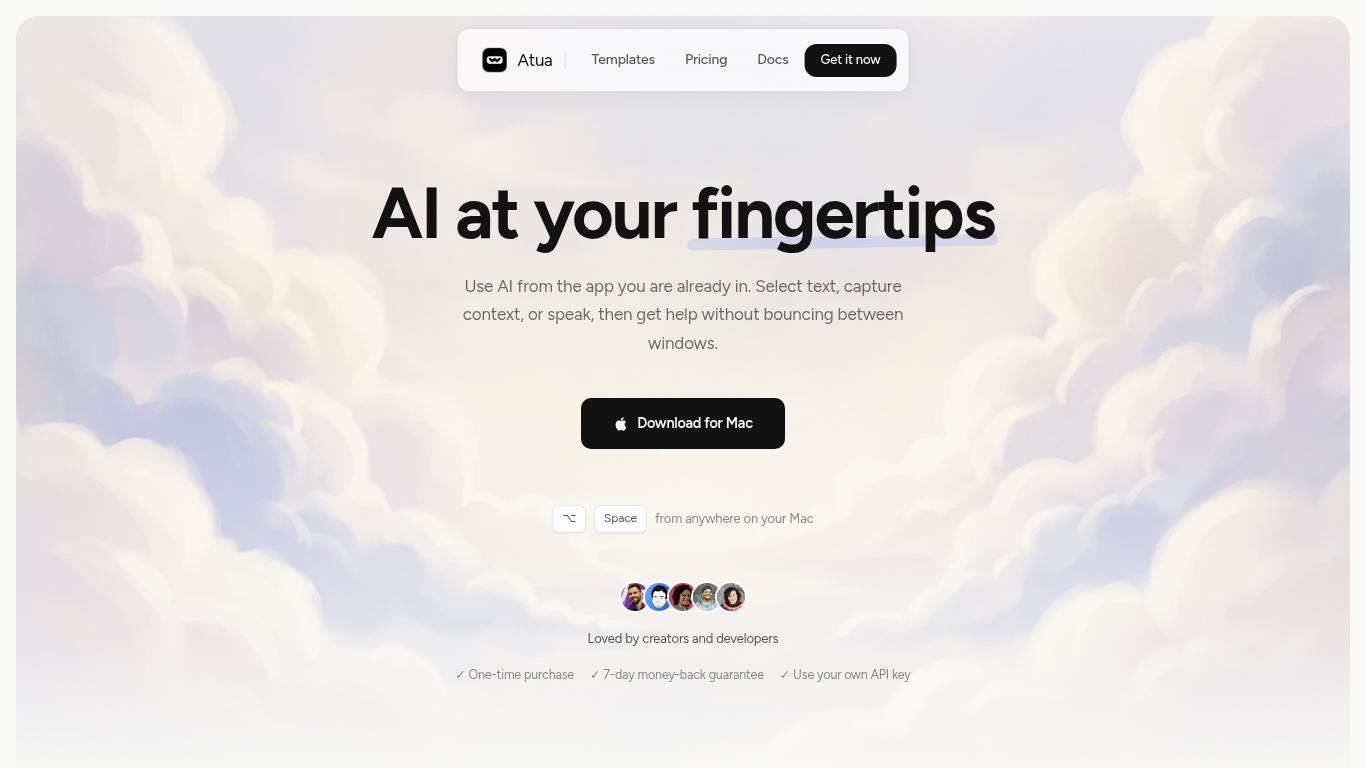

What is Atua?
Atua puts AI inside any Mac app through a global hotkey bar, custom commands, and context pulled from selected text, screenshots, clipboard, voice, or screen OCR. You build reusable prompts once, assign keyboard shortcuts, and run them from Mail, Slack, Xcode, or any other window without copying content into a separate chat tab.
Browser-based assistants make you leave your workflow; Atua stays in the app you are already using and can chain actions through built-in Mac tools plus MCP servers for GitHub, Postgres, Slack, and more. The trade-off is platform lock-in: it is macOS only, and you bring your own API keys from OpenAI, Anthropic, Groq, and other providers rather than getting bundled credits.
Developers, writers, and creators who live in keyboard shortcuts use Atua to polish emails, summarize diffs, post MCP actions, and dictate voice paste locally. A one-time $29 license includes unlimited commands, system tool access, and lifetime updates with no subscription.
Nexus
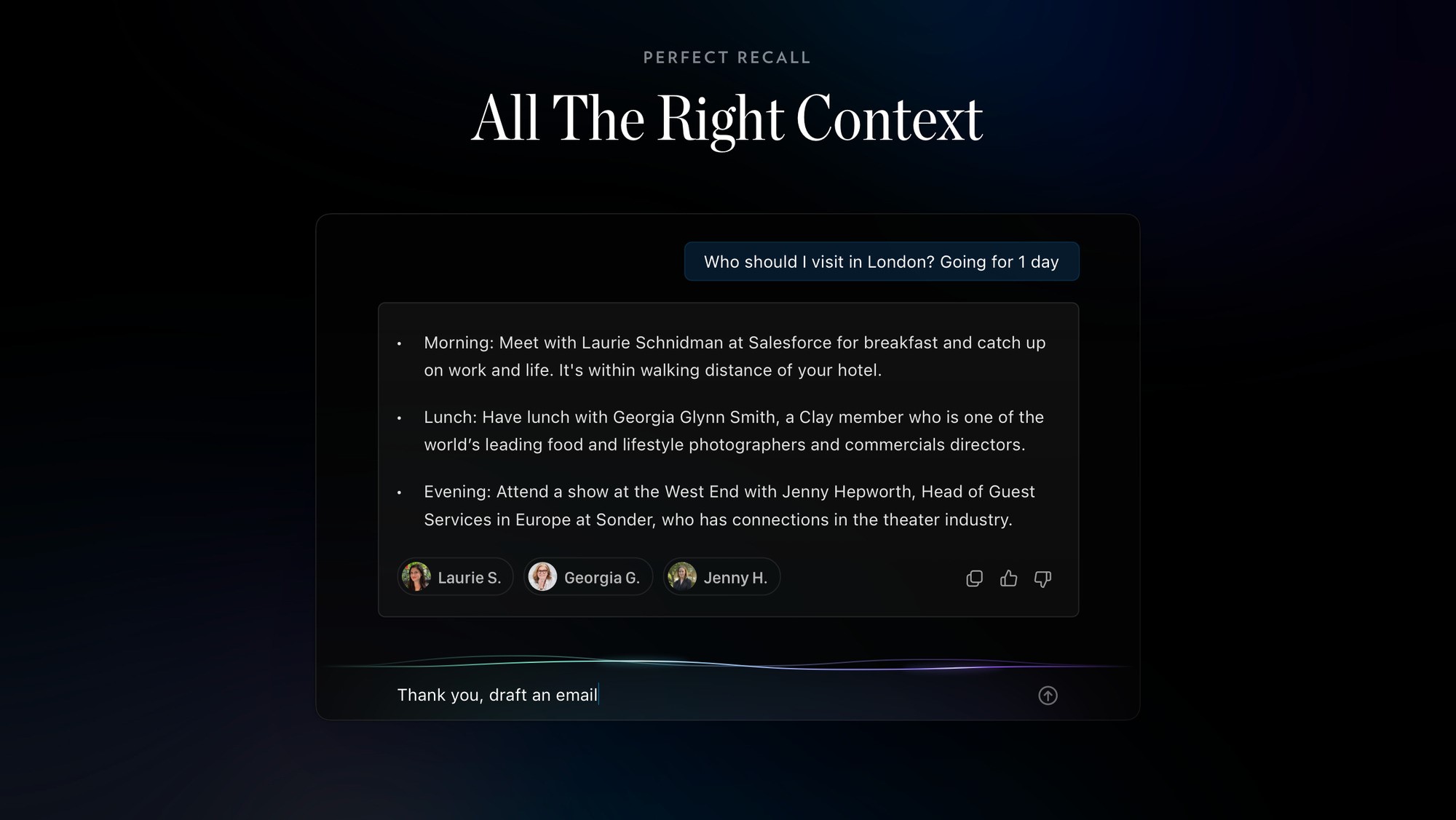
What is Nexus?
Nexus adds an AI navigator on top of Mesh, the personal CRM that organizes contacts from email, calendar, and social accounts. You ask questions about your network and Nexus pulls relationship context to suggest who to reach out to, what to say, and when to follow up. It is built for people who manage dozens of professional relationships and need faster answers than scrolling through notes.
Generic chatbots do not know who you met last quarter or which client changed jobs. Nexus reads the contact history Mesh already stores, so prompts like gift ideas or reconnection reasons come back tied to real people in your roster. That network memory is the gap most AI assistants skip, and it is why Nexus sits inside Mesh rather than working as a standalone chat window.
Sales professionals, freelancers, and small business owners use Nexus to find the right contact, draft outreach, and plan introductions or events without rebuilding context from scratch. If you already track relationships in Mesh, Nexus turns that database into a queryable guide for day-to-day productivity.
Atua Upvotes
Nexus Upvotes
Atua Top Features
Global Option+Space hotkey opens an AI bar from any Mac application
Commands pull selected text, screenshots, clipboard, voice, window content, or screen OCR as prompt context
Built-in Mac tools read and write Calendar, Reminders, Notes, Finder, Shortcuts, shell, and HTTP requests
MCP server support connects GitHub, Postgres, Slack, filesystem, and custom APIs inside commands
Supports OpenAI, Anthropic, Groq, Mistral, DeepSeek, xAI, Ollama, and any OpenAI-compatible endpoint
One-time $29 lifetime license with unlimited custom commands and free updates
Voice Paste runs locally on your Mac with no account or analytics tracking
Nexus Top Features
Reads full relationship context from Mesh contacts across email, calendar, and social imports
Suggests reconnection reasons, outreach email drafts, and gift ideas per contact
Helps find the right person for introductions, opportunities, and event guest lists
Mesh Personal tier supports up to 1000 contacts free with a credit card on file
Mesh Pro at $10 per month unlocks unlimited contacts and priority data refreshes
Imports contacts from Email, Calendar, Twitter, LinkedIn, Facebook, and iMessage
Atua Category
- Productivity
Nexus Category
- Productivity
Atua Pricing Type
- Paid
Nexus Pricing Type
- Freemium