
Last updated 07-30-2026
Category:
Reviews:
Join thousands of AI enthusiasts in the World of AI!
Atua
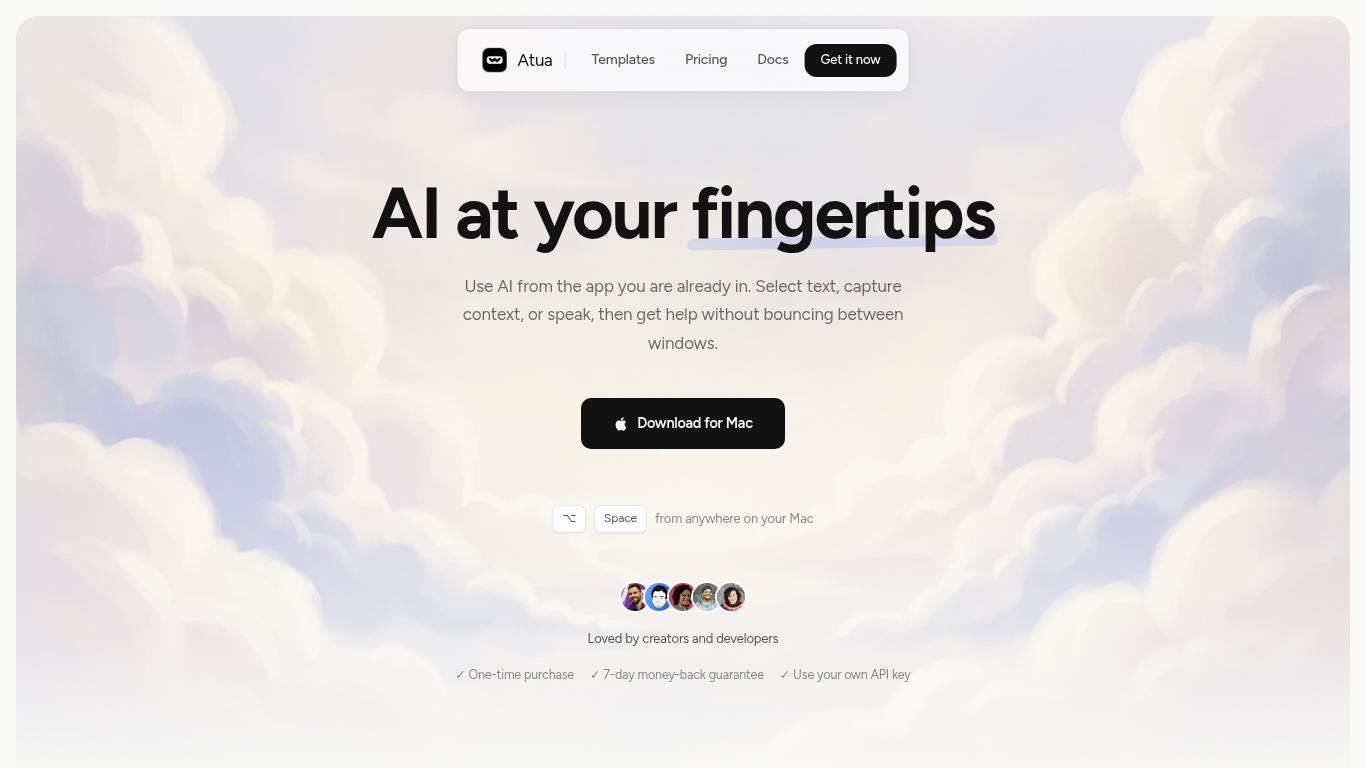
Atua puts AI inside any Mac app through a global hotkey bar, custom commands, and context pulled from selected text, screenshots, clipboard, voice, or screen OCR. You build reusable prompts once, assign keyboard shortcuts, and run them from Mail, Slack, Xcode, or any other window without copying content into a separate chat tab.
Browser-based assistants make you leave your workflow; Atua stays in the app you are already using and can chain actions through built-in Mac tools plus MCP servers for GitHub, Postgres, Slack, and more. The trade-off is platform lock-in: it is macOS only, and you bring your own API keys from OpenAI, Anthropic, Groq, and other providers rather than getting bundled credits.
Developers, writers, and creators who live in keyboard shortcuts use Atua to polish emails, summarize diffs, post MCP actions, and dictate voice paste locally. A one-time $29 license includes unlimited commands, system tool access, and lifetime updates with no subscription.
Global Option+Space hotkey opens an AI bar from any Mac application
Commands pull selected text, screenshots, clipboard, voice, window content, or screen OCR as prompt context
Built-in Mac tools read and write Calendar, Reminders, Notes, Finder, Shortcuts, shell, and HTTP requests
MCP server support connects GitHub, Postgres, Slack, filesystem, and custom APIs inside commands
Supports OpenAI, Anthropic, Groq, Mistral, DeepSeek, xAI, Ollama, and any OpenAI-compatible endpoint
One-time $29 lifetime license with unlimited custom commands and free updates
Voice Paste runs locally on your Mac with no account or analytics tracking
Runs inside any Mac app with global hotkeys instead of switching to a browser chat tab.
MCP and native Mac tool integrations let commands take real actions, not just return text.
One-time $29 pricing avoids recurring SaaS fees on top of your API usage.
No account required and no analytics, with data kept on the local machine.
macOS only with no Windows or Linux version available.
Requires separate API keys and usage costs from AI providers.
Learning curve to build useful custom commands and MCP connections.
How much does Atua cost?
Atua costs $29 as a one-time lifetime license with no subscription. The purchase includes unlimited custom commands, MCP support, system tools, and free updates, plus a 7-day money-back guarantee.
Does Atua require an API key?
Yes. Atua uses a bring-your-own-key model, so you connect API keys from providers like OpenAI, Anthropic, Groq, or a local Ollama instance. Atua itself does not bundle AI credits.
Which Mac versions does Atua support?
Atua is a native macOS app distributed as a DMG download from atua.app. It works across Mac apps by capturing selected text or screen context from whichever window is active.
What is MCP support in Atua?
Atua connects to MCP servers so commands can call external tools like GitHub, databases, Slack, or filesystem APIs. You wire server credentials once and reference them inside any custom command.
Is Atua private?
Atua requires no account and collects no analytics according to its site. Data stays on your Mac except for network calls to your chosen AI provider and app update checks.
Can Atua run commands in the background?
Yes. Atua commands can be set to run in the background with assigned shortcuts like Option+B, letting you trigger prompts hands-free while staying in your current application.