Cogmi vs Atua
Dive into the comparison of Cogmi vs Atua and discover which AI Productivity tool stands out. We examine alternatives, upvotes, features, reviews, pricing, and beyond.
In a comparison between Cogmi and Atua, which one comes out on top?
When we compare Cogmi and Atua, two exceptional productivity tools powered by artificial intelligence, and place them side by side, several key similarities and differences come to light. Both tools have received the same number of upvotes from aitools.fyi users. Join the aitools.fyi users in deciding the winner by casting your vote.
Feeling rebellious? Cast your vote and shake things up!
Cogmi
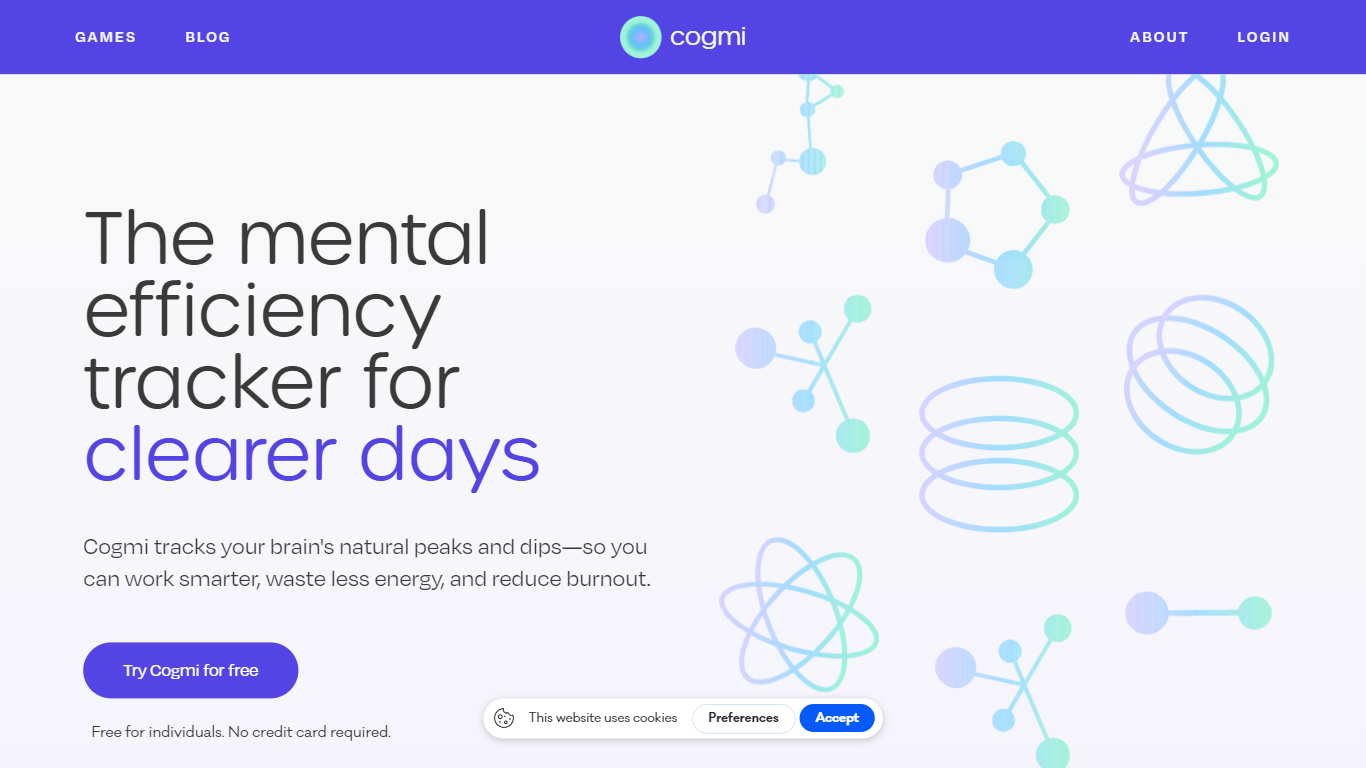

What is Cogmi ?
Cogmi maps your brain's cognitive performance throughout the day by combining data from wearable devices with science-backed cognitive tests. It provides a live daily brain map that helps users understand their mental state and optimize their work accordingly.
What sets Cogmi apart is its integration of real-time wearable data with cognitive testing to deliver fatigue alerts before mental crashes and early detection of brain fog. It uses AI to suggest tasks that match your current cognitive sharpness, enabling smarter scheduling of work and breaks.
Users can track how lifestyle changes like supplements, workouts, or sleep affect their cognitive performance over time. Cogmi supports both individuals and teams aiming to improve productivity and mental well-being by aligning tasks with real-time brain function. The tool is free to join and does not require a credit card to start.
Atua
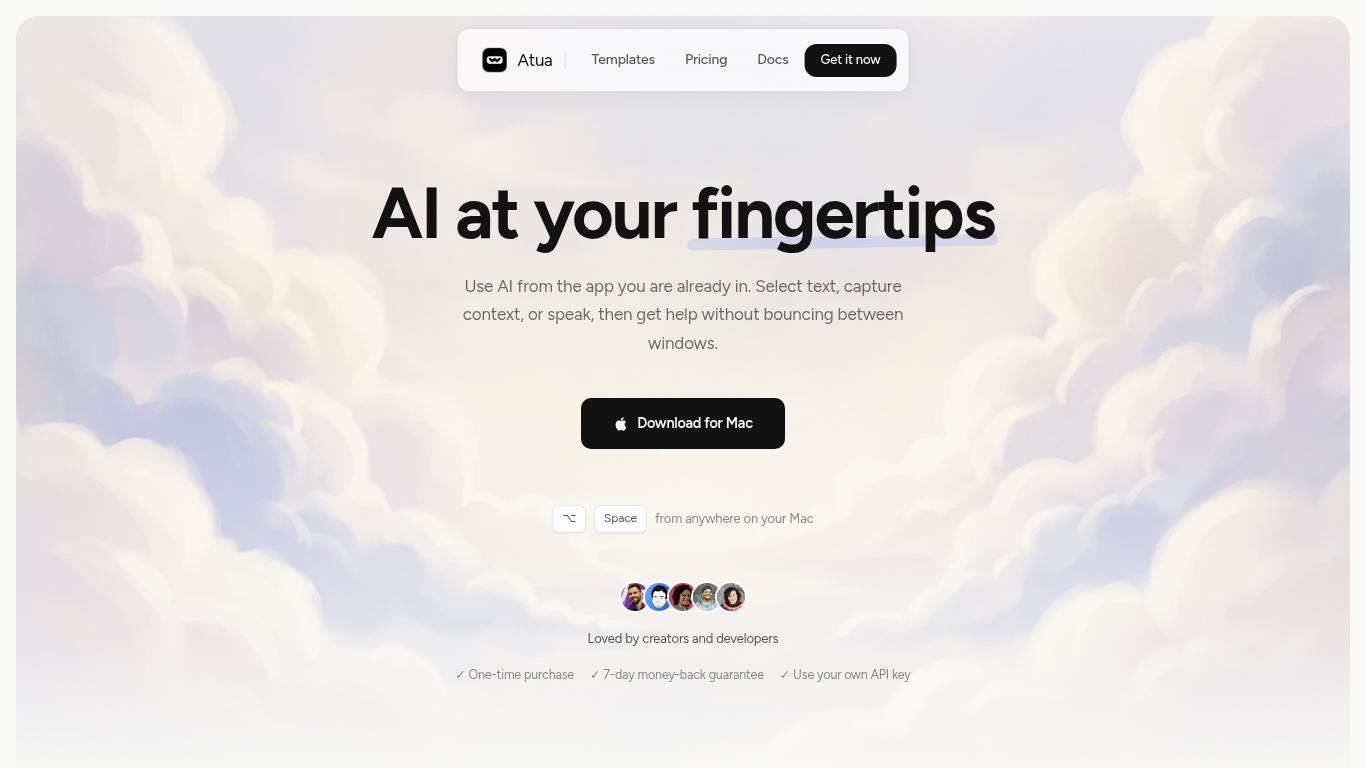
What is Atua?
Atua puts AI inside any Mac app through a global hotkey bar, custom commands, and context pulled from selected text, screenshots, clipboard, voice, or screen OCR. You build reusable prompts once, assign keyboard shortcuts, and run them from Mail, Slack, Xcode, or any other window without copying content into a separate chat tab.
Browser-based assistants make you leave your workflow; Atua stays in the app you are already using and can chain actions through built-in Mac tools plus MCP servers for GitHub, Postgres, Slack, and more. The trade-off is platform lock-in: it is macOS only, and you bring your own API keys from OpenAI, Anthropic, Groq, and other providers rather than getting bundled credits.
Developers, writers, and creators who live in keyboard shortcuts use Atua to polish emails, summarize diffs, post MCP actions, and dictate voice paste locally. A one-time $29 license includes unlimited commands, system tool access, and lifetime updates with no subscription.
Cogmi Upvotes
Atua Upvotes
Cogmi Top Features
🧠 Live brain map: Real-time cognitive performance tracking throughout the day.
⏰ Fatigue alerts: Notifications before mental crashes to help prevent burnout.
🎯 AI task matching: Suggestions for tasks based on current cognitive sharpness.
📅 Peak scheduling: Plan meetings and deep work during highest focus windows.
☀️ Break timing: Recommendations for optimal moments for walks, naps, or snacks.
🔗 Wearable integration: Combines data from wearable devices with cognitive tests.
🧩 Science-backed tests: Uses validated cognitive games to measure brain performance.
Atua Top Features
Global Option+Space hotkey opens an AI bar from any Mac application
Commands pull selected text, screenshots, clipboard, voice, window content, or screen OCR as prompt context
Built-in Mac tools read and write Calendar, Reminders, Notes, Finder, Shortcuts, shell, and HTTP requests
MCP server support connects GitHub, Postgres, Slack, filesystem, and custom APIs inside commands
Supports OpenAI, Anthropic, Groq, Mistral, DeepSeek, xAI, Ollama, and any OpenAI-compatible endpoint
One-time $29 lifetime license with unlimited custom commands and free updates
Voice Paste runs locally on your Mac with no account or analytics tracking
Cogmi Category
- Productivity
Atua Category
- Productivity
Cogmi Pricing Type
- Freemium
Atua Pricing Type
- Paid