Hyper Notepad vs Atua
When comparing Hyper Notepad vs Atua, which AI Productivity tool shines brighter? We look at pricing, alternatives, upvotes, features, reviews, and more.
Between Hyper Notepad and Atua, which one is superior?
When we put Hyper Notepad and Atua side by side, both being AI-powered productivity tools, Neither tool takes the lead, as they both have the same upvote count. The power is in your hands! Cast your vote and have a say in deciding the winner.
You don't agree with the result? Cast your vote to help us decide!
Hyper Notepad


What is Hyper Notepad?
Hyper Notepad is a browser-based productivity notepad for writing, saving, and sharing notes without installing software. You open the page, start typing, and get a unique link to share the note with anyone. Notes are encrypted at rest, autosave as you type, and work on desktop or mobile browsers.
Unlike Google Docs or Notion, Hyper Notepad stays intentionally lightweight. There are no workspaces, databases, or collaboration threads. You trade team features for zero-friction sharing, optional password locks, and auto-expiring notes that delete themselves after a set time.
It suits students, freelancers, and teams who need a quick scratchpad or a shareable doc without accounts. Writers who want rich text, code blocks, and optional Premium extras like tables, image embeds, and custom themes can upgrade when the free tier is not enough.
Atua
What is Atua?
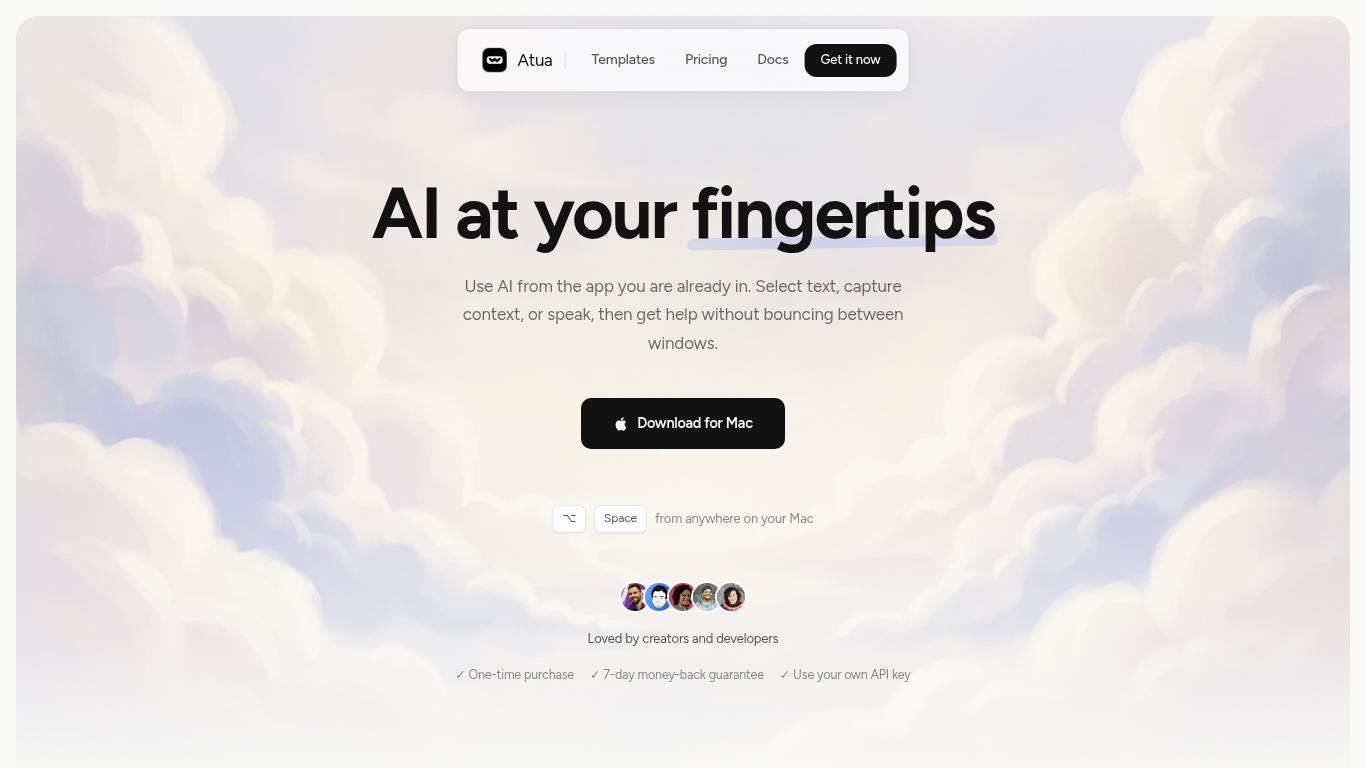
Atua puts AI inside any Mac app through a global hotkey bar, custom commands, and context pulled from selected text, screenshots, clipboard, voice, or screen OCR. You build reusable prompts once, assign keyboard shortcuts, and run them from Mail, Slack, Xcode, or any other window without copying content into a separate chat tab.
Browser-based assistants make you leave your workflow; Atua stays in the app you are already using and can chain actions through built-in Mac tools plus MCP servers for GitHub, Postgres, Slack, and more. The trade-off is platform lock-in: it is macOS only, and you bring your own API keys from OpenAI, Anthropic, Groq, and other providers rather than getting bundled credits.
Developers, writers, and creators who live in keyboard shortcuts use Atua to polish emails, summarize diffs, post MCP actions, and dictate voice paste locally. A one-time $29 license includes unlimited commands, system tool access, and lifetime updates with no subscription.
Hyper Notepad Upvotes
Atua Upvotes
Hyper Notepad Top Features
Create and share unlimited notes with unique links, no account required
Notes encrypt at rest with optional password protection and auto-expiry timers
Premium adds image uploads, tables, live inline math, and custom themes from $3.99 per month
Rich text editor with code blocks, autosave, and download or print support
Light and dark mode with cross-device access when you sign in
Atua Top Features
Global Option+Space hotkey opens an AI bar from any Mac application
Commands pull selected text, screenshots, clipboard, voice, window content, or screen OCR as prompt context
Built-in Mac tools read and write Calendar, Reminders, Notes, Finder, Shortcuts, shell, and HTTP requests
MCP server support connects GitHub, Postgres, Slack, filesystem, and custom APIs inside commands
Supports OpenAI, Anthropic, Groq, Mistral, DeepSeek, xAI, Ollama, and any OpenAI-compatible endpoint
One-time $29 lifetime license with unlimited custom commands and free updates
Voice Paste runs locally on your Mac with no account or analytics tracking
Hyper Notepad Category
- Productivity
Atua Category
- Productivity
Hyper Notepad Pricing Type
- Freemium
Atua Pricing Type
- Paid