Audio AI vs Audio Enhancer
Dive into the comparison of Audio AI vs Audio Enhancer and discover which AI Noise Cancellation tool stands out. We examine alternatives, upvotes, features, reviews, pricing, and beyond.
In a comparison between Audio AI and Audio Enhancer, which one comes out on top?
When we compare Audio AI and Audio Enhancer, two exceptional noise cancellation tools powered by artificial intelligence, and place them side by side, several key similarities and differences come to light. Both tools have received the same number of upvotes from aitools.fyi users. Join the aitools.fyi users in deciding the winner by casting your vote.
Feeling rebellious? Cast your vote and shake things up!
Audio AI

What is Audio AI?
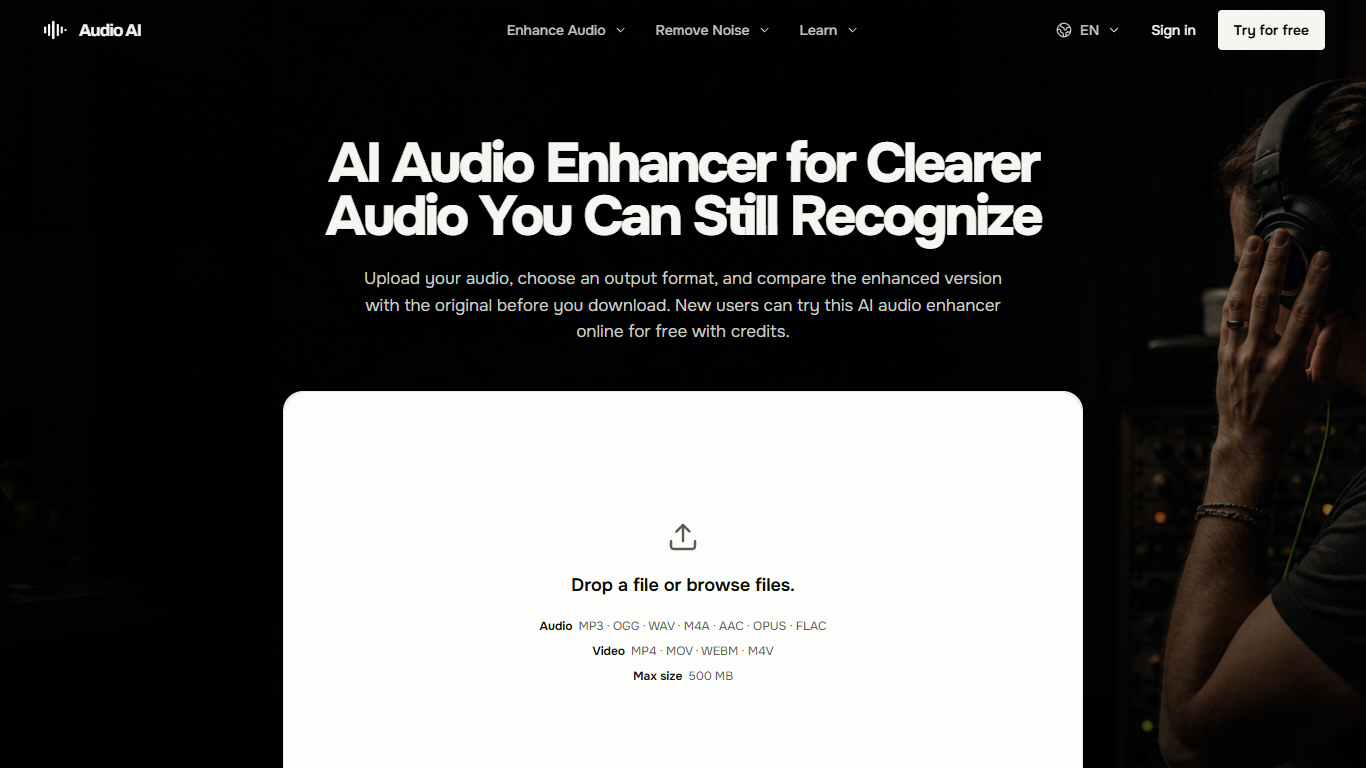
Audio AI is a browser-based audio enhancer for cleaning up a single recording without opening a full editor. You upload a file, pick an output format, and listen to the original beside the enhanced version before you download anything. It targets speech-heavy recordings where background noise, echo, uneven levels, or a buried voice make the message hard to follow.
Most cleanup tools either dump you into a timeline or process the file blindly. Audio AI stays narrow on purpose: one file in, one enhanced file out, with listening checks baked into the workflow. The site even tells you when enhancement is the wrong tool, pointing you to editors for cuts and filler removal or to a DAW for multitrack mixing.
Podcasters, course creators, remote interviewers, and video voiceover work are the sweet spot. The product pages walk through what to listen for on quiet consonants, natural pauses, and whether the room still sounds believable after processing.
Uploads cap at 500 MB, and you need to sign in before generation. New accounts get free credits to try a run, with monthly, yearly, or one-time credit purchases for ongoing use.
Audio Enhancer
What is Audio Enhancer?
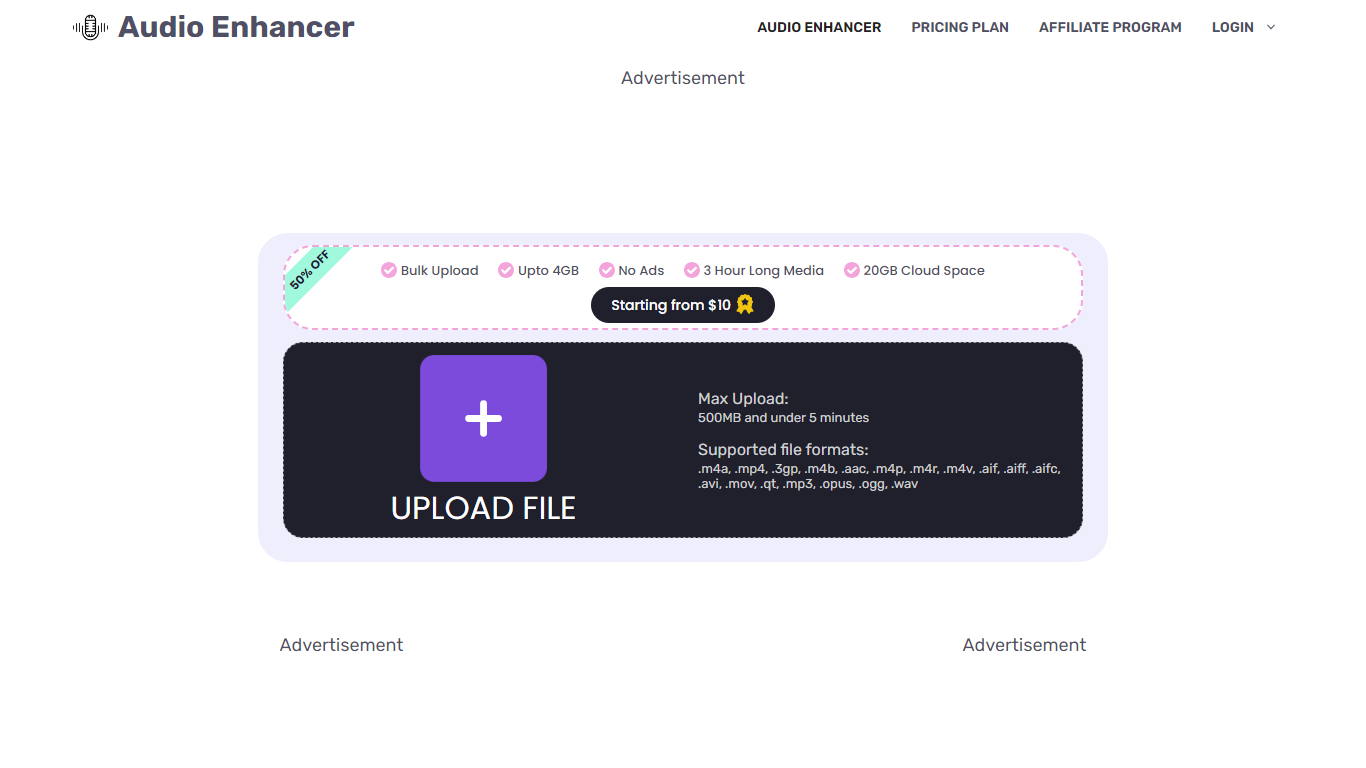
Audio Enhancer uses AI to improve audio quality by removing background noise, echoes, and vocals from audio and video files. It supports large file uploads up to 4GB and allows multiple files to be processed at once, making it suitable for podcasters, video creators, musicians, and content producers. The tool offers specialized features like vocal removal and echo reduction, helping users create clearer, more professional soundtracks. Its cloud-based platform provides fast processing without ads or captchas, ensuring a smooth user experience. With flexible pricing plans, it caters to beginners and professionals alike, offering options for limited or unlimited monthly usage. The AI technology behind the tool is developed by experienced audio engineers, delivering high accuracy in vocal isolation and noise reduction. Users can enhance podcasts, music tracks, videos, and recordings with minimal effort, improving clarity and listener engagement.
Audio AI Upvotes
Audio Enhancer Upvotes
Audio AI Top Features
Upload MP3, OGG, WAV, M4A, or AAC files up to 500 MB in the browser
Pick from 7 output formats including Opus and FLAC
Side-by-side original vs enhanced preview before you download
Handles noise, echo, distortion, volume swings, and buried speech in one pass
Interface available in 8 languages including English, Spanish, and Japanese
Audio Enhancer Top Features
🎙️ Vocal Remover isolates vocals for karaoke or remixing
🔊 Echo Remover cleans up reverberations for clearer sound
🛠️ Noise Reducer eliminates background noise in recordings
📁 Supports large files up to 4GB and multiple uploads
☁️ Cloud-based processing with no ads or captchas
Audio AI Category
- Noise Cancellation
Audio Enhancer Category
- Noise Cancellation
Audio AI Pricing Type
- Freemium
Audio Enhancer Pricing Type
- Freemium