
Last updated 08-22-2026
Category:
Reviews:
Join thousands of AI enthusiasts in the World of AI!
Audio AI
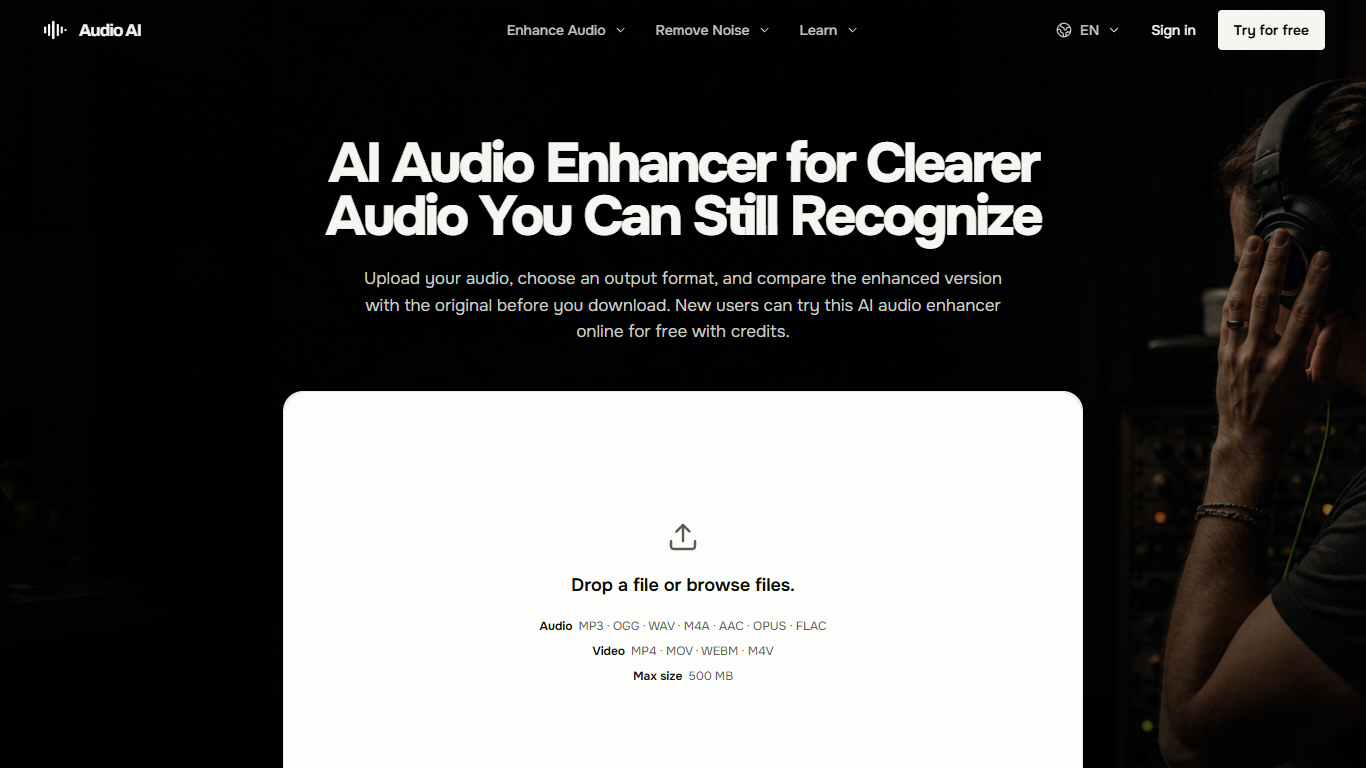
Audio AI is a browser-based audio enhancer for cleaning up a single recording without opening a full editor. You upload a file, pick an output format, and listen to the original beside the enhanced version before you download anything. It targets speech-heavy recordings where background noise, echo, uneven levels, or a buried voice make the message hard to follow.
Most cleanup tools either dump you into a timeline or process the file blindly. Audio AI stays narrow on purpose: one file in, one enhanced file out, with listening checks baked into the workflow. The site even tells you when enhancement is the wrong tool, pointing you to editors for cuts and filler removal or to a DAW for multitrack mixing.
Podcasters, course creators, remote interviewers, and video voiceover work are the sweet spot. The product pages walk through what to listen for on quiet consonants, natural pauses, and whether the room still sounds believable after processing.
Uploads cap at 500 MB, and you need to sign in before generation. New accounts get free credits to try a run, with monthly, yearly, or one-time credit purchases for ongoing use.
Upload MP3, OGG, WAV, M4A, or AAC files up to 500 MB in the browser
Pick from 7 output formats including Opus and FLAC
Side-by-side original vs enhanced preview before you download
Handles noise, echo, distortion, volume swings, and buried speech in one pass
Interface available in 8 languages including English, Spanish, and Japanese
Side-by-side preview lets you judge speech naturalness before committing to a download.
A 500 MB upload limit covers long podcasts and field recordings in the browser.
Seven export formats, including Opus and FLAC, fit most publishing workflows.
Free starter credits lower the risk of paying before you hear a result.
Sign-in is mandatory before any enhancement can run.
Video files must be converted to audio externally; direct video upload is not supported for processing.
No multitrack timeline, so cuts, filler removal, and mixing still need a separate editor.
Does Audio AI have a free plan?
Yes, Audio AI gives new users free credits after sign-in so you can run an enhancement before buying more. The workspace shows the credit cost for each job before you submit, and paid options include monthly subscriptions, yearly subscriptions, or one-time credit packs.
What file formats does Audio AI accept?
Audio AI accepts MP3, OGG, WAV, M4A, and AAC audio uploads up to 500 MB. You upload one file, choose a required output format, then generate and preview the result before downloading.
Can Audio AI process video files directly?
No, Audio AI processes audio files only. Export the audio track from your MP4, MOV, WEBM, or M4V video in a supported format like MP3 or WAV, then upload that file to Audio AI for enhancement.
Do I need an account to use Audio AI?
Yes, Audio AI requires sign-in before generation. The workspace calculates the credit cost at submission time, so check your balance in the account view before relying on it for a deadline.
What audio problems can Audio AI fix?
Audio AI helps when background noise, distortion, echo, uneven volume, or a buried voice makes a recording hard to follow. Compare the original and enhanced versions on a quiet word, a noisy pause, or a dense phrase before keeping the result.
Can Audio AI enhance music recordings?
Audio AI can review a single music or instrumental track for balance, detail, and ambience. For multitrack mixing, mastering, or per-instrument control, the site recommends a dedicated music-production tool instead.