Audio writer vs Writer's brew
Dive into the comparison of Audio writer vs Writer's brew and discover which AI Writing Assistant tool stands out. We examine alternatives, upvotes, features, reviews, pricing, and beyond.
When comparing Audio writer and Writer's brew, which one rises above the other?
When we compare Audio writer and Writer's brew, two exceptional writing assistant tools powered by artificial intelligence, and place them side by side, several key similarities and differences come to light. The upvote count favors Audio writer, making it the clear winner. Audio writer has attracted 6 upvotes from aitools.fyi users, and Writer's brew has attracted 4 upvotes.
Don't agree with the result? Cast your vote and be a part of the decision-making process!
Audio writer
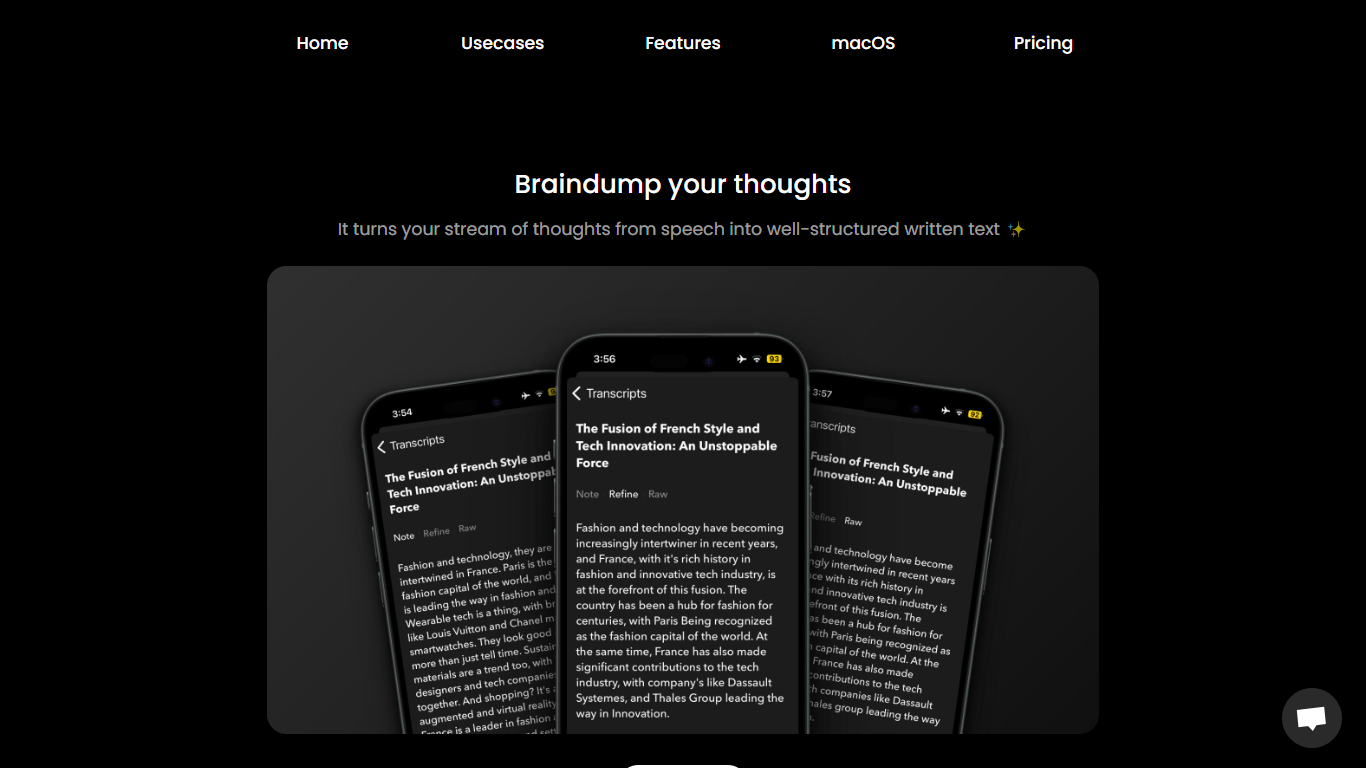

What is Audio writer?
Audio Writer is a mobile speech-to-text app built to turn spoken thoughts into structured written text. Record a voice memo or import audio, and the app transcribes your words, strips filler, and shapes the result into readable drafts you can edit further.
It goes past basic dictation. Audio Writer refines grammar, generates titles, rephrases transcripts in different styles or tones, and supports custom prompts so one recording can become a tweet, essay, or blog post. Processing runs through your own OpenAI API key.
The app targets brainstorming, journaling, and mobile content creation. It is available on iPhone and Android. The developer lists audiowriter.app as the product site, though that domain currently serves a not-found page.
Writer's brew
What is Writer's brew?
Writer's brew is a macOS writing assistant that rewrites, summarizes, translates, and replies to text you highlight in any app. It runs from the menu bar, a Spotlight-style popup, or keyboard shortcuts, and includes snippets, 15+ text utilities, and OCR that pulls words from images before sending them to AI. You bring your own OpenAI API key, so usage costs go to OpenAI rather than a monthly SaaS bill.
Most writing assistants live inside one browser tab or web editor. Writer's brew works system-wide on macOS 15.0 or later, which suits people who jump between Notes, email, Slack, and docs all day. The trade-off is it is Mac-only, requires your own OpenAI key, and skips the managed cloud workflow that all-in-one web tools provide.
Product managers, founders, and students who draft in multiple native Mac apps are the core audience. Power users pair it with Raycast or PopClip extensions for one-click rewrites, while snippet forms with placeholders like {date} and {clipboard} handle repetitive replies.
Audio writer Upvotes
Writer's brew Upvotes
Audio writer Top Features
Record free-flow thoughts and get a structured transcript with filler words stripped out
Rephrase the same draft in different writing styles, tones, or author-like voices
Auto-generate titles and run custom prompts to turn one transcript into multiple formats
Speak in one language and output transcripts in another with multilingual support
Import existing voice memos from the iOS Voice Memos and Files apps
Writer's brew Top Features
30+ AI writing tools plus 50+ community presets for rewrite, summarize, translate, and reply tasks
Works across any macOS app via menu bar, Spotlight-style popup, or custom keyboard shortcuts
Snippet engine with smart placeholders like {date}, {clipboard}, and custom form fields
OCR extracts text from images anywhere on macOS before running AI transforms
Raycast and PopClip integrations add one-click presets from selected text
Pro license covers 2 devices for $29 with lifetime use and requires your own OpenAI API key
Translates highlighted text across 15+ languages from the same popup interface
Audio writer Category
- Writing Assistant
Writer's brew Category
- Writing Assistant
Audio writer Pricing Type
- Freemium
Writer's brew Pricing Type
- Paid