Writer's brew vs Bearly AI
Explore the showdown between Writer's brew vs Bearly AI and find out which AI Writing Assistant tool wins. We analyze upvotes, features, reviews, pricing, alternatives, and more.
In a face-off between Writer's brew and Bearly AI, which one takes the crown?
When we contrast Writer's brew with Bearly AI, both of which are exceptional AI-operated writing assistant tools, and place them side by side, we can spot several crucial similarities and divergences. The upvote count shows a clear preference for Bearly AI. Bearly AI has 130 upvotes, and Writer's brew has 4 upvotes.
Think we got it wrong? Cast your vote and show us who's boss!
Writer's brew

What is Writer's brew?
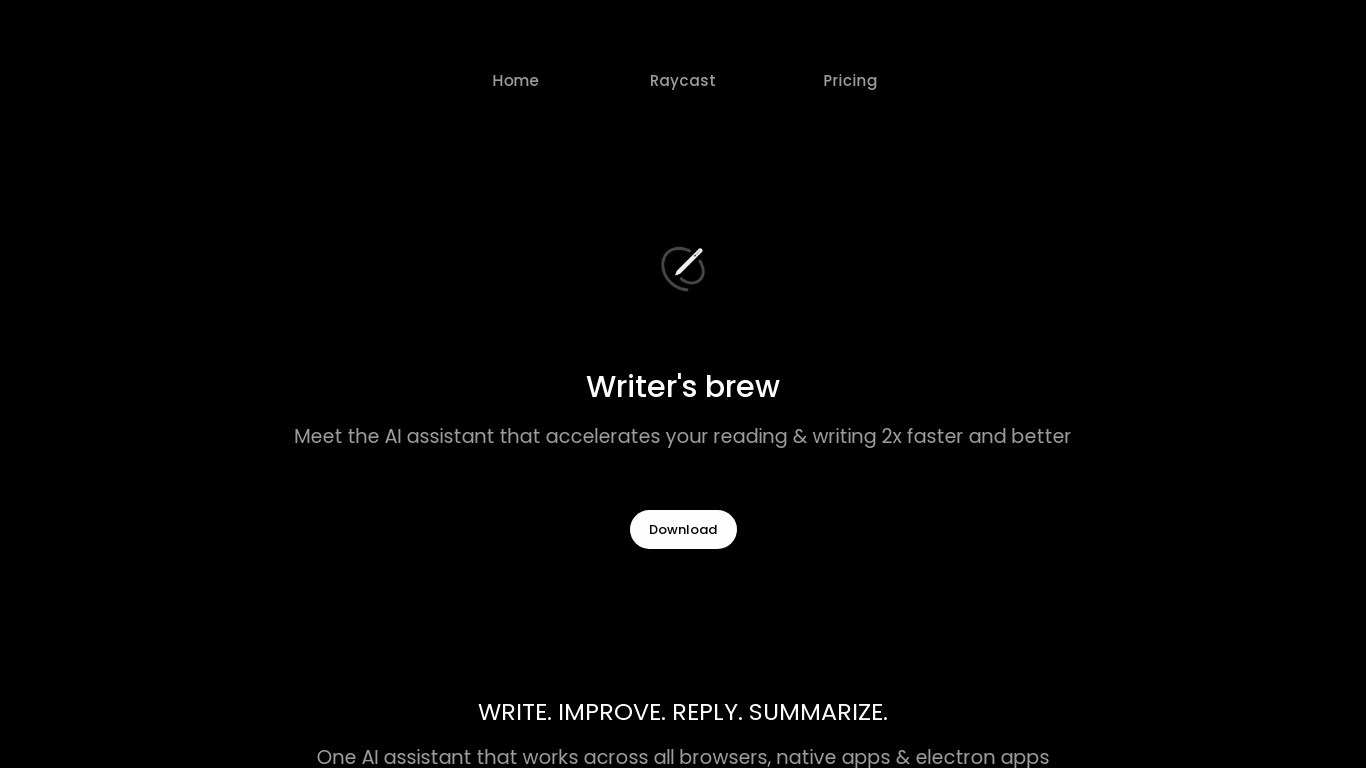
Writer's brew is a macOS writing assistant that rewrites, summarizes, translates, and replies to text you highlight in any app. It runs from the menu bar, a Spotlight-style popup, or keyboard shortcuts, and includes snippets, 15+ text utilities, and OCR that pulls words from images before sending them to AI. You bring your own OpenAI API key, so usage costs go to OpenAI rather than a monthly SaaS bill.
Most writing assistants live inside one browser tab or web editor. Writer's brew works system-wide on macOS 15.0 or later, which suits people who jump between Notes, email, Slack, and docs all day. The trade-off is it is Mac-only, requires your own OpenAI key, and skips the managed cloud workflow that all-in-one web tools provide.
Product managers, founders, and students who draft in multiple native Mac apps are the core audience. Power users pair it with Raycast or PopClip extensions for one-click rewrites, while snippet forms with placeholders like {date} and {clipboard} handle repetitive replies.
Bearly AI

What is Bearly AI?
Bearly AI is a private AI workspace that puts chat models, agents, research tools, code interpreters, and media generators behind one login. You can switch between Claude, GPT, Gemini, Grok, GLM, Kimi, and Minimax, run deep research or document Q&A, and build artifacts without opening separate apps. Desktop, mobile, browser extension, web, and CLI clients share the same account.
Most multi-model tools cap messages per hour or slow you down at peak times. Bearly sells paid plans as dollar-for-dollar AI credits at cost and does not throttle usage once you have credits. Every chat and uploaded file is individually encrypted, and Bearly states it does not train on your data or show ads.
It suits writers, researchers, founders, and engineers who want one encrypted workspace for writing, analysis, coding, and meetings instead of juggling separate AI subscriptions. Team admins can assign seats from one billing account, and enterprise customers can add SSO, SAML, and spend controls.
Writer's brew Upvotes
Bearly AI Upvotes
Writer's brew Top Features
30+ AI writing tools plus 50+ community presets for rewrite, summarize, translate, and reply tasks
Works across any macOS app via menu bar, Spotlight-style popup, or custom keyboard shortcuts
Snippet engine with smart placeholders like {date}, {clipboard}, and custom form fields
OCR extracts text from images anywhere on macOS before running AI transforms
Raycast and PopClip integrations add one-click presets from selected text
Pro license covers 2 devices for $29 with lifetime use and requires your own OpenAI API key
Translates highlighted text across 15+ languages from the same popup interface
Bearly AI Top Features
Switch between Claude, GPT, Gemini, Grok, GLM, Kimi, and Minimax inside one workspace
Pro plan at $20 per month converts to $20 in credits at cost with no rate limits or cooldowns
Desktop v5.0.8 builds for Mac, Windows, and Linux, plus iOS and a Chrome extension
Skills store and Routines let you install workflows and schedule saved prompts on desktop
Every chat and file is individually encrypted with no ads or training on your data
Built-in Browser, People Search, meeting transcription, and SEO research in the same chat
Writer's brew Category
- Writing Assistant
Bearly AI Category
- Writing Assistant
Writer's brew Pricing Type
- Paid
Bearly AI Pricing Type
- Freemium