AudioDoc vs Clearly Reader
Dive into the comparison of AudioDoc vs Clearly Reader and discover which AI Text to Speech (TTS) tool stands out. We examine alternatives, upvotes, features, reviews, pricing, and beyond.
In a comparison between AudioDoc and Clearly Reader, which one comes out on top?
When we compare AudioDoc and Clearly Reader, two exceptional text to speech (tts) tools powered by artificial intelligence, and place them side by side, several key similarities and differences come to light. Neither tool takes the lead, as they both have the same upvote count. The power is in your hands! Cast your vote and have a say in deciding the winner.
Does the result make you go "hmm"? Cast your vote and turn that frown upside down!
AudioDoc

What is AudioDoc?
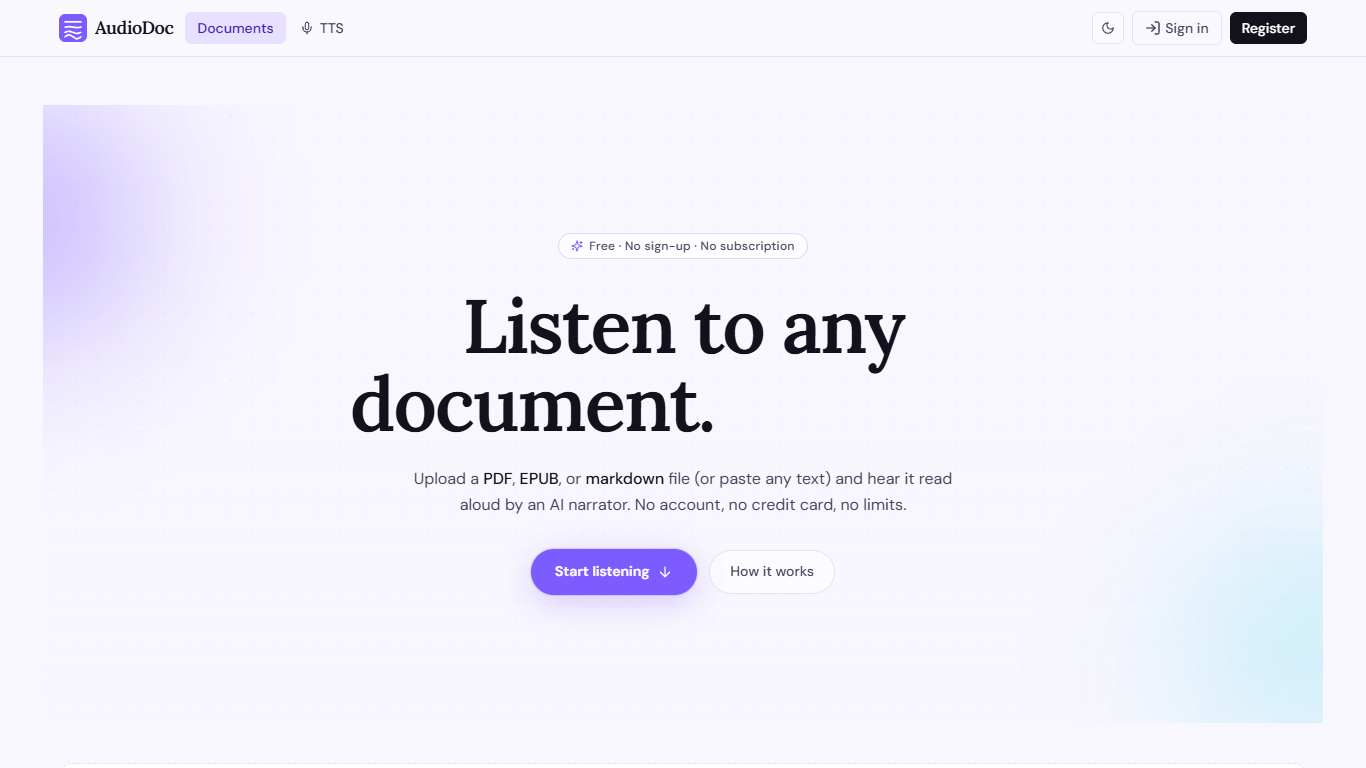
AudioDoc turns documents and pasted text into listenable audio in your browser. Upload a PDF, EPUB, or markdown file, or drop raw text into the TTS studio, and hear it read by natural narrators. There is no account requirement, no subscription, and no credit card gate to start.
The document library streams long files chapter by chapter as audio is generated, so you are not waiting on a full book conversion before playback begins. A separate TTS studio handles quick paste-and-listen jobs with downloadable clips and no watermarks.
It fits commuters who want articles read aloud, students reviewing coursework, writers proofreading drafts by ear, and anyone who needs hands-free or accessibility-friendly access to written material. Guest sessions last 24 hours; a free registered account keeps your library and listening progress beyond that window.
Clearly Reader
What is Clearly Reader?
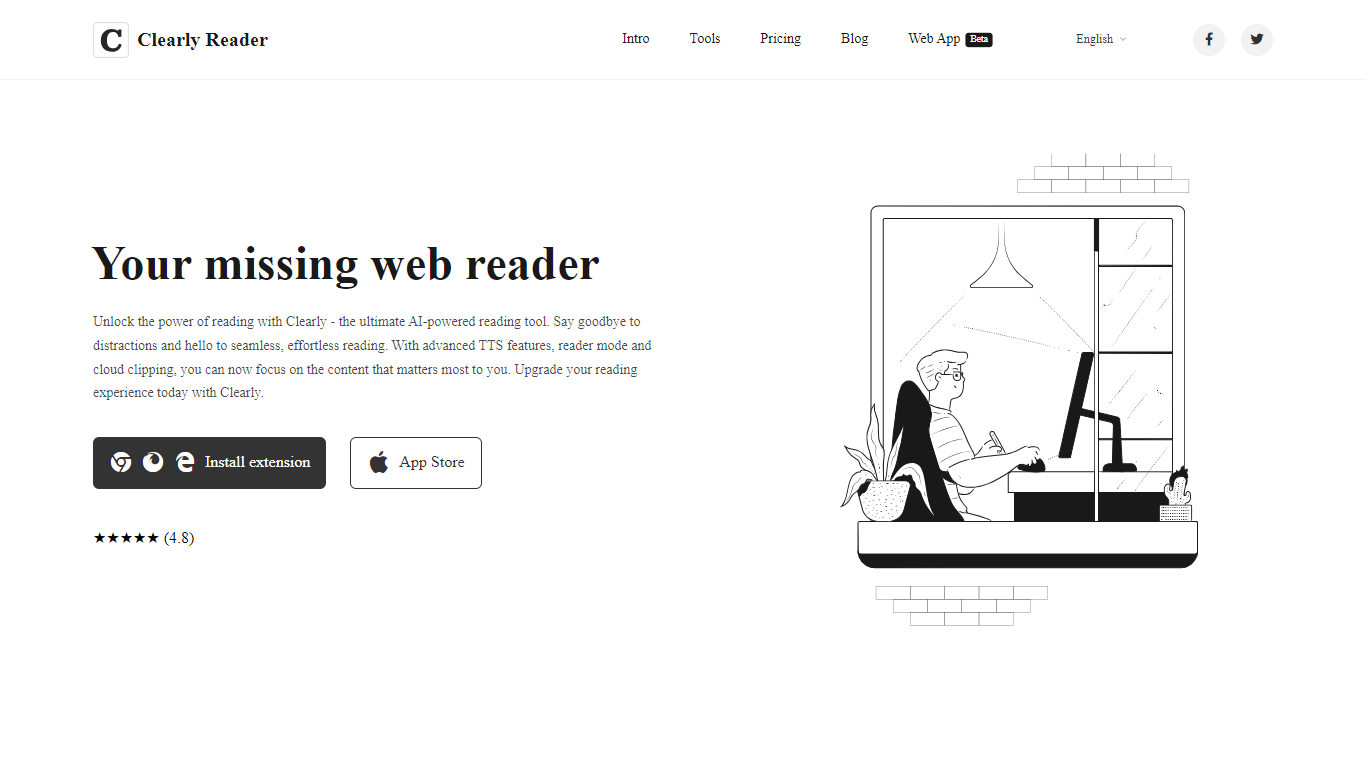
Clearly Reader is a browser reader-mode extension that strips ads and clutter from articles so you can focus on the text. One click (or Alt+R) turns a noisy web page into a clean reading layout with adjustable fonts, themes, and spacing.
The product adds AI-assisted reading tools on top of basic readability. Skim mode (Alt+S) generates quick summaries, outlines, and key points so you can decide whether a long article is worth finishing. Translation, keyword highlighting, and an AI reader assistant help you work through dense content faster.
Clearly Reader also includes text-to-speech with browser and Microsoft voices, configurable rate and pitch, and export options to PDF, Word, Markdown, EPUB, and other formats. Clipping features let you save articles to cloud storage, RSS-style feeds, or third-party apps like Obsidian, Pocket, and Instapaper.
Pricing splits into a free lifetime tier for core readability, a one-time Pro license for advanced themes, exports, and sync, and a monthly subscription for cloud and AI features like clip-to-cloud and the AI reader assistant. Extensions are available for Chrome and an iOS app is listed on the App Store.
For researchers, students, and heavy online readers, Clearly Reader combines distraction-free layouts with speech, export, and AI summary tools in one reading workflow.
AudioDoc Upvotes
Clearly Reader Upvotes
AudioDoc Top Features
Upload PDF, EPUB, or markdown and stream audio chapter by chapter
Paste up to 1,000 words in the TTS studio for instant playback
American, British, Japanese, and Chinese narrator voices included
Download generated audio files with no watermarks
Start as a guest with no sign-up or credit card
Remembers your spot and works in mobile browsers without an app
Clearly Reader Top Features
Switch any article into a clean reader layout with one click or Alt+R
Listen to articles with browser or Microsoft text-to-speech voices
Generate AI summaries, outlines, and skim-mode gists with Alt+S
Export pages to PDF, Word, Markdown, EPUB, and more
Clip articles to cloud storage, RSS feeds, or apps like Obsidian
AudioDoc Category
- Text to Speech (TTS)
Clearly Reader Category
- Text to Speech (TTS)
AudioDoc Pricing Type
- Free
Clearly Reader Pricing Type
- Freemium