
Last updated 08-21-2026
Category:
Reviews:
Join thousands of AI enthusiasts in the World of AI!
AudioDoc
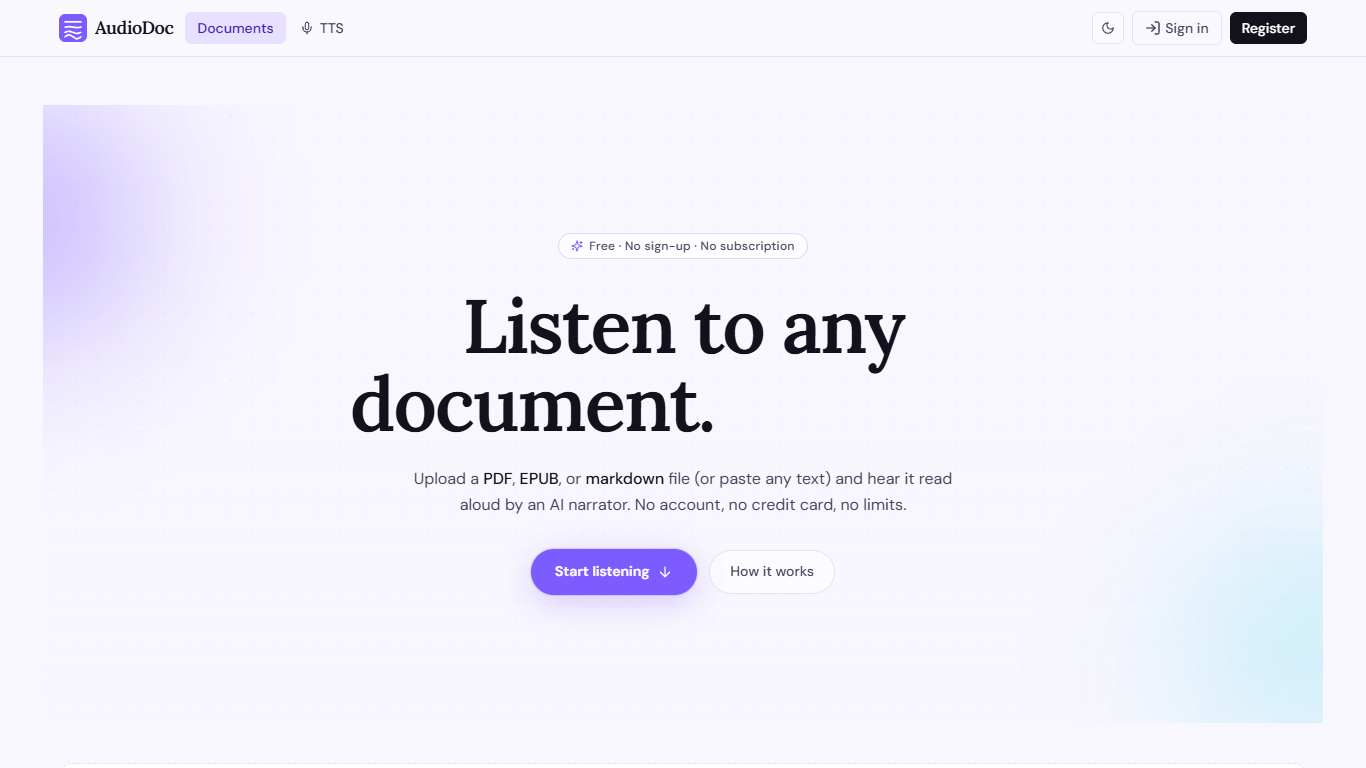
AudioDoc turns documents and pasted text into listenable audio in your browser. Upload a PDF, EPUB, or markdown file, or drop raw text into the TTS studio, and hear it read by natural narrators. There is no account requirement, no subscription, and no credit card gate to start.
The document library streams long files chapter by chapter as audio is generated, so you are not waiting on a full book conversion before playback begins. A separate TTS studio handles quick paste-and-listen jobs with downloadable clips and no watermarks.
It fits commuters who want articles read aloud, students reviewing coursework, writers proofreading drafts by ear, and anyone who needs hands-free or accessibility-friendly access to written material. Guest sessions last 24 hours; a free registered account keeps your library and listening progress beyond that window.
Upload PDF, EPUB, or markdown and stream audio chapter by chapter
Paste up to 1,000 words in the TTS studio for instant playback
American, British, Japanese, and Chinese narrator voices included
Download generated audio files with no watermarks
Start as a guest with no sign-up or credit card
Remembers your spot and works in mobile browsers without an app
Completely free with no subscription, paywall, or credit card required.
Handles full documents and quick pasted text in one product.
Guest mode means you can listen immediately without creating an account.
Downloadable TTS clips ship without watermarks.
Guest sessions expire after 24 hours unless you register a free account.
TTS studio pastes are capped at 1,000 words per generation.
No dedicated mobile app; access is browser-only.
Is AudioDoc really free?
Yes. AudioDoc is 100% free with no subscription, credit card, or paywall. You can upload documents and listen as much as you want on docstoaudio.com.
Do I need an account to use AudioDoc?
No. AudioDoc lets you start instantly as a guest. Creating a free account is optional and lets you keep documents and reading progress beyond the 24-hour guest session.
Which file formats does AudioDoc support?
AudioDoc supports PDF, EPUB, and markdown uploads in the document library. You can also paste plain text in the TTS studio at docstoaudio.com/text-to-speech without uploading a file.
How long can documents be on AudioDoc?
AudioDoc has no hard length limit for uploaded documents. Long files are split into chapters and segments so audio streams as it is generated. The TTS studio accepts up to 1,000 words per paste.
Can I download audio from AudioDoc?
Yes. After a clip is generated in the TTS studio, AudioDoc lets you download the audio file directly from the player with no watermarks.
Does AudioDoc work on mobile?
Yes. AudioDoc runs in any modern mobile browser with no app install required. Playback uses standard browser audio controls on phones and tablets.
Which voices does AudioDoc offer?
AudioDoc includes multiple natural narrators with American and British English (male and female), plus Japanese and Chinese options. Logged-in users can also save a custom voice label.