AudioDoc vs FakeYou
In the battle of AudioDoc vs FakeYou, which AI Text to Speech (TTS) tool comes out on top? We compare reviews, pricing, alternatives, upvotes, features, and more.
Which one is better? AudioDoc or FakeYou?
Upon comparing AudioDoc with FakeYou, which are both AI-powered text to speech (tts) tools, Both tools have received the same number of upvotes from aitools.fyi users. Join the aitools.fyi users in deciding the winner by casting your vote.
Don't agree with the result? Cast your vote and be a part of the decision-making process!
AudioDoc
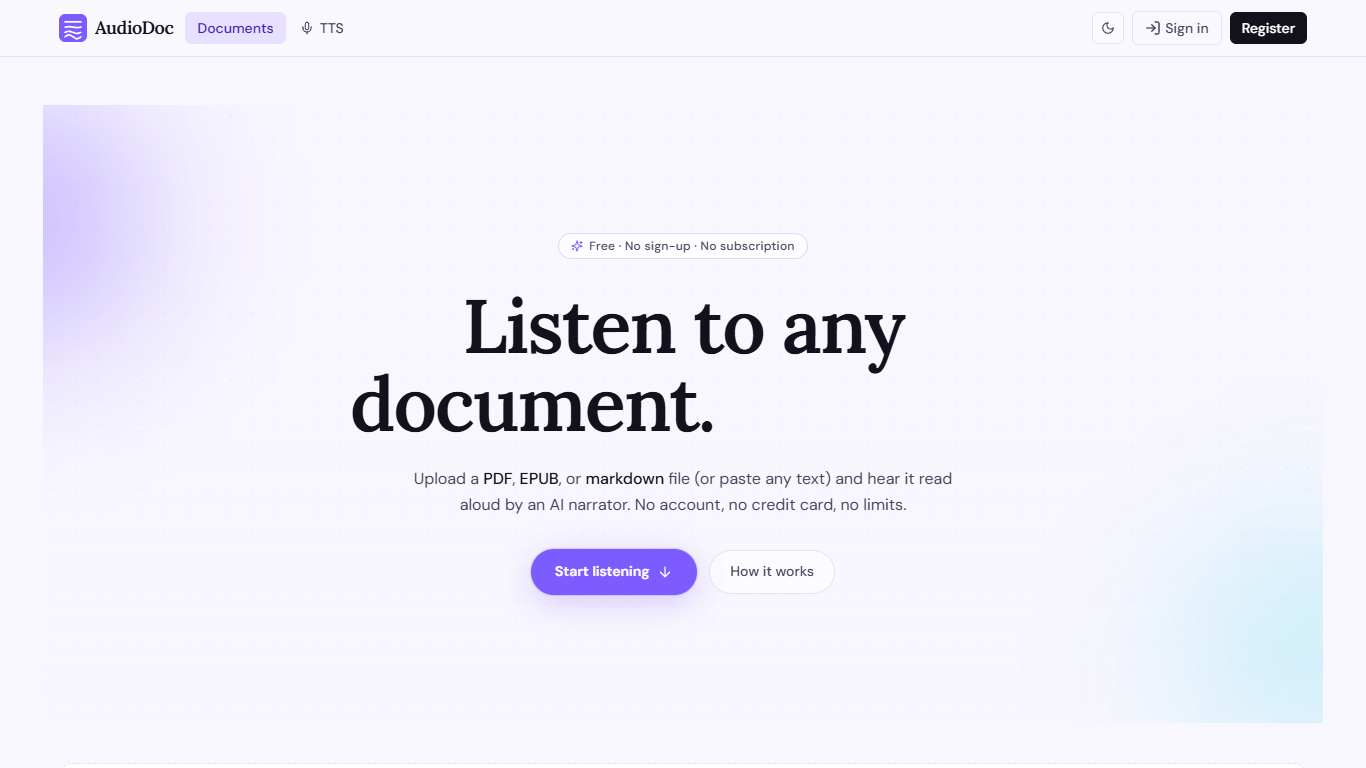

What is AudioDoc?
AudioDoc turns documents and pasted text into listenable audio in your browser. Upload a PDF, EPUB, or markdown file, or drop raw text into the TTS studio, and hear it read by natural narrators. There is no account requirement, no subscription, and no credit card gate to start.
The document library streams long files chapter by chapter as audio is generated, so you are not waiting on a full book conversion before playback begins. A separate TTS studio handles quick paste-and-listen jobs with downloadable clips and no watermarks.
It fits commuters who want articles read aloud, students reviewing coursework, writers proofreading drafts by ear, and anyone who needs hands-free or accessibility-friendly access to written material. Guest sessions last 24 hours; a free registered account keeps your library and listening progress beyond that window.
FakeYou
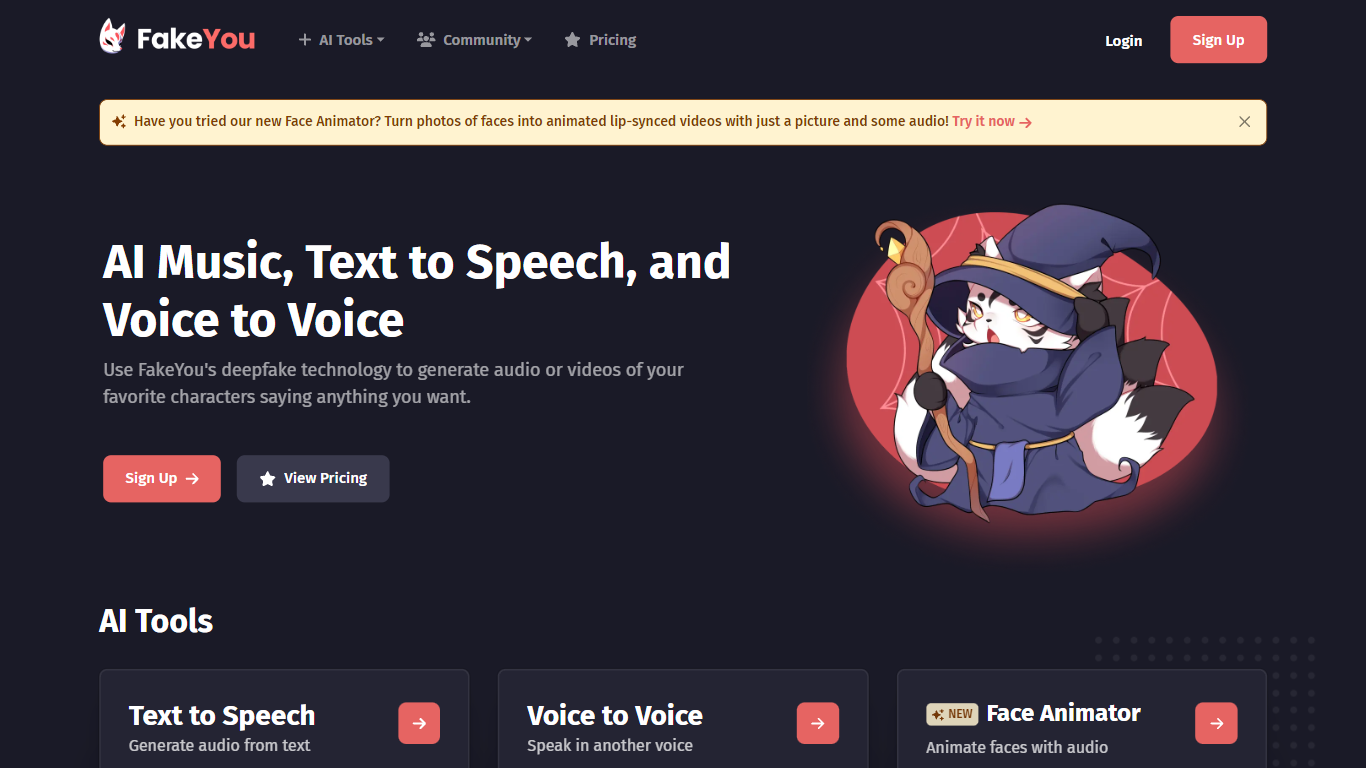
What is FakeYou?
FakeYou turns text into character and celebrity speech using a library of community-trained voice models. You pick a voice, type what you want said, and download or share the generated audio. The platform also covers voice-to-voice conversion, custom voice design, and tools for cloning or converting voices with zero-shot workflows.
What sets FakeYou apart is scale and community contribution. The text-to-speech catalog lists more than 3,500 voices built and uploaded by creators worldwide, from cartoon characters to original personas. Featured voices, search filters, and community ratings help you sort through the options without guessing.
FakeYou positions itself as one piece of a broader creative stack aimed at solo creators. The about page states a mission to help anyone produce full-length content from home without large teams or studio budgets. Press logos and on-site copy cite Techstars backing and over 10 million users globally.
Content creators, gamers, musicians, and hobby voice actors use FakeYou for narration, memes, covers, and fan projects. Free access covers the core generators, while Plus, Pro, and Elite subscriptions add faster queue times, longer clip limits, and private model uploads.
AudioDoc Upvotes
FakeYou Upvotes
AudioDoc Top Features
Upload PDF, EPUB, or markdown and stream audio chapter by chapter
Paste up to 1,000 words in the TTS studio for instant playback
American, British, Japanese, and Chinese narrator voices included
Download generated audio files with no watermarks
Start as a guest with no sign-up or credit card
Remembers your spot and works in mobile browsers without an app
FakeYou Top Features
Browse 3,500+ community-trained character and celebrity voices for text-to-speech
Convert recorded or uploaded audio into another voice with pitch shift up to 36 semitones
Voice Designer (beta) walks you through building a custom voice from scratch
F5-TTS and Seed-VC pages add zero-shot voice cloning and conversion workflows
Upload trained voice models and share them with the FakeYou community
Premium tiers unlock faster processing, longer clips, and private model storage
AudioDoc Category
- Text to Speech (TTS)
FakeYou Category
- Text to Speech (TTS)
AudioDoc Pricing Type
- Free
FakeYou Pricing Type
- Freemium