AudioDoc vs ReadSpeaker
Explore the showdown between AudioDoc vs ReadSpeaker and find out which AI Text to Speech (TTS) tool wins. We analyze upvotes, features, reviews, pricing, alternatives, and more.
In a face-off between AudioDoc and ReadSpeaker, which one takes the crown?
When we contrast AudioDoc with ReadSpeaker, both of which are exceptional AI-operated text to speech (tts) tools, and place them side by side, we can spot several crucial similarities and divergences. The upvote count reveals a draw, with both tools earning the same number of upvotes. Join the aitools.fyi users in deciding the winner by casting your vote.
You don't agree with the result? Cast your vote to help us decide!
AudioDoc

What is AudioDoc?
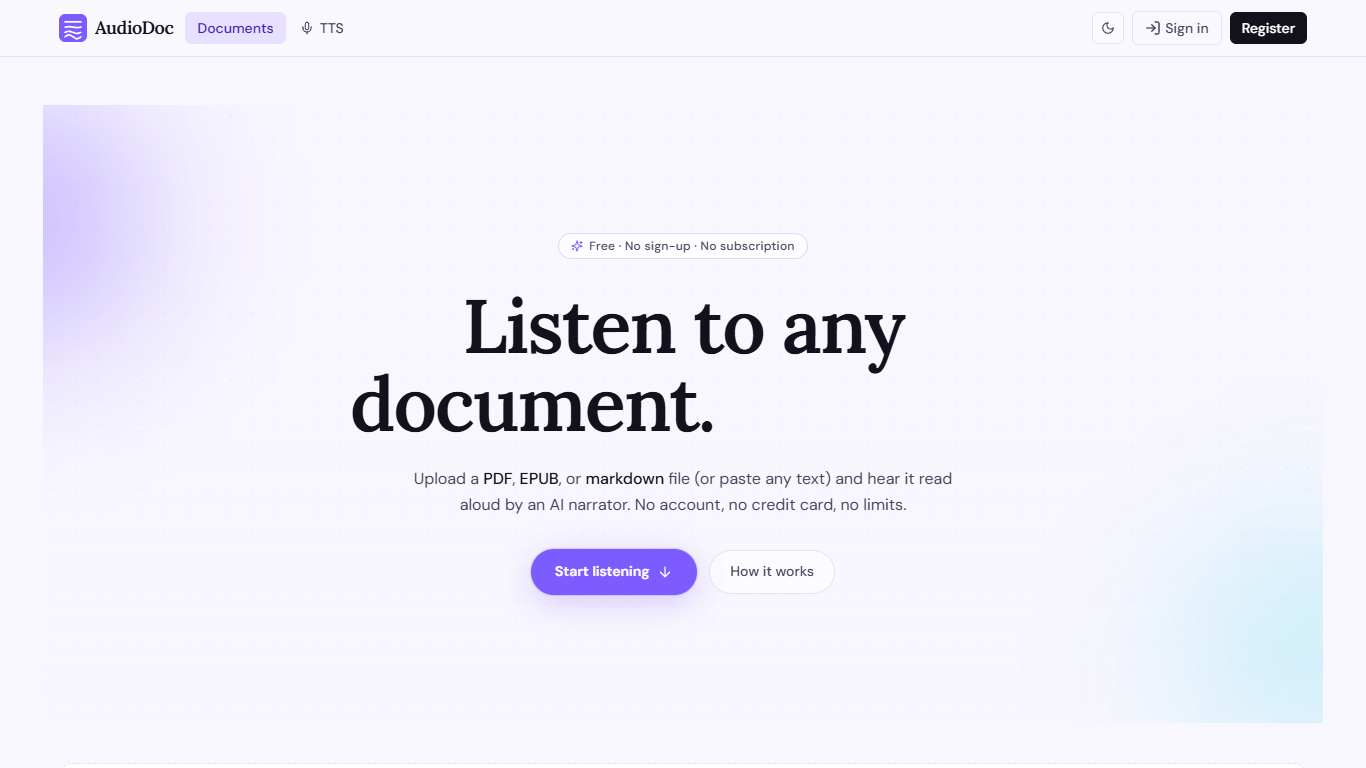
AudioDoc turns documents and pasted text into listenable audio in your browser. Upload a PDF, EPUB, or markdown file, or drop raw text into the TTS studio, and hear it read by natural narrators. There is no account requirement, no subscription, and no credit card gate to start.
The document library streams long files chapter by chapter as audio is generated, so you are not waiting on a full book conversion before playback begins. A separate TTS studio handles quick paste-and-listen jobs with downloadable clips and no watermarks.
It fits commuters who want articles read aloud, students reviewing coursework, writers proofreading drafts by ear, and anyone who needs hands-free or accessibility-friendly access to written material. Guest sessions last 24 hours; a free registered account keeps your library and listening progress beyond that window.
ReadSpeaker
What is ReadSpeaker?
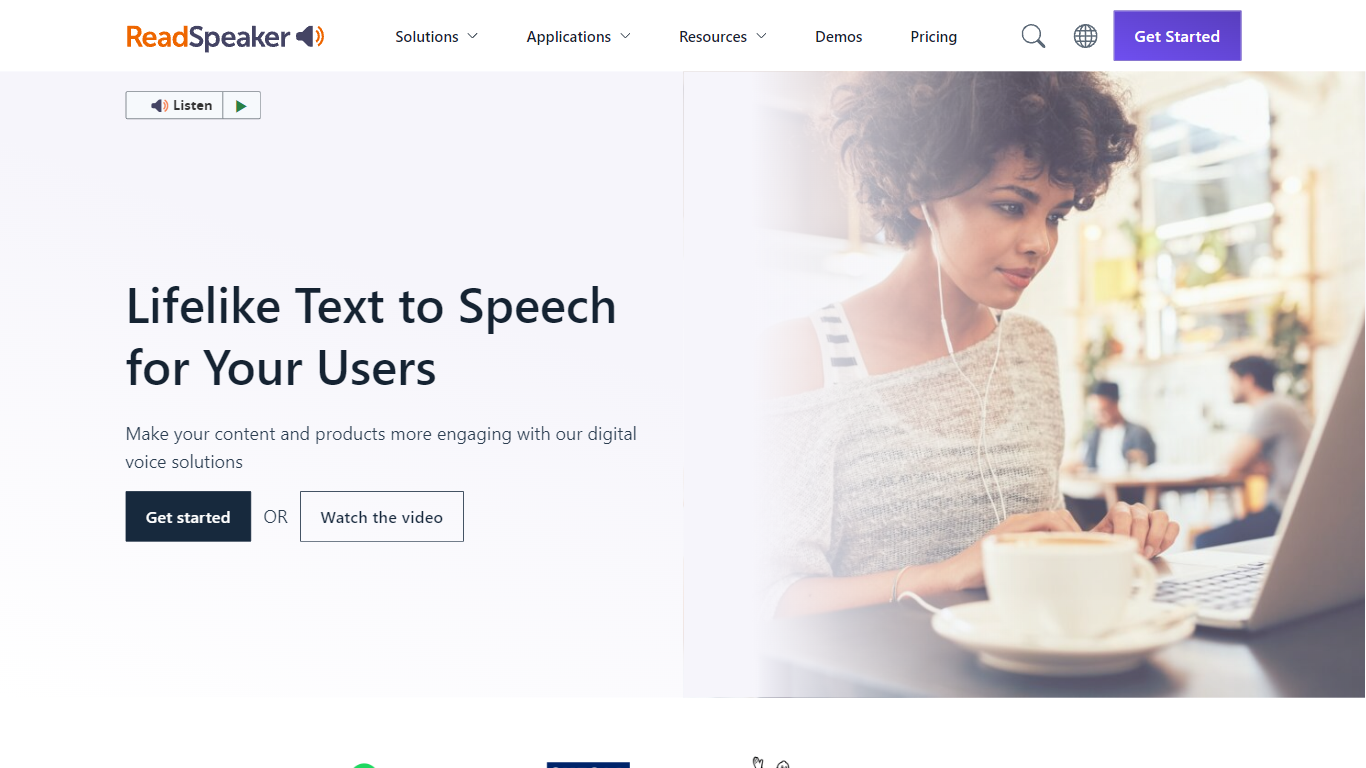
ReadSpeaker is an enterprise text-to-speech platform that turns written content into natural-sounding audio across websites, documents, apps, and learning systems. Its catalog includes more than 300 AI voices across 90+ languages and dialects, with deployment options spanning browser plugins, APIs, SDKs, and on-premise servers.
Core products include webReader for live website reading, docReader for online PDFs and documents, and speechCloud API for developers who need TTS inside their own apps. The Education Suite adds LMS integrations for platforms like Canvas, Moodle, Blackboard, and Brightspace, plus literacy tools such as TextAid for struggling readers.
ReadSpeaker also offers speechMaker Studio for cloud-based voice content creation, speechEngine SDK for embedded and desktop use, and custom voice development for branded audio. The company cites 12,000+ customer organizations and serves sectors including education, government, healthcare, publishing, transportation, and gaming.
Security and accessibility are central to the platform. ReadSpeaker highlights ISO/IEC 27001:2022 certification, GDPR compliance, and support for WCAG and VPAT accessibility requirements.
AudioDoc Upvotes
ReadSpeaker Upvotes
AudioDoc Top Features
Upload PDF, EPUB, or markdown and stream audio chapter by chapter
Paste up to 1,000 words in the TTS studio for instant playback
American, British, Japanese, and Chinese narrator voices included
Download generated audio files with no watermarks
Start as a guest with no sign-up or credit card
Remembers your spot and works in mobile browsers without an app
ReadSpeaker Top Features
webReader plugin reads website content aloud in real time with translation support
docReader plays back online PDFs and document formats in the browser
speechCloud API adds premium TTS to apps, devices, and cloud workflows
Education Suite integrates with major LMS platforms including Canvas, Moodle, and Blackboard
Custom Voice Studio builds exclusive branded voices for enterprise use
AudioDoc Category
- Text to Speech (TTS)
ReadSpeaker Category
- Text to Speech (TTS)
AudioDoc Pricing Type
- Free
ReadSpeaker Pricing Type
- Paid