AudioDoc vs Google Flow Music (formerly Riffusion)
When comparing AudioDoc vs Google Flow Music (formerly Riffusion), which AI tool shines brighter? We look at pricing, alternatives, upvotes, features, reviews, and more.
In a comparison between AudioDoc and Google Flow Music (formerly Riffusion), which one comes out on top?
When we put AudioDoc and Google Flow Music (formerly Riffusion) side by side, both being AI-powered tools, The upvote count shows a clear preference for Google Flow Music (formerly Riffusion). The number of upvotes for Google Flow Music (formerly Riffusion) stands at 8, and for AudioDoc it's 6.
Think we got it wrong? Cast your vote and show us who's boss!
AudioDoc

What is AudioDoc?
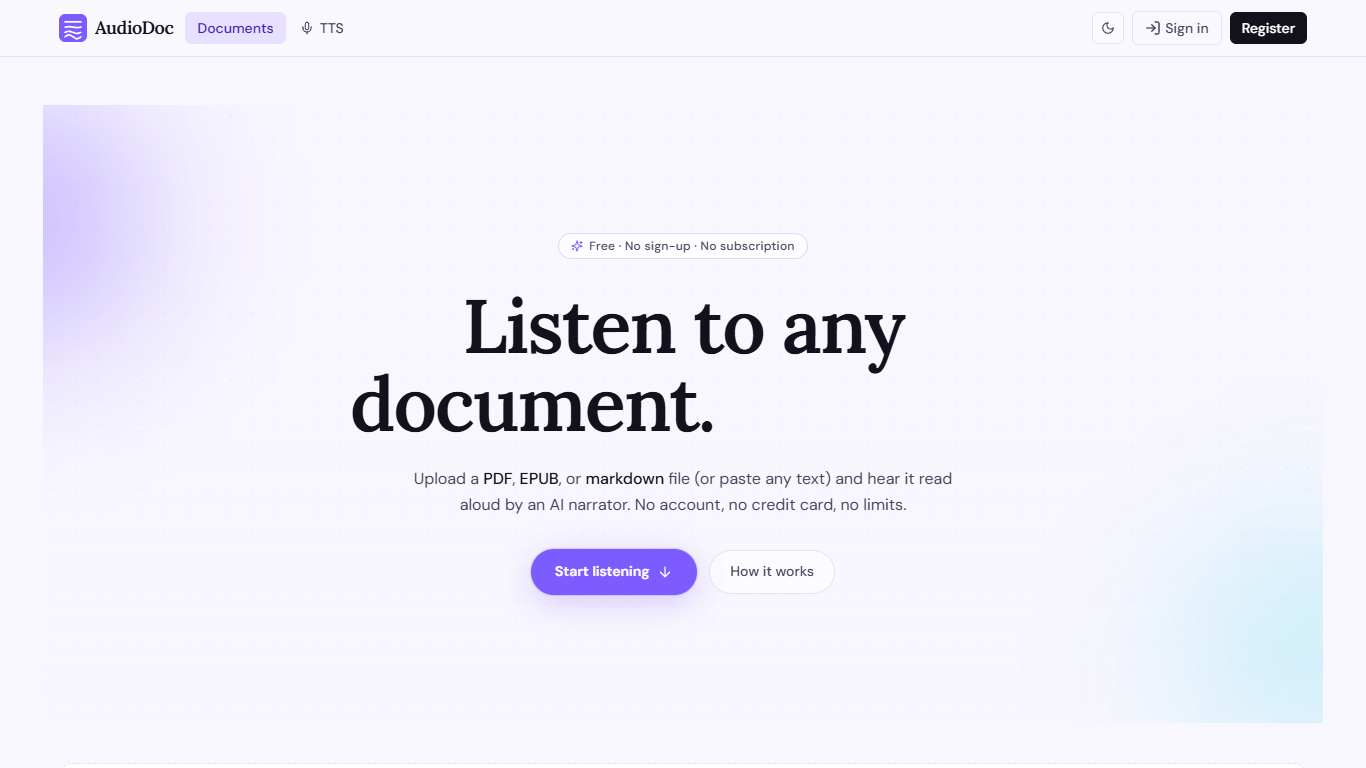
AudioDoc turns documents and pasted text into listenable audio in your browser. Upload a PDF, EPUB, or markdown file, or drop raw text into the TTS studio, and hear it read by natural narrators. There is no account requirement, no subscription, and no credit card gate to start.
The document library streams long files chapter by chapter as audio is generated, so you are not waiting on a full book conversion before playback begins. A separate TTS studio handles quick paste-and-listen jobs with downloadable clips and no watermarks.
It fits commuters who want articles read aloud, students reviewing coursework, writers proofreading drafts by ear, and anyone who needs hands-free or accessibility-friendly access to written material. Guest sessions last 24 hours; a free registered account keeps your library and listening progress beyond that window.
Google Flow Music (formerly Riffusion)
What is Google Flow Music (formerly Riffusion)?
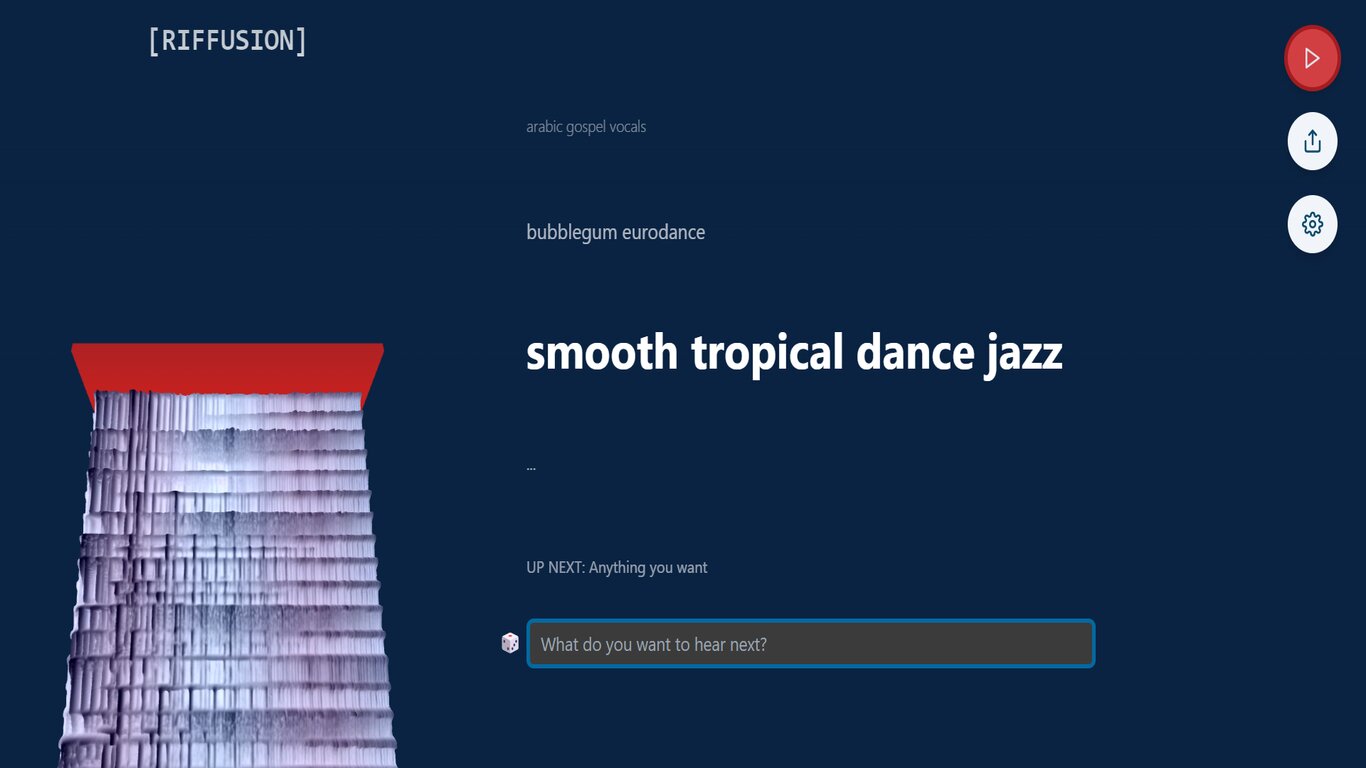
Google Flow Music lets you create full-length songs, remix tracks, and publish music through a conversational studio built on Google's Lyria 3.5 model. riffusion.com now redirects to flowmusic.app, where you chat with Producer like you are in a session, iterate on vocals and arrangement, and export finished tracks.
Unlike one-shot music generators that spit out a clip and stop, Flow Music focuses on iterative editing. Replace and Extend let you swap specific sections or continue a song past its endpoint without regenerating the whole track. You can also direct Veo-powered music videos, split stems, apply audio effects, and vibe-code custom instruments or mini apps inside Spaces.
The free tier includes daily top-up credits and two concurrent generations with no credit card required. Paid plans raise monthly credits, concurrent generation limits, and add member perks. Google acquired the Riffusion team in 2026 and folded the product into Google Labs alongside Lyria and Veo.
AudioDoc Upvotes
Google Flow Music (formerly Riffusion) Upvotes
AudioDoc Top Features
Upload PDF, EPUB, or markdown and stream audio chapter by chapter
Paste up to 1,000 words in the TTS studio for instant playback
American, British, Japanese, and Chinese narrator voices included
Download generated audio files with no watermarks
Start as a guest with no sign-up or credit card
Remembers your spot and works in mobile browsers without an app
Google Flow Music (formerly Riffusion) Top Features
Lyria 3.5 generates full-length songs with rich vocals and arrangement through a conversational Producer chat
Replace and Extend remix tools edit specific sections or continue tracks without full regeneration
Veo integration creates directed music videos with custom characters and aesthetics
Free plan includes daily top-up credits and 2 concurrent generations at $0 per month
Starter plan offers 3,000 monthly credits (~600 songs) and 8 concurrent generations for $6 per month
Spaces let you vibe-code audio plugins, music games, and custom DAW tools on flowmusic.app
Stem split, audio effects, mp3/wav/m4a downloads, and playlist publishing ship in all core plans
AudioDoc Category
- Text to Speech (TTS)
Google Flow Music (formerly Riffusion) Category
- Audio Generation
AudioDoc Pricing Type
- Free
Google Flow Music (formerly Riffusion) Pricing Type
- Freemium