AudioDoc vs Speechelo - AI text to speech voices
Compare AudioDoc vs Speechelo - AI text to speech voices and see which AI Text to Speech (TTS) tool is better when we compare features, reviews, pricing, alternatives, upvotes, etc.
Which one is better? AudioDoc or Speechelo - AI text to speech voices?
When we compare AudioDoc with Speechelo - AI text to speech voices, which are both AI-powered text to speech (tts) tools, Interestingly, both tools have managed to secure the same number of upvotes. Be a part of the decision-making process. Your vote could determine the winner.
Think we got it wrong? Cast your vote and show us who's boss!
AudioDoc

What is AudioDoc?
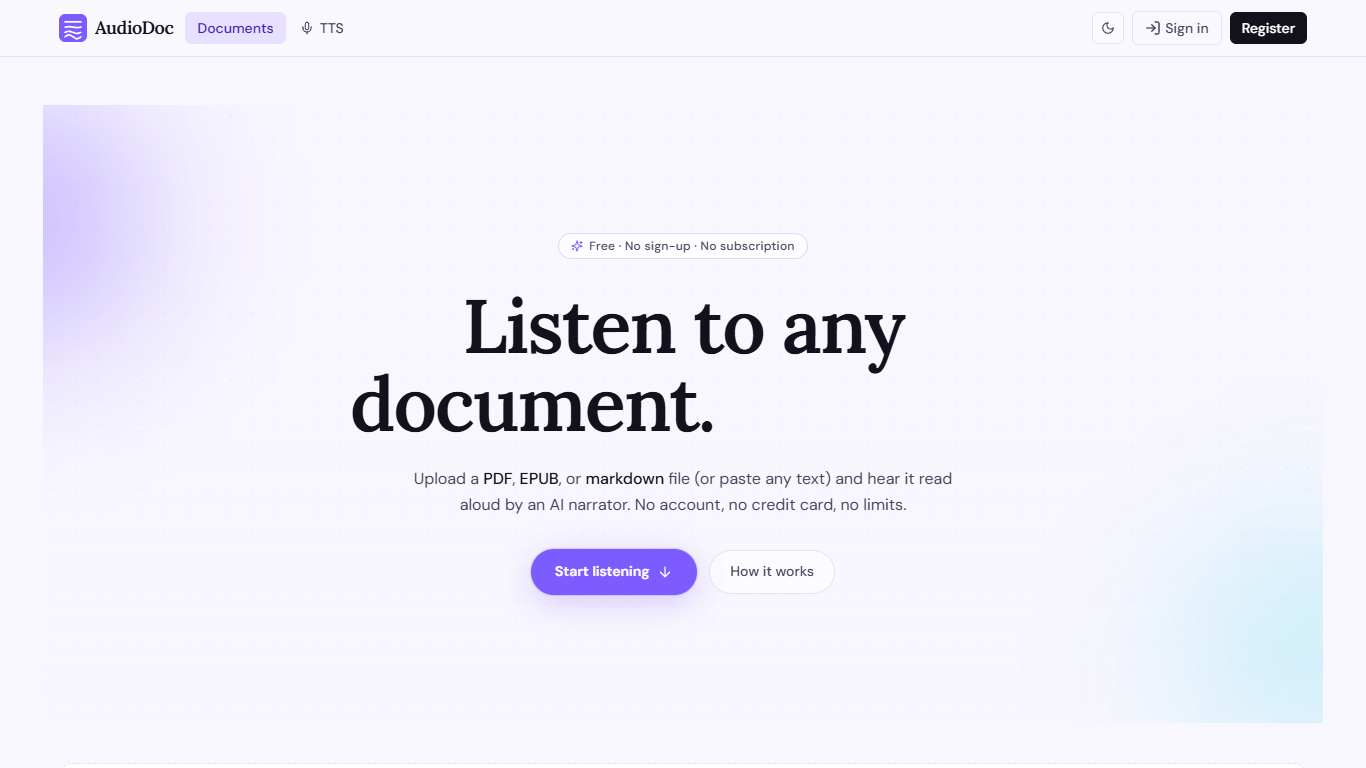
AudioDoc turns documents and pasted text into listenable audio in your browser. Upload a PDF, EPUB, or markdown file, or drop raw text into the TTS studio, and hear it read by natural narrators. There is no account requirement, no subscription, and no credit card gate to start.
The document library streams long files chapter by chapter as audio is generated, so you are not waiting on a full book conversion before playback begins. A separate TTS studio handles quick paste-and-listen jobs with downloadable clips and no watermarks.
It fits commuters who want articles read aloud, students reviewing coursework, writers proofreading drafts by ear, and anyone who needs hands-free or accessibility-friendly access to written material. Guest sessions last 24 hours; a free registered account keeps your library and listening progress beyond that window.
Speechelo - AI text to speech voices
What is Speechelo - AI text to speech voices?
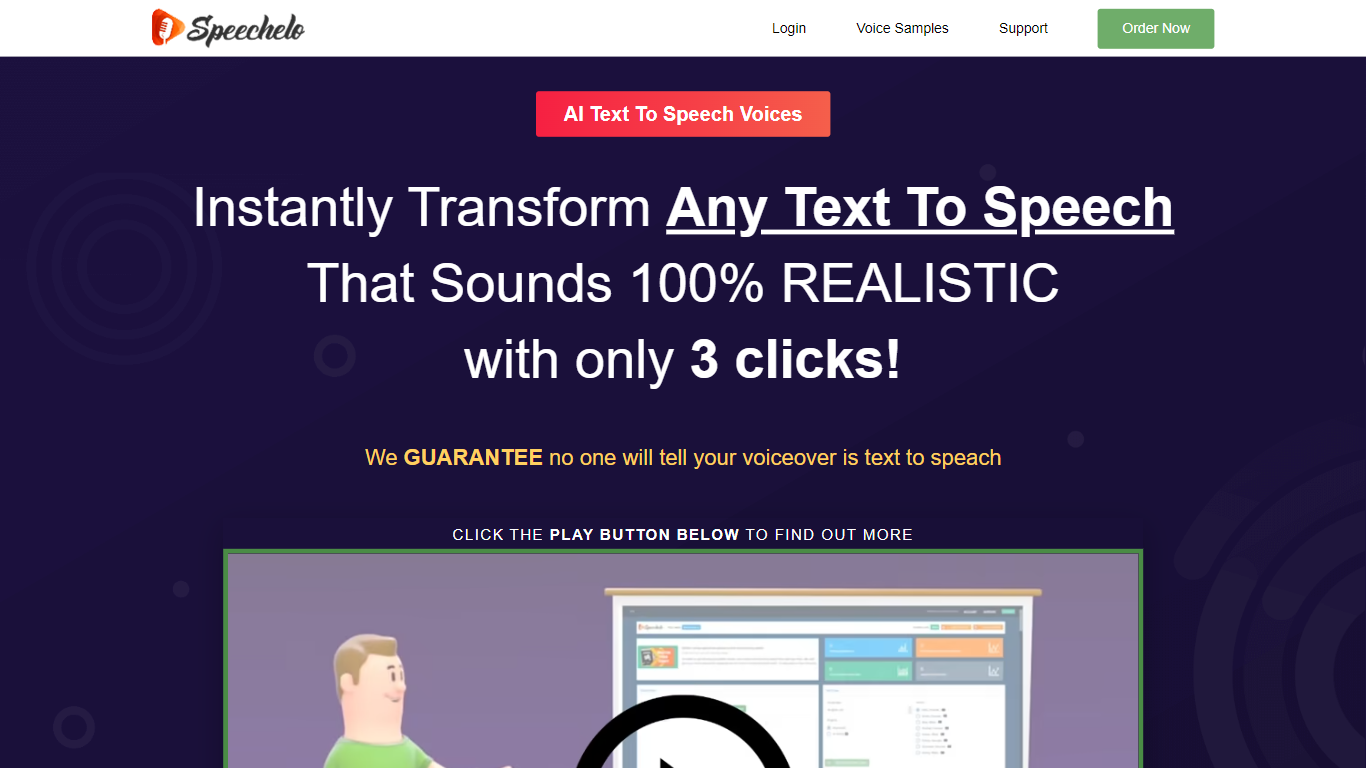
Speechelo is a cloud text-to-speech app built for people who need voiceovers for videos without hiring a voice actor or recording their own narration. You paste a script, pick a voice, and download an audio file ready to drop into your video editor.
What sets it apart from phone-system TTS is the focus on video narration. The engine adds inflections, lets you choose normal, joyful, or serious delivery, and supports breathing sounds and longer pauses so the output sounds less flat.
It targets video marketers, YouTube creators, course builders, and small businesses who need sales, training, or explainer narration on a budget. The app runs in the browser on desktop, Mac, or mobile with no install required.
AudioDoc Upvotes
Speechelo - AI text to speech voices Upvotes
AudioDoc Top Features
Upload PDF, EPUB, or markdown and stream audio chapter by chapter
Paste up to 1,000 words in the TTS studio for instant playback
American, British, Japanese, and Chinese narrator voices included
Download generated audio files with no watermarks
Start as a guest with no sign-up or credit card
Remembers your spot and works in mobile browsers without an app
Speechelo - AI text to speech voices Top Features
Paste a script and download a voiceover in under 10 seconds
Over 30 male and female voices with inflections and natural pacing
Three delivery tones: normal, joyful, or serious
Add breathing sounds and longer pauses for more natural speech
Works in English plus 23 other languages
Runs in the browser on desktop, Mac, or mobile with no install
Exports audio for Camtasia, Adobe Premiere, Animaker, Powtoon, and similar editors
AudioDoc Category
- Text to Speech (TTS)
Speechelo - AI text to speech voices Category
- Text to Speech (TTS)
AudioDoc Pricing Type
- Free
Speechelo - AI text to speech voices Pricing Type
- Paid