AudioDoc vs SpeechGen.io
Explore the showdown between AudioDoc vs SpeechGen.io and find out which AI Text to Speech (TTS) tool wins. We analyze upvotes, features, reviews, pricing, alternatives, and more.
When comparing AudioDoc and SpeechGen.io, which one rises above the other?
When we contrast AudioDoc with SpeechGen.io, both of which are exceptional AI-operated text to speech (tts) tools, and place them side by side, we can spot several crucial similarities and divergences. Both tools are equally favored, as indicated by the identical upvote count. Since other aitools.fyi users could decide the winner, the ball is in your court now to cast your vote and help us determine the winner.
Does the result make you go "hmm"? Cast your vote and turn that frown upside down!
AudioDoc
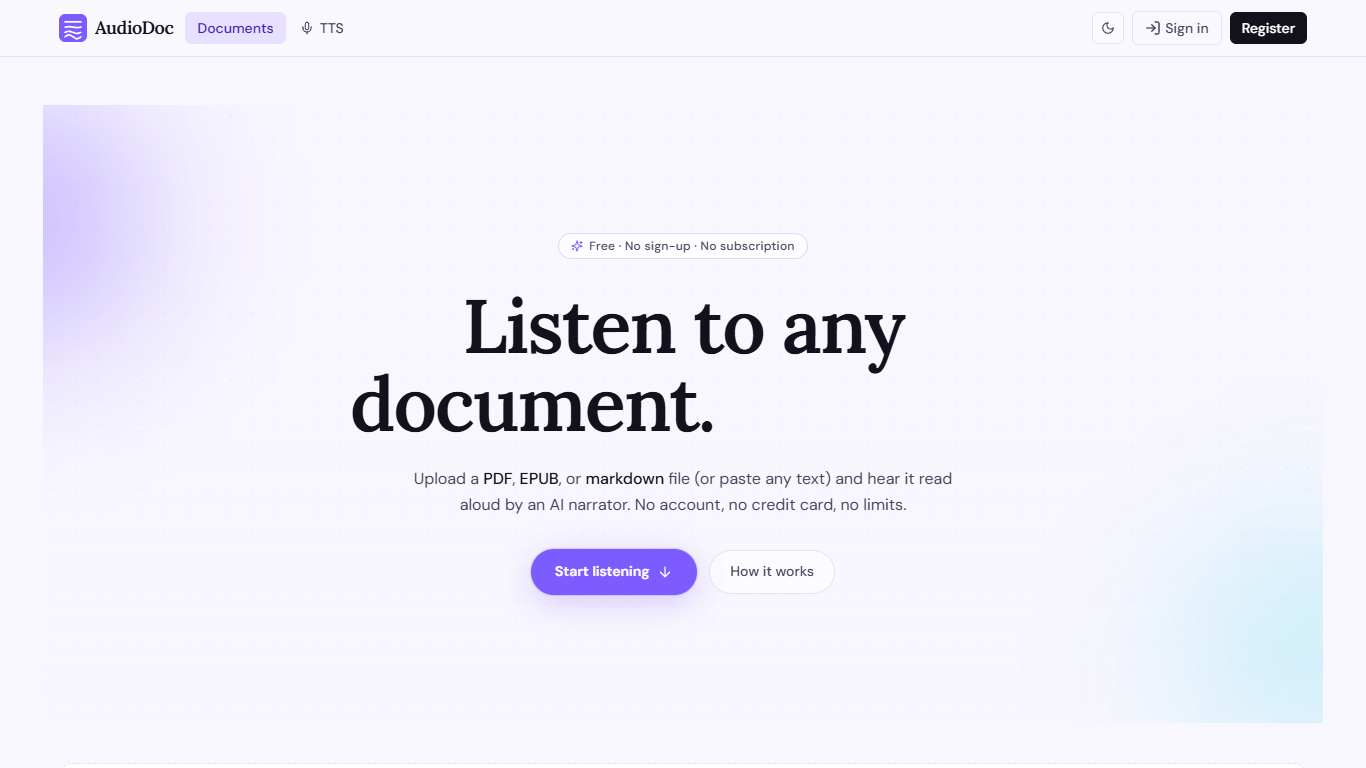

What is AudioDoc?
AudioDoc turns documents and pasted text into listenable audio in your browser. Upload a PDF, EPUB, or markdown file, or drop raw text into the TTS studio, and hear it read by natural narrators. There is no account requirement, no subscription, and no credit card gate to start.
The document library streams long files chapter by chapter as audio is generated, so you are not waiting on a full book conversion before playback begins. A separate TTS studio handles quick paste-and-listen jobs with downloadable clips and no watermarks.
It fits commuters who want articles read aloud, students reviewing coursework, writers proofreading drafts by ear, and anyone who needs hands-free or accessibility-friendly access to written material. Guest sessions last 24 hours; a free registered account keeps your library and listening progress beyond that window.
SpeechGen.io
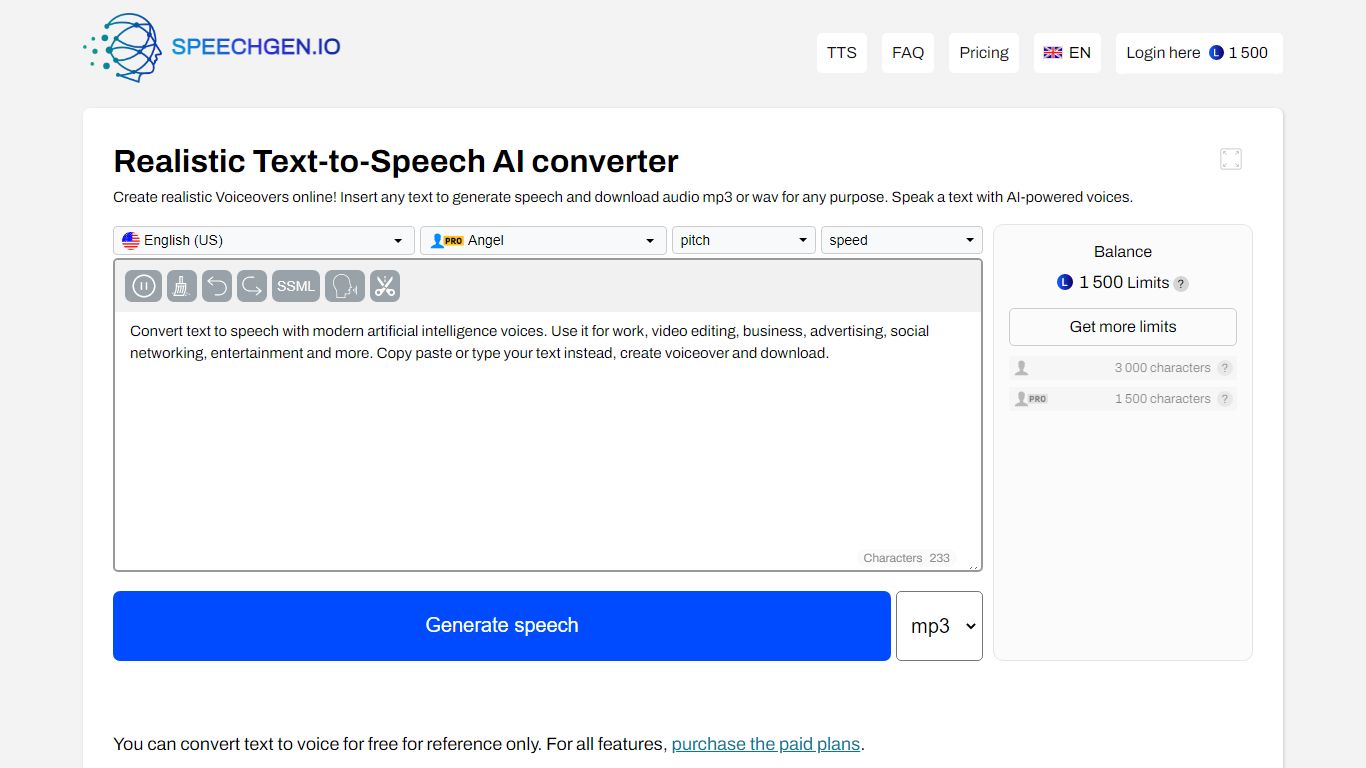
What is SpeechGen.io?
SpeechGen.io is an online text-to-speech platform that turns written text into downloadable voiceovers. The editor supports 5,000+ voices across 150 languages and regional accents, with controls for speed, pitch, volume, and SSML markup for pauses, emphasis, and intonation.
Beyond basic TTS, SpeechGen.io includes voice cloning from short audio samples, subtitle-to-speech conversion for SRT, SUB, and VTT files, and audio-to-text transcription for uploaded files, YouTube links, and video. Export options include MP3, WAV, OGG, FLAC, and other formats at multiple bitrates.
Credits are pay-as-you-go with no subscription. New accounts receive free credits to test the service, and purchased credits stay valid for up to one year. A Smart Cache feature reuses previously generated sentences at no extra cost when you edit and re-export projects.
AudioDoc Upvotes
SpeechGen.io Upvotes
AudioDoc Top Features
Upload PDF, EPUB, or markdown and stream audio chapter by chapter
Paste up to 1,000 words in the TTS studio for instant playback
American, British, Japanese, and Chinese narrator voices included
Download generated audio files with no watermarks
Start as a guest with no sign-up or credit card
Remembers your spot and works in mobile browsers without an app
SpeechGen.io Top Features
5,000+ voices across 150 languages with regional accent variants
Voice cloning from uploaded or recorded audio samples up to 55 seconds
SSML editor for fine-tuning pauses, pitch, rate, emphasis, and intonation
Subtitle-to-speech conversion for SRT, SUB, and VTT files
Audio-to-text transcription with speaker diarization and SRT or VTT export
AudioDoc Category
- Text to Speech (TTS)
SpeechGen.io Category
- Text to Speech (TTS)
AudioDoc Pricing Type
- Free
SpeechGen.io Pricing Type
- Freemium