AudioDoc vs Voice Pen
In the contest of AudioDoc vs Voice Pen, which AI Text to Speech (TTS) tool is the champion? We evaluate pricing, alternatives, upvotes, features, reviews, and more.
If you had to choose between AudioDoc and Voice Pen, which one would you go for?
When we examine AudioDoc and Voice Pen, both of which are AI-enabled text to speech (tts) tools, what unique characteristics do we discover? There's no clear winner in terms of upvotes, as both tools have received the same number. You can help us determine the winner by casting your vote and tipping the scales in favor of one of the tools.
Feeling rebellious? Cast your vote and shake things up!
AudioDoc
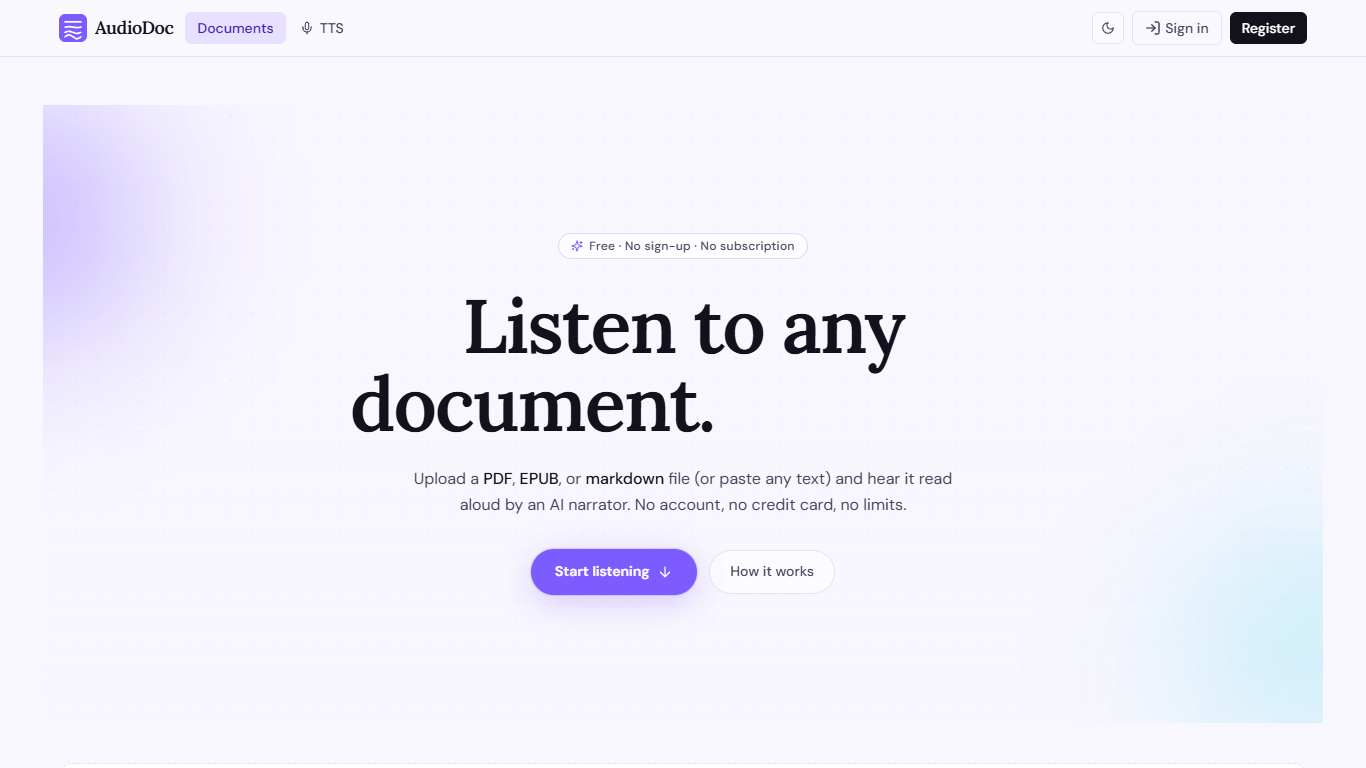

What is AudioDoc?
AudioDoc turns documents and pasted text into listenable audio in your browser. Upload a PDF, EPUB, or markdown file, or drop raw text into the TTS studio, and hear it read by natural narrators. There is no account requirement, no subscription, and no credit card gate to start.
The document library streams long files chapter by chapter as audio is generated, so you are not waiting on a full book conversion before playback begins. A separate TTS studio handles quick paste-and-listen jobs with downloadable clips and no watermarks.
It fits commuters who want articles read aloud, students reviewing coursework, writers proofreading drafts by ear, and anyone who needs hands-free or accessibility-friendly access to written material. Guest sessions last 24 hours; a free registered account keeps your library and listening progress beyond that window.
Voice Pen

What is Voice Pen?
Voice Pen (Voicepen.ai) turns audio, video, voice memos, and websites into blog posts using AI. Upload a YouTube link, podcast episode, webinar recording, Zoom meeting, or audio file, and the app transcribes it, suggests blog topics, and drafts ready-to-edit posts.
The workflow covers four conversion types: YouTube and video, uploaded files (MP3, MP4, M4A, WAV), podcasts and webinars, and voice memos or meeting recordings. Each conversion includes a full transcription, SRT subtitle file, and a built-in post editor for refining the output.
Voice Pen targets marketers and content teams who want to repurpose existing media into written content without starting from scratch. Paste a URL or upload a file, wait for transcription, then pick topics and adjust the generated blog copy before publishing.
AudioDoc Upvotes
Voice Pen Upvotes
AudioDoc Top Features
Upload PDF, EPUB, or markdown and stream audio chapter by chapter
Paste up to 1,000 words in the TTS studio for instant playback
American, British, Japanese, and Chinese narrator voices included
Download generated audio files with no watermarks
Start as a guest with no sign-up or credit card
Remembers your spot and works in mobile browsers without an app
Voice Pen Top Features
Turn YouTube videos, podcasts, and webinars into blog posts from a pasted link or upload
Transcribe MP3, MP4, M4A, WAV, and voice memo files with SRT subtitle export
AI suggests blog topics and drafts post content you can edit in the built-in editor
Repurpose Zoom and Teams meeting recordings into written content
Credit-based plans scale from one-time packs to monthly Basic and Pro subscriptions
AudioDoc Category
- Text to Speech (TTS)
Voice Pen Category
- Text to Speech (TTS)
AudioDoc Pricing Type
- Free
Voice Pen Pricing Type
- Freemium