Audo Studio vs Nonoisy
In the battle of Audo Studio vs Nonoisy, which AI Noise Cancellation tool comes out on top? We compare reviews, pricing, alternatives, upvotes, features, and more.
Between Audo Studio and Nonoisy, which one is superior?
Upon comparing Audo Studio with Nonoisy, which are both AI-powered noise cancellation tools, The upvote count is neck and neck for both Audo Studio and Nonoisy. Join the aitools.fyi users in deciding the winner by casting your vote.
Disagree with the result? Upvote your favorite tool and help it win!
Audo Studio
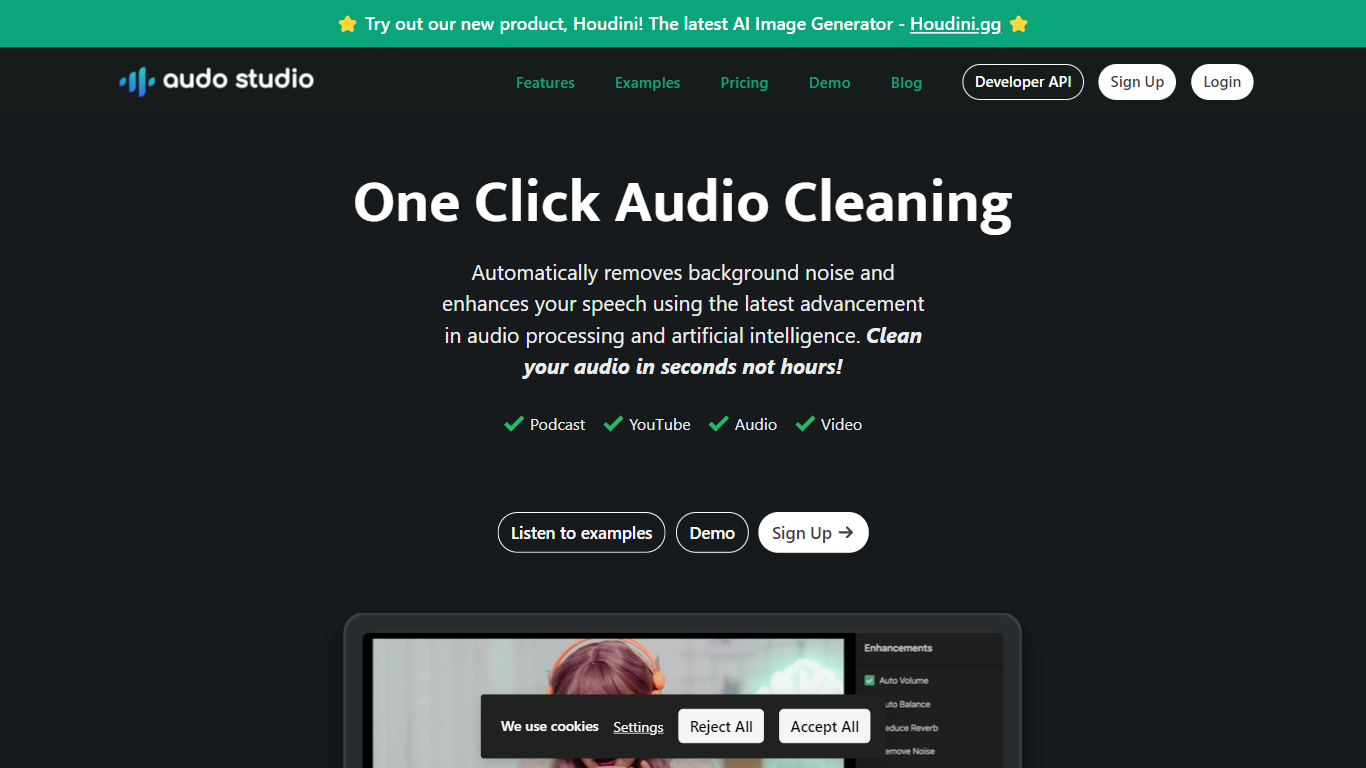

What is Audo Studio?
Audo Studio is a fast, browser-based audio cleaning tool designed for YouTubers, podcasters, and content creators. It removes background noise, balances volume, and soon will reduce echo, making recordings sound professional without expensive equipment. The tool uses advanced AI audio processing to clean audio in seconds, saving users hours compared to traditional software.
It works on any operating system since it runs in the browser, making it accessible to everyone. Audo Studio suits individuals who occasionally need audio fixes and creators who want to improve sound quality quickly. Transparent pricing and a free starter plan make it easy to try and scale usage.
Its upcoming echo reduction feature aims to replace acoustic foam panels, reducing setup costs for creators.
Nonoisy
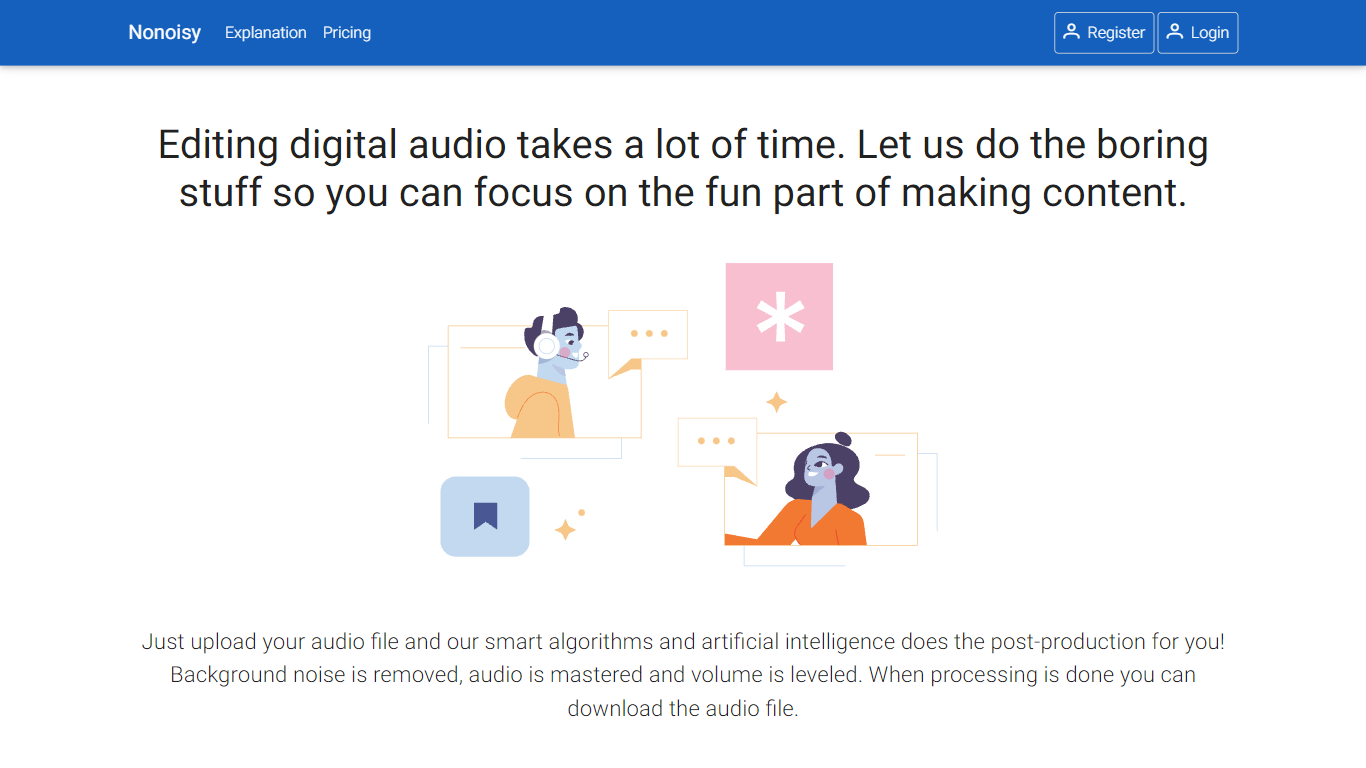
What is Nonoisy?
Nonoisy automates audio post-production by removing background noise, mastering sound, and leveling volume to improve audio quality quickly. It serves podcasters, video creators, and course makers who want to enhance their content without manual editing or hiring professionals. Users upload audio or video files, and Nonoisy processes them immediately, returning cleaned audio in the original format.
This tool focuses on sound characteristics rather than language, making it effective for any spoken content. It removes static, clicks, and pops while balancing multiple speakers for consistent volume. Nonoisy saves hours of editing time and simplifies workflows for creators of all skill levels.
Audo Studio Upvotes
Nonoisy Upvotes
Audo Studio Top Features
🎙️ One-click noise removal clears background sounds instantly
🔊 Auto volume adjustment balances speech for smooth listening
🛠️ Browser-based tool works on any operating system easily
⏱️ Fast processing cleans audio in seconds, saving time
🆕 Echo reduction coming soon to cut room reverb without foam panels
Nonoisy Top Features
🎙️ Automatic background noise removal cleans audio instantly
🔊 Volume leveling balances all speakers' voices clearly
⏱️ Fast processing delivers results immediately after upload
🌍 Language independent works with any spoken content
💻 Supports both audio and video file uploads for convenience
Audo Studio Category
- Noise Cancellation
Nonoisy Category
- Noise Cancellation
Audo Studio Pricing Type
- Freemium
Nonoisy Pricing Type
- Freemium