Auth0 vs Dictation
Compare Auth0 vs Dictation and see which AI Web Apps tool is better when we compare features, reviews, pricing, alternatives, upvotes, etc.
Which one is better? Auth0 or Dictation?
When we compare Auth0 with Dictation, which are both AI-powered web apps tools, The upvote count reveals a draw, with both tools earning the same number of upvotes. You can help us determine the winner by casting your vote and tipping the scales in favor of one of the tools.
Not your cup of tea? Upvote your preferred tool and stir things up!
Auth0

What is Auth0?
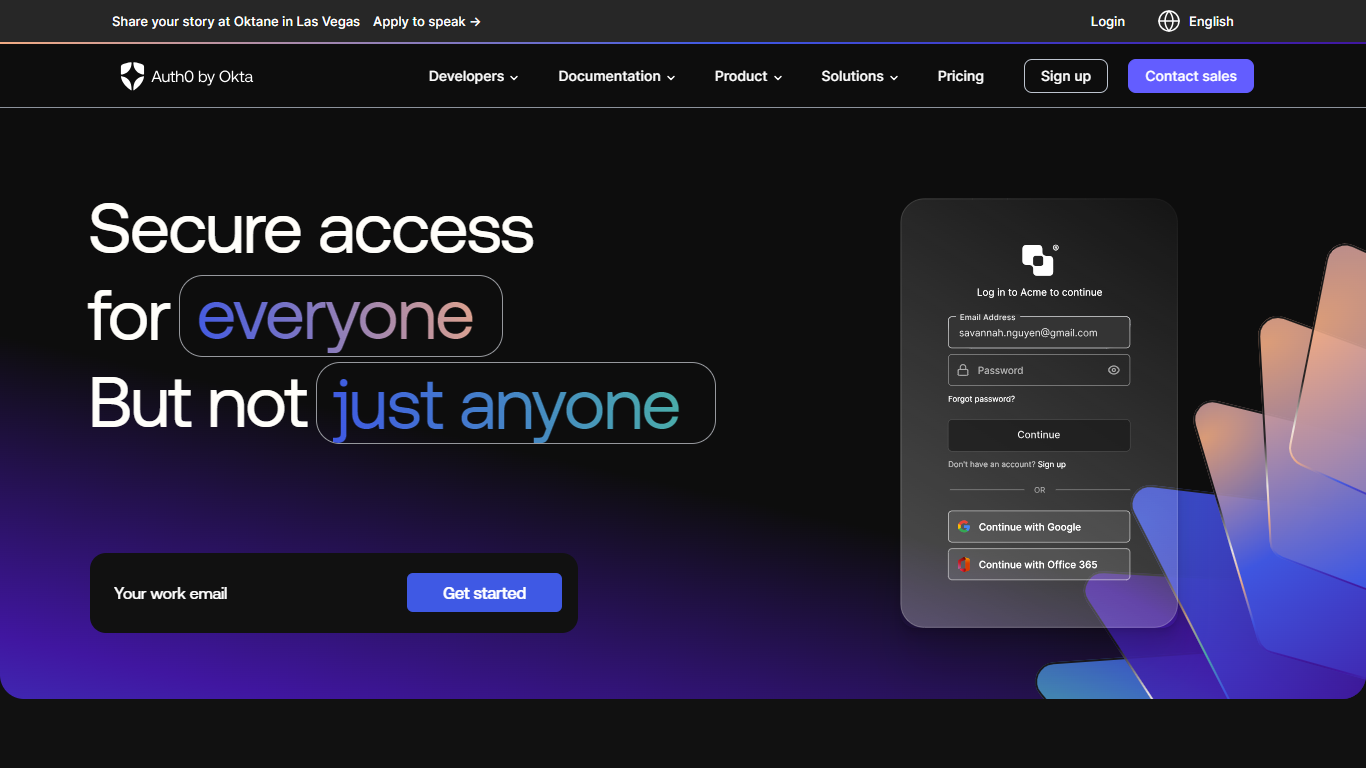
Auth0 is a customer identity and access management platform from Okta. It handles authentication and authorization for web, mobile, and API applications so development teams can add login, SSO, and access controls without building identity infrastructure from scratch.
The platform covers B2C consumer apps, B2B SaaS products, and internal tools. Developers integrate via SDKs and quickstarts for stacks like React, Next.js, iOS, Android, Java, .NET, and Python. Auth0 also ships dedicated tooling for securing AI agents, including user authentication before agent access, Token Vault for scoped API credentials, and fine-grained authorization for RAG pipelines.
Auth0 reports blocking 3 billion-plus attacks monthly across Okta and Auth0 platforms, 99.99% uptime, and 10 billion-plus authentications per month. Customers listed on the site include Siemens, Signify, Zapier, Wyndham Hotels, and the City of Los Angeles.
Dictation
What is Dictation?
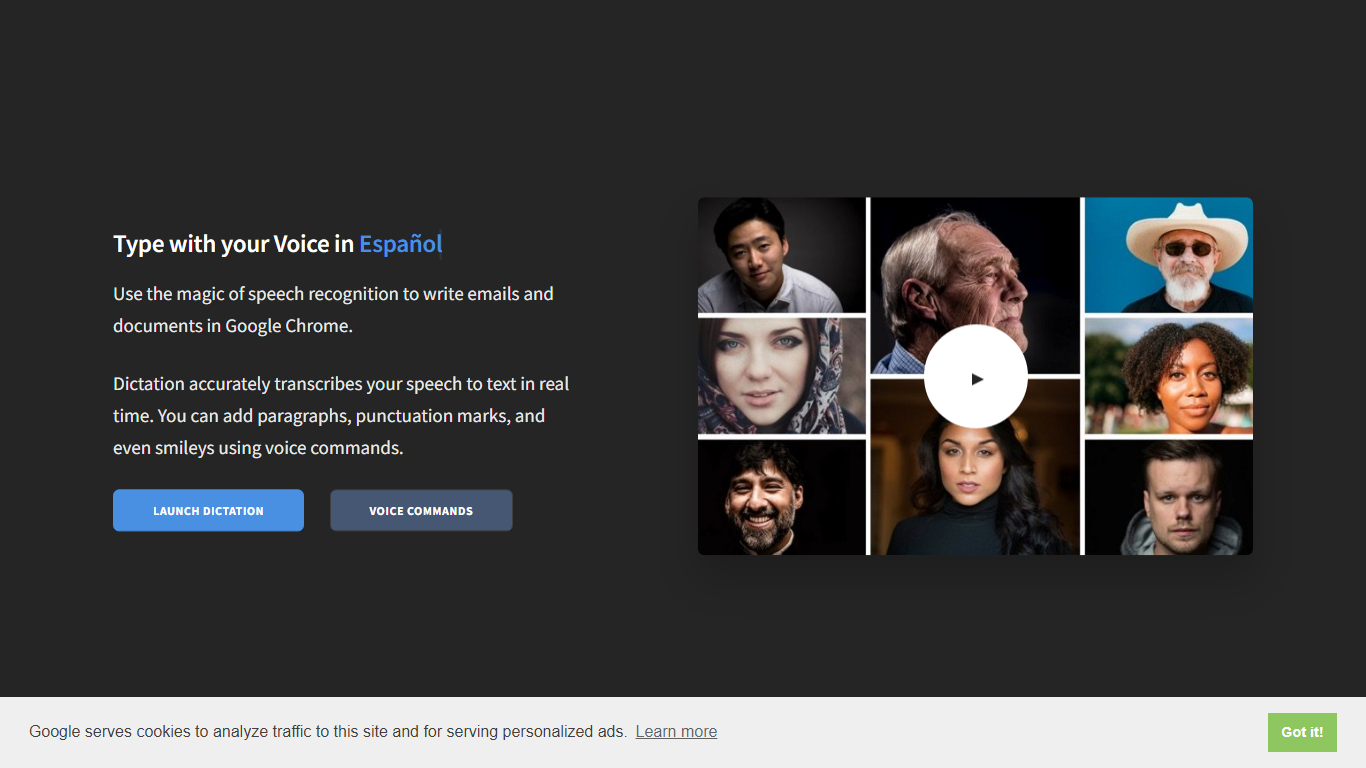
Dictation transcribes your voice into editable text in real time inside Google Chrome. It supports more than 100 languages and regional variants through Google's speech recognition engine, and voice commands add paragraphs, punctuation, and smileys without touching the keyboard. The tool targets anyone drafting emails or documents hands-free on Windows, Mac, or Linux.
Most dictation apps want a desktop install or a paid API key. Dictation keeps everything in the browser, stores converted text locally, and does not upload audio to its own servers according to the help copy. That makes it a lightweight option for drafting emails and documents when you already use Chrome.
Writers, multilingual users, and accessibility-focused workers use Dictation for hands-free typing. The trade-off is Chrome-only support and dependence on Google's recognition quality, which varies by language and microphone setup.
Auth0 Upvotes
Dictation Upvotes
Auth0 Top Features
Universal Login and Embedded Login flows with branding controls for web and mobile apps
Single sign-on across enterprise federation, social logins, and username-password setups
Multifactor authentication with adaptive MFA that triggers only on risky login attempts
Passwordless authentication and breached password detection to reduce credential risk
Token Vault for AI agents to request short-lived tokens instead of storing third-party API keys
Fine-grained authorization APIs for access control in B2B SaaS and RAG document retrieval
Machine-to-machine authentication for APIs, background jobs, and IoT device communication
Actions and Forms extensibility to customize signup, login, and identity workflows without new backend code
30-plus SDKs and quickstarts to integrate Auth0 into common languages and frameworks in minutes
Dictation Top Features
Real-time speech transcription in more than 100 languages via Google Speech Recognition
Voice commands for new lines, punctuation marks, and smileys like "Smiling Face"
Runs in Google Chrome on Windows, Mac, and Linux with no account required
Converted text stays in the browser locally with no server upload, per the site help
Dedicated pages list supported languages and per-language voice commands
Free to use with contact at [email protected] for feedback
Auth0 Category
- Web Apps
Dictation Category
- Web Apps
Auth0 Pricing Type
- Freemium
Dictation Pricing Type
- Free