Dragonfly vs Dictation
In the contest of Dragonfly vs Dictation, which AI Web Apps tool is the champion? We evaluate pricing, alternatives, upvotes, features, reviews, and more.
If you had to choose between Dragonfly and Dictation, which one would you go for?
When we examine Dragonfly and Dictation, both of which are AI-enabled web apps tools, what unique characteristics do we discover? The upvote count reveals a draw, with both tools earning the same number of upvotes. Your vote matters! Help us decide the winner among aitools.fyi users by casting your vote.
Think we got it wrong? Cast your vote and show us who's boss!
Dragonfly

What is Dragonfly?
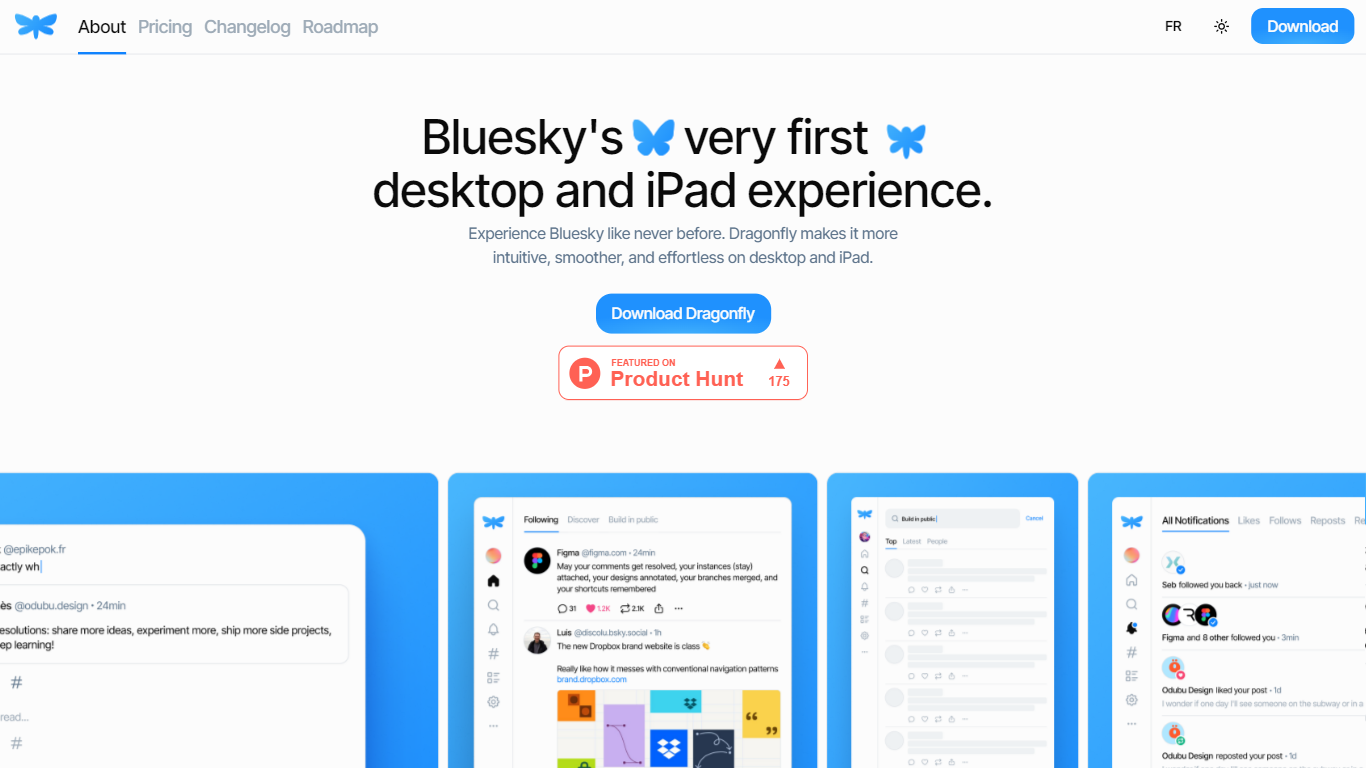
Dragonfly is a desktop and iPad client for Bluesky, built to make the social network feel smoother and more at home on Apple hardware. It is the first dedicated desktop and tablet experience for Bluesky, with a timeline, posting tools, and account controls wrapped in a native-style interface.
S?bastien Gruhier and In?s Gruhier, a father-daughter team behind Async Development and Odubu Design, built Dragonfly in Flutter after years of mobile game and app work. The app focuses on a cleaner reading and writing flow than browsing Bluesky in a web tab.
Dragonfly targets Bluesky users who want a focused Mac or iPad app with push notifications, theme switching, and roadmap features like synced bookmarks, custom feeds, and chat. Windows, Linux, iPhone, and Android versions are listed as coming soon on the site.
Dictation
What is Dictation?
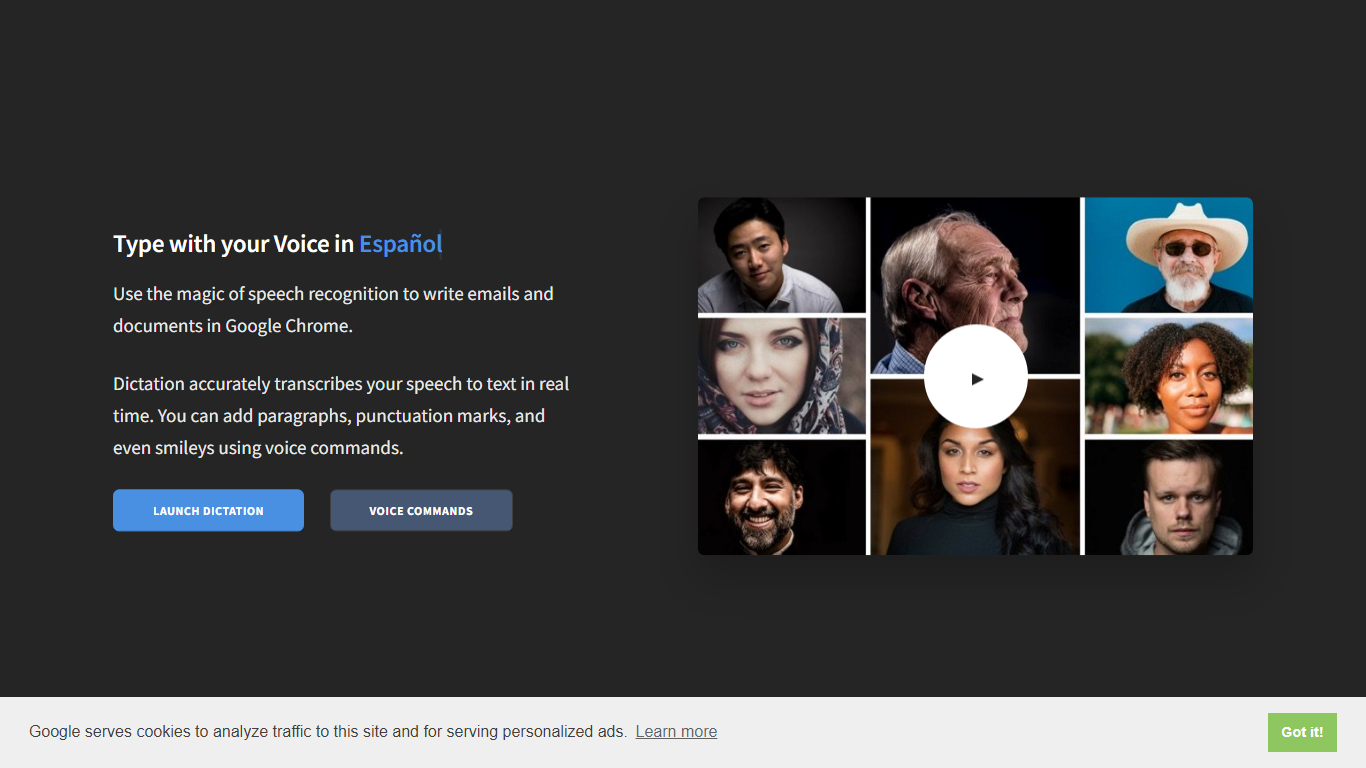
Dictation transcribes your voice into editable text in real time inside Google Chrome. It supports more than 100 languages and regional variants through Google's speech recognition engine, and voice commands add paragraphs, punctuation, and smileys without touching the keyboard. The tool targets anyone drafting emails or documents hands-free on Windows, Mac, or Linux.
Most dictation apps want a desktop install or a paid API key. Dictation keeps everything in the browser, stores converted text locally, and does not upload audio to its own servers according to the help copy. That makes it a lightweight option for drafting emails and documents when you already use Chrome.
Writers, multilingual users, and accessibility-focused workers use Dictation for hands-free typing. The trade-off is Chrome-only support and dependence on Google's recognition quality, which varies by language and microphone setup.
Dragonfly Upvotes
Dictation Upvotes
Dragonfly Top Features
Read your Bluesky timeline and trending posts on Mac or iPad
Like, repost, and quote posts without leaving the app
Push notifications when someone interacts with your account
Switch between light and dark themes at any time
Compose threads and posts in a dedicated writing screen
Follow, unfollow, block, and unblock accounts from profile views
Drafts and bookmarks for saving posts and unfinished writing
Dictation Top Features
Real-time speech transcription in more than 100 languages via Google Speech Recognition
Voice commands for new lines, punctuation marks, and smileys like "Smiling Face"
Runs in Google Chrome on Windows, Mac, and Linux with no account required
Converted text stays in the browser locally with no server upload, per the site help
Dedicated pages list supported languages and per-language voice commands
Free to use with contact at [email protected] for feedback
Dragonfly Category
- Web Apps
Dictation Category
- Web Apps
Dragonfly Pricing Type
- Paid
Dictation Pricing Type
- Free