Linguana vs Dictation
Explore the showdown between Linguana vs Dictation and find out which AI Web Apps tool wins. We analyze upvotes, features, reviews, pricing, alternatives, and more.
When comparing Linguana and Dictation, which one rises above the other?
When we contrast Linguana with Dictation, both of which are exceptional AI-operated web apps tools, and place them side by side, we can spot several crucial similarities and divergences. Neither tool takes the lead, as they both have the same upvote count. You can help us determine the winner by casting your vote and tipping the scales in favor of one of the tools.
Feeling rebellious? Cast your vote and shake things up!
Linguana

What is Linguana?
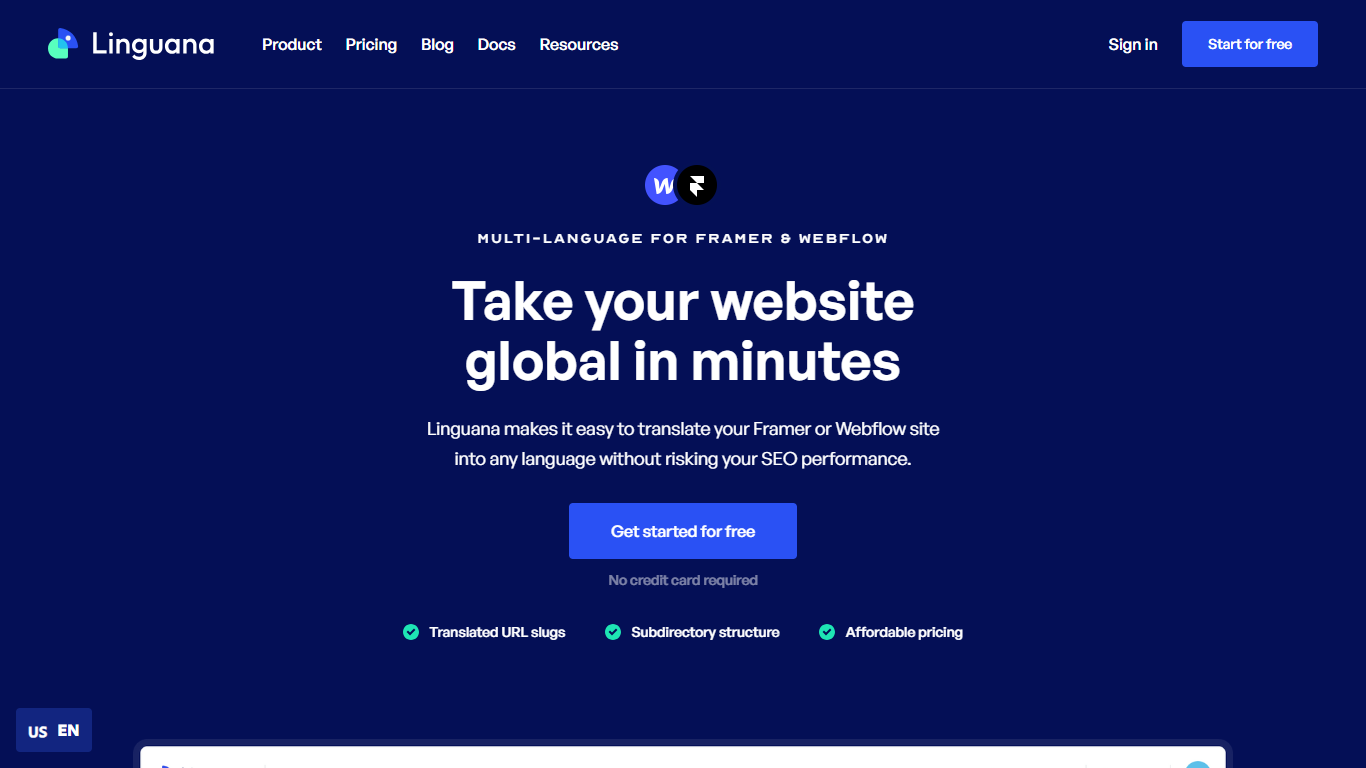
Linguana is a website translation platform from CodeConda that helps you publish your site in 100+ languages while keeping international SEO intact. Connect your site, let its parser detect content, then translate manually or fill fields with automatic translations. No code is required to get started, and a free tier is available without a credit card.
What sets Linguana apart is its focus on multilingual SEO mechanics. It supports translated URL slugs, subdirectory structures, custom domains, and hidden metadata like page titles, OpenGraph tags, and alt text. Translated pages are cached and served from its CDN rather than duplicated on your origin server.
Webflow and Framer agencies are a core audience, but Linguana also ships dedicated workflows for Carrd, Wix, WordPress, and Kajabi. Over 800 companies and agencies use it, including teams that switched from tools like Weglot for clearer pricing and more control over when translations update.
Dictation
What is Dictation?
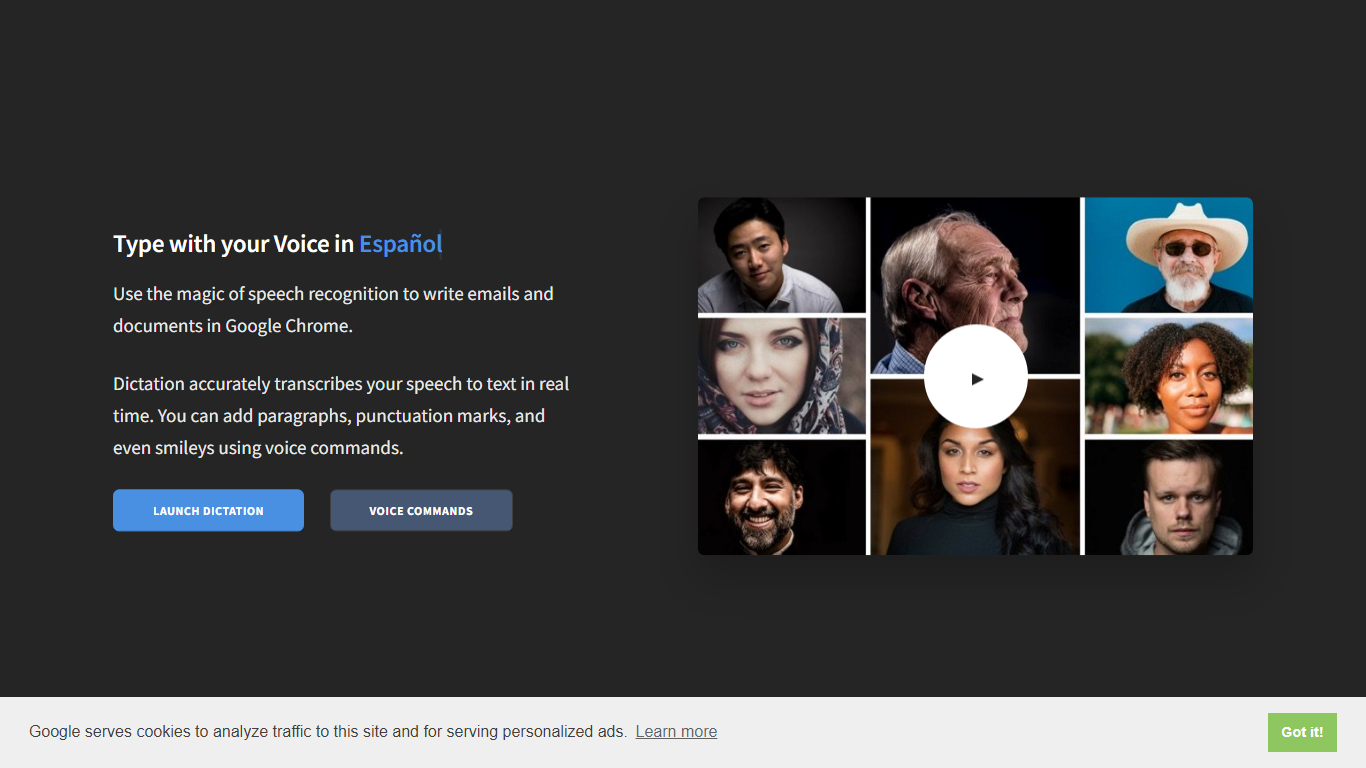
Dictation transcribes your voice into editable text in real time inside Google Chrome. It supports more than 100 languages and regional variants through Google's speech recognition engine, and voice commands add paragraphs, punctuation, and smileys without touching the keyboard. The tool targets anyone drafting emails or documents hands-free on Windows, Mac, or Linux.
Most dictation apps want a desktop install or a paid API key. Dictation keeps everything in the browser, stores converted text locally, and does not upload audio to its own servers according to the help copy. That makes it a lightweight option for drafting emails and documents when you already use Chrome.
Writers, multilingual users, and accessibility-focused workers use Dictation for hands-free typing. The trade-off is Chrome-only support and dependence on Google's recognition quality, which varies by language and microphone setup.
Linguana Upvotes
Dictation Upvotes
Linguana Top Features
Publish translated pages at SEO-friendly subfolder paths like /es and /de
Translate URL slugs so search engines index pages in the visitor's language
Auto-translate site content with Google Cloud neural translation plus in-house algorithms
Edit any translation manually in the dashboard without buying extra AI credits
Dedicated setup flows for Webflow, Framer, Carrd, Wix, WordPress, and Kajabi
Dictation Top Features
Real-time speech transcription in more than 100 languages via Google Speech Recognition
Voice commands for new lines, punctuation marks, and smileys like "Smiling Face"
Runs in Google Chrome on Windows, Mac, and Linux with no account required
Converted text stays in the browser locally with no server upload, per the site help
Dedicated pages list supported languages and per-language voice commands
Free to use with contact at [email protected] for feedback
Linguana Category
- Web Apps
Dictation Category
- Web Apps
Linguana Pricing Type
- Freemium
Dictation Pricing Type
- Free