Autoenhance.ai vs HomeDesignsAI
In the clash of Autoenhance.ai vs HomeDesignsAI, which AI Real Estate tool emerges victorious? We assess reviews, pricing, alternatives, features, upvotes, and more.
When we put Autoenhance.ai and HomeDesignsAI head to head, which one emerges as the victor?
Let's take a closer look at Autoenhance.ai and HomeDesignsAI, both of which are AI-driven real estate tools, and see what sets them apart. The upvote count favors HomeDesignsAI, making it the clear winner. HomeDesignsAI has 8 upvotes, and Autoenhance.ai has 7 upvotes.
Think we got it wrong? Cast your vote and show us who's boss!
Autoenhance.ai


What is Autoenhance.ai?
Autoenhance.ai edits real estate photos automatically, handling HDR merging, window pulls, sky replacement, perspective correction, and camera removal from mirror reflections. Upload a full property shoot, set your preferences, and get listing-ready images back in 5 to 10 minutes without sending files to a human editor.
Traditional real estate editing means waiting days for an outsourced team or spending hours in Lightroom on every shoot. Autoenhance.ai targets photographers who need consistent, true-to-life results at AI speed. You preview every enhancement free with watermarks and pay only when you download the final file.
Real estate photographers, media companies, and agencies shooting 50 to 10,000 images per month are the core users. Subscription plans (Essential, Advanced, Expert) include monthly credits with one-month rollover, or you can pay per downloaded image with a single end-of-month invoice.
HomeDesignsAI
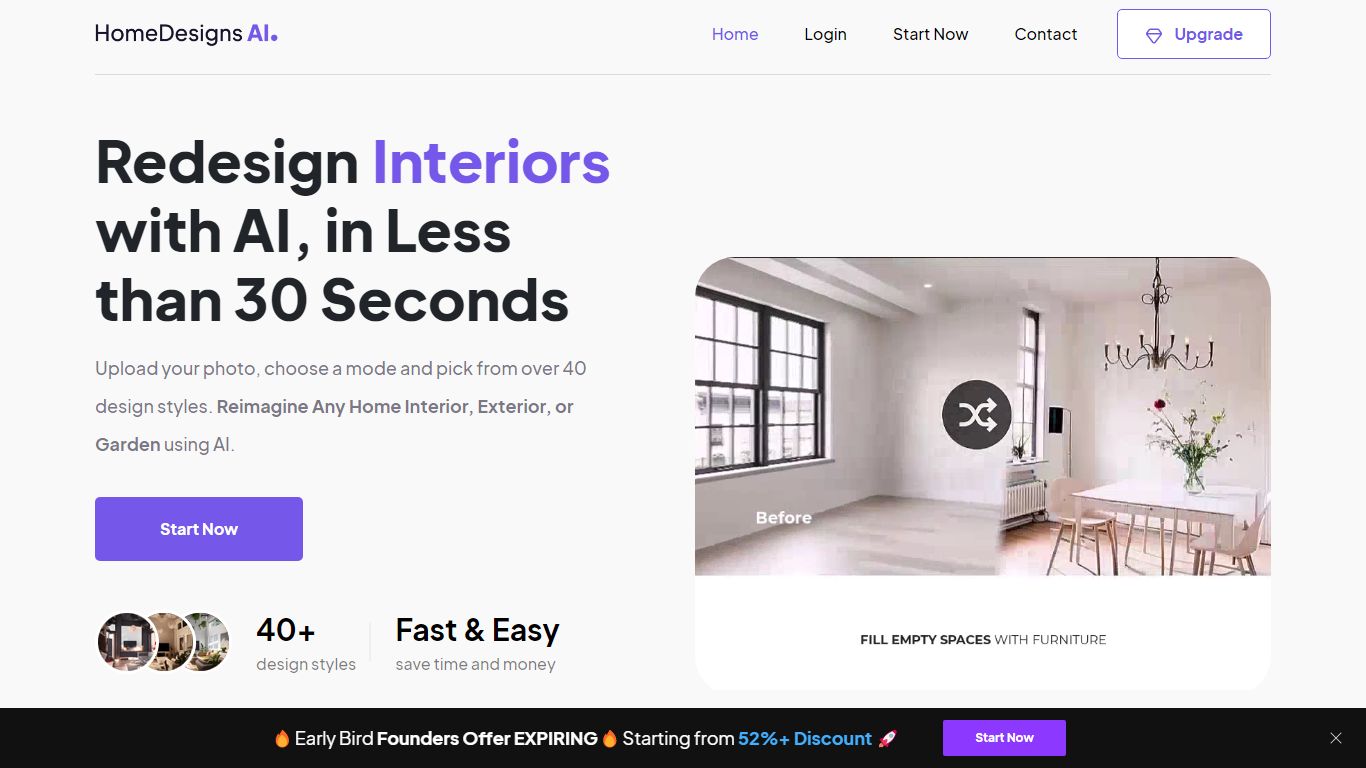
What is HomeDesignsAI?
HomeDesignsAI redesigns interiors, exteriors, gardens, and patios from a single uploaded photo in about 30 seconds. Its Structure-Lock keeps your real walls, windows, and layout fixed while swapping furniture, materials, lighting, and landscaping across 160 plus style presets.
Generic image generators invent new rooms with wrong proportions. HomeDesignsAI locks structure first, then offers virtual staging, declutter, sky and weather swaps, sketch-to-render, 2D-to-3D floor plans, and a shop-the-look furniture finder in one login. The trade-off is a credit system on the free tier and metered video exports on some plans.
Real estate agents stage vacant listings without furniture rental. Interior designers cut concept time by showing photoreal versions instead of mood boards. Homeowners test kitchen finishes and exterior facades before committing to contractor quotes.
Autoenhance.ai Upvotes
HomeDesignsAI Upvotes
Autoenhance.ai Top Features
Full property shoots edited in 5 to 10 minutes
HDR merging, window pulls, sky replacement, and perspective correction in one upload
Free watermarked previews; credits charged only when you download a final image
Subscription plans from Essential (50 to 250 images/mo) through Expert (up to 10,000/mo)
Pay-per-image option with end-of-month invoicing and no upfront bundles
Supports bracketed HDR uploads, RAW and JPG formats, and 360 photos
HomeDesignsAI Top Features
Structure-Lock keeps real walls, windows, and layout while redesigning in about 30 seconds
160 plus design styles across interiors, exteriors, gardens, patios, and terraces
7.76 million plus projects completed for 2.68 million plus users worldwide
Virtual staging, declutter, sketch-to-render, and 2D-to-3D floor plan tools in one platform
One-click video walkthroughs with 10, 20, or 30 second clip lengths
Shop-the-look furniture finder links real products seen in generated designs
Rated 4.8 out of 5 from 2,400 plus reviews on the public homepage
Autoenhance.ai Category
- Real Estate
HomeDesignsAI Category
- Real Estate
Autoenhance.ai Pricing Type
- Freemium
HomeDesignsAI Pricing Type
- Freemium