
Last updated 08-10-2026
Category:
Reviews:
Join thousands of AI enthusiasts in the World of AI!
Autoenhance.ai
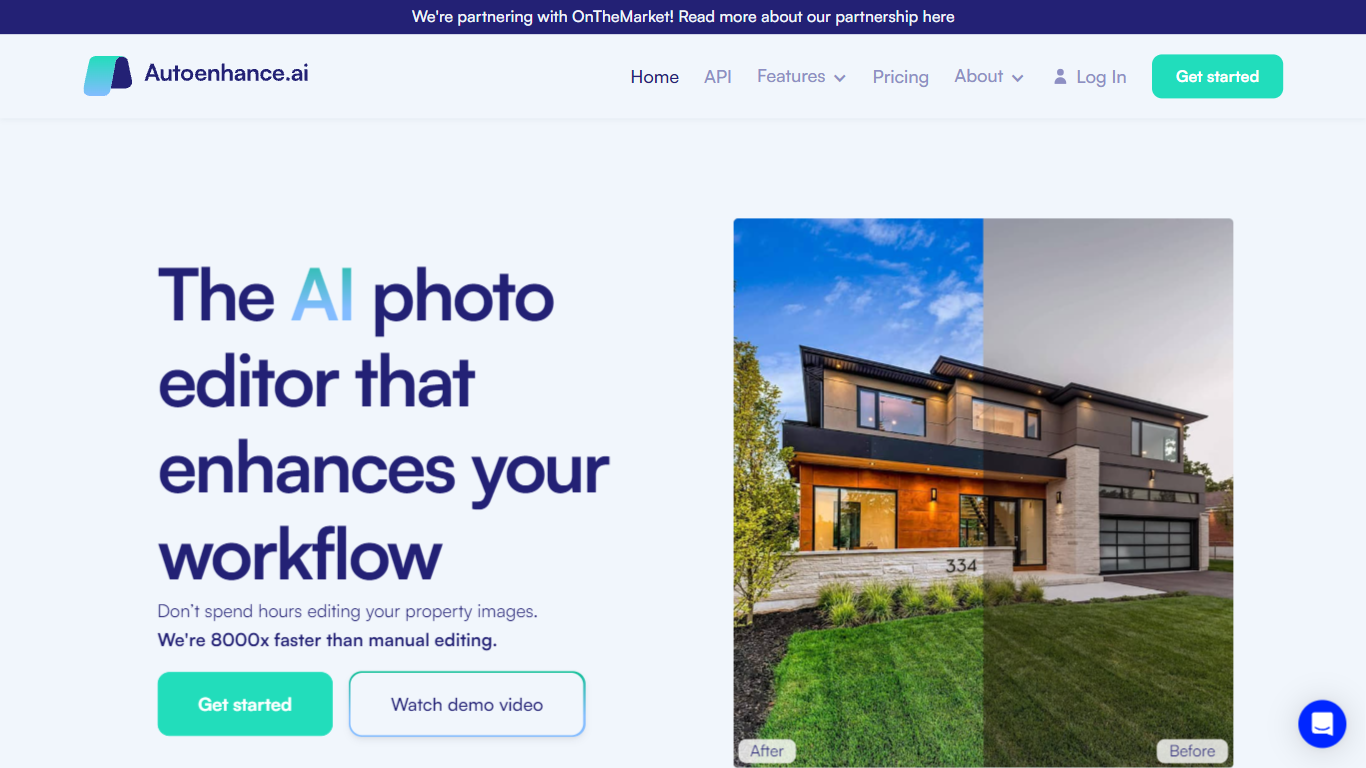
Autoenhance.ai edits real estate photos automatically, handling HDR merging, window pulls, sky replacement, perspective correction, and camera removal from mirror reflections. Upload a full property shoot, set your preferences, and get listing-ready images back in 5 to 10 minutes without sending files to a human editor.
Traditional real estate editing means waiting days for an outsourced team or spending hours in Lightroom on every shoot. Autoenhance.ai targets photographers who need consistent, true-to-life results at AI speed. You preview every enhancement free with watermarks and pay only when you download the final file.
Real estate photographers, media companies, and agencies shooting 50 to 10,000 images per month are the core users. Subscription plans (Essential, Advanced, Expert) include monthly credits with one-month rollover, or you can pay per downloaded image with a single end-of-month invoice.
Full property shoots edited in 5 to 10 minutes
HDR merging, window pulls, sky replacement, and perspective correction in one upload
Free watermarked previews; credits charged only when you download a final image
Subscription plans from Essential (50 to 250 images/mo) through Expert (up to 10,000/mo)
Pay-per-image option with end-of-month invoicing and no upfront bundles
Supports bracketed HDR uploads, RAW and JPG formats, and 360 photos
Full shoots return in 5 to 10 minutes versus days with human editors
Free previews let you check every edit before spending a credit
Handles specialized real estate edits like window pulls and camera removal automatically
Final downloads require paid credits or a subscription
Exact per-image pricing not listed publicly on the pricing page
Best suited for real estate photography, not general photo editing
Is Autoenhance.ai free to try?
Yes. Autoenhance.ai lets you upload images and preview all enhancements with watermarks at no cost and no credit card required. You pay only when you download an unwatermarked, high-resolution final image.
How does Autoenhance.ai pricing work?
Autoenhance.ai offers monthly subscription plans with included credits or a pay-per-image model invoiced at month end. One credit is charged per downloaded image regardless of how many exposure brackets you uploaded.
What edits does Autoenhance.ai handle?
Autoenhance.ai performs HDR merging, window pulls, sky replacement, color correction, perspective correction, and camera removal from mirrors. It auto-detects brackets, interiors, and exteriors on upload.
How fast is Autoenhance.ai turnaround?
Autoenhance.ai returns listing-ready edits for a full property shoot in 5 to 10 minutes. Advanced and Expert plans deliver 4K and 6K resolution outputs respectively.
Do Autoenhance.ai credits roll over?
Yes. Autoenhance.ai subscription credits roll over for one additional month, so each credit stays valid for two months from issuance. Unused credits expire after that period.
What image formats does Autoenhance.ai support?
Autoenhance.ai accepts RAW and JPG files, bracketed HDR exposures, and 360 photos. Uploading and previewing enhancements is free; only downloads consume credits.