Autoenhance.ai vs ReRoom AI
In the battle of Autoenhance.ai vs ReRoom AI, which AI Real Estate tool comes out on top? We compare reviews, pricing, alternatives, upvotes, features, and more.
Between Autoenhance.ai and ReRoom AI, which one is superior?
Upon comparing Autoenhance.ai with ReRoom AI, which are both AI-powered real estate tools, The community has spoken, Autoenhance.ai leads with more upvotes. Autoenhance.ai has 7 upvotes, and ReRoom AI has 6 upvotes.
Does the result make you go "hmm"? Cast your vote and turn that frown upside down!
Autoenhance.ai
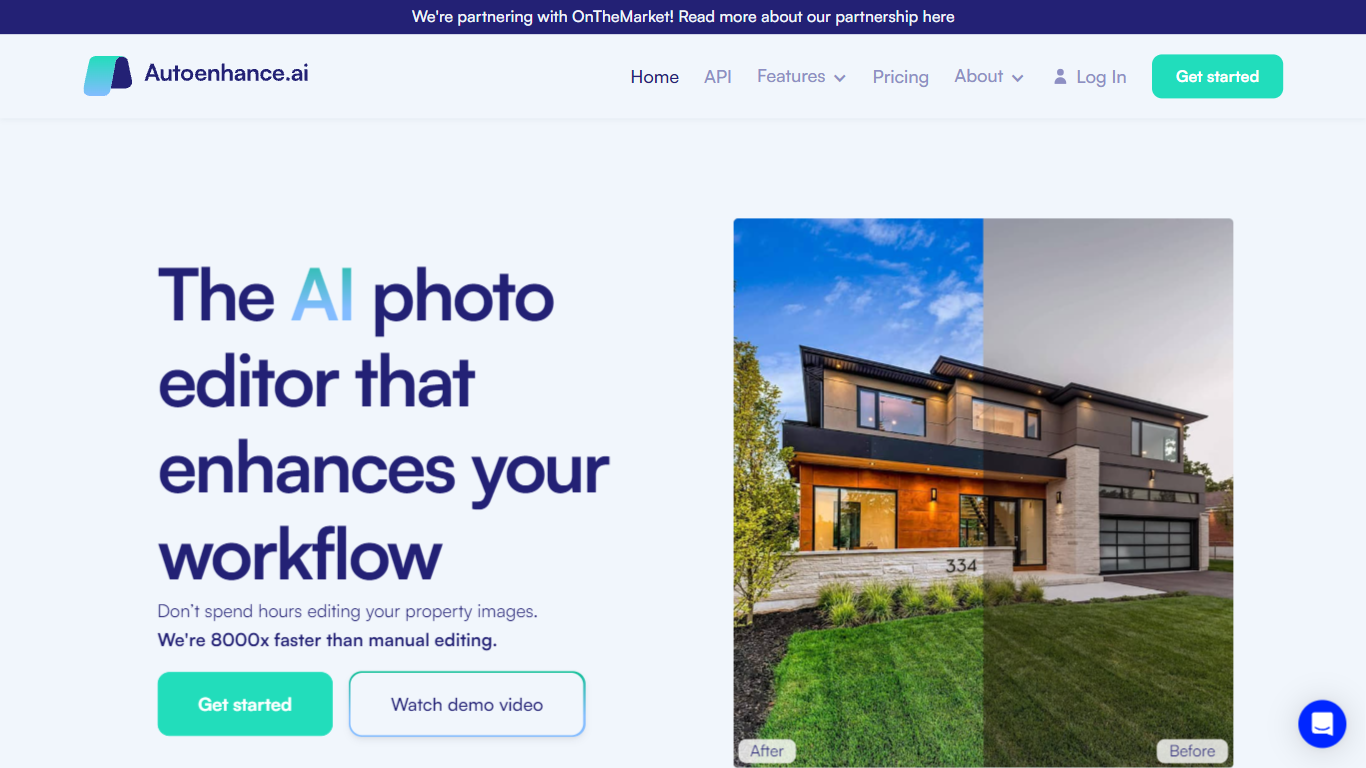

What is Autoenhance.ai?
Autoenhance.ai edits real estate photos automatically, handling HDR merging, window pulls, sky replacement, perspective correction, and camera removal from mirror reflections. Upload a full property shoot, set your preferences, and get listing-ready images back in 5 to 10 minutes without sending files to a human editor.
Traditional real estate editing means waiting days for an outsourced team or spending hours in Lightroom on every shoot. Autoenhance.ai targets photographers who need consistent, true-to-life results at AI speed. You preview every enhancement free with watermarks and pay only when you download the final file.
Real estate photographers, media companies, and agencies shooting 50 to 10,000 images per month are the core users. Subscription plans (Essential, Advanced, Expert) include monthly credits with one-month rollover, or you can pay per downloaded image with a single end-of-month invoice.
ReRoom AI
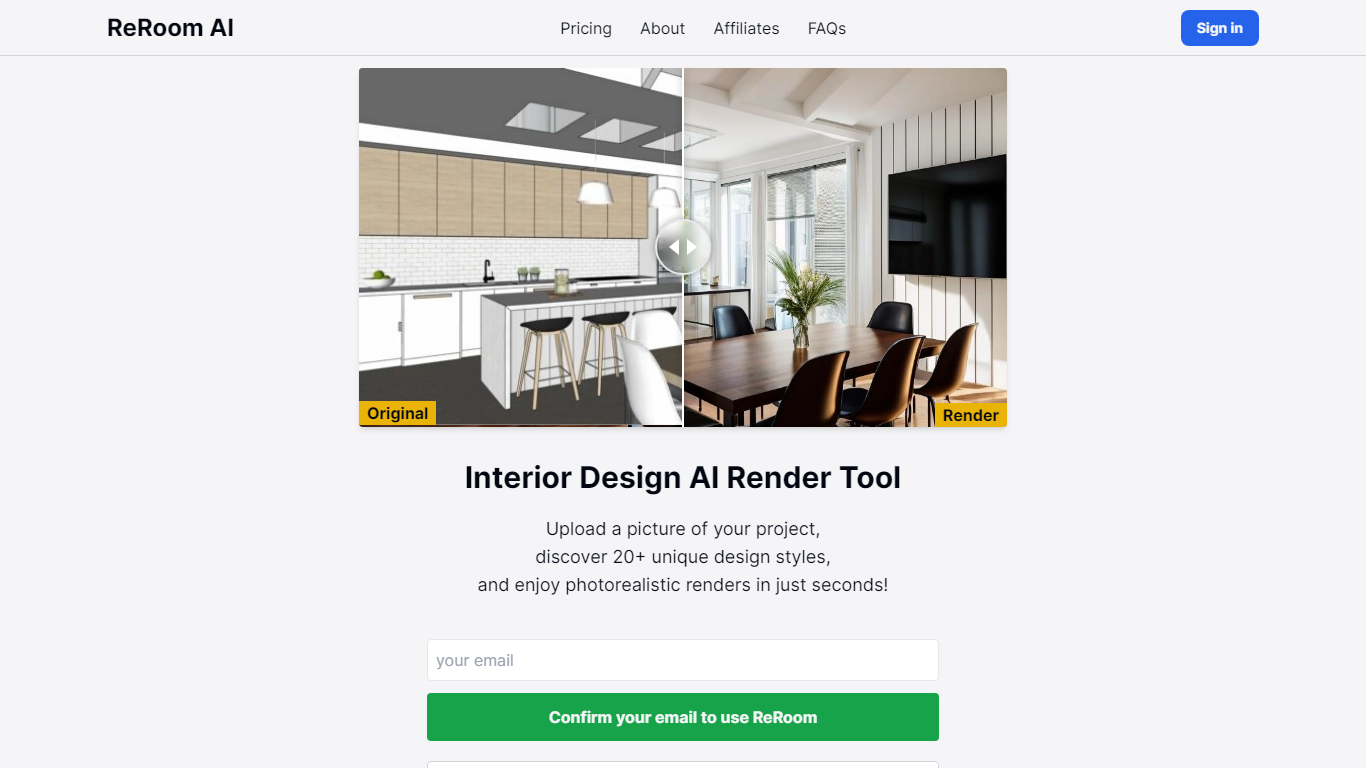
What is ReRoom AI?
ReRoom AI turns interior photos, floor plans, SketchUp scenes, and clay models into photorealistic renders and virtual staging shots for real estate and design clients. You upload a source image, pick styles or prompts, and get presentation-ready interiors without a full 3D rebuild.
Compared with traditional rendering suites, ReRoom leans on fast AI passes with prompt control, 4x upscaling, and optional walkthrough video credits on paid plans. The free tier caps you at 3 watermarked renders per day, while paid plans unlock unlimited output, private mode, and commercial rights.
Interior designers, architects, and listing teams use it to pitch concepts, stage empty rooms, and refresh client decks. The about page cites 9,000+ daily renders across 150+ countries, with team billing and shared moodboards for agencies that need consistent styles.
Autoenhance.ai Upvotes
ReRoom AI Upvotes
Autoenhance.ai Top Features
Full property shoots edited in 5 to 10 minutes
HDR merging, window pulls, sky replacement, and perspective correction in one upload
Free watermarked previews; credits charged only when you download a final image
Subscription plans from Essential (50 to 250 images/mo) through Expert (up to 10,000/mo)
Pay-per-image option with end-of-month invoicing and no upfront bundles
Supports bracketed HDR uploads, RAW and JPG formats, and 360 photos
ReRoom AI Top Features
Free trial includes 3 renders per day with theme-based styling
Paid plans offer unlimited renders with 4x image upscaling
Private rendering mode removes watermarks on Pro and Team tiers
Prompt-based customization plus annotation edits on uploaded images
Video generation credits turn still renders into walkthrough clips
Team plans add shared projects, moodboards, and centralized billing
Tutorial library covers floor plans, SketchUp scenes, and satellite urban concepts
Autoenhance.ai Category
- Real Estate
ReRoom AI Category
- Real Estate
Autoenhance.ai Pricing Type
- Freemium
ReRoom AI Pricing Type
- Freemium