DecorAI vs Autoenhance.ai
Explore the showdown between DecorAI vs Autoenhance.ai and find out which AI Real Estate tool wins. We analyze upvotes, features, reviews, pricing, alternatives, and more.
When comparing DecorAI and Autoenhance.ai, which one rises above the other?
When we contrast DecorAI with Autoenhance.ai, both of which are exceptional AI-operated real estate tools, and place them side by side, we can spot several crucial similarities and divergences. Both tools are equally favored, as indicated by the identical upvote count. Since other aitools.fyi users could decide the winner, the ball is in your court now to cast your vote and help us determine the winner.
Want to flip the script? Upvote your favorite tool and change the game!
DecorAI


What is DecorAI?
DecorAI turns a photo of a real room, exterior, or garden into a photorealistic redesign in about 30 seconds. Upload one picture, pick a style or describe the look in plain words, and see the same space with new cabinets, flooring, furniture, and lighting while walls and proportions stay fixed.
Most interior design apps need floor plans or CAD skills. DecorAI works from a single photo with 175 style presets across 135 space types, plus Pro mode and a Magic Edit Brush to paint over one area and describe replacements. The trade-off is that it changes finishes and furniture, not structural layout, plumbing, or construction measurements.
Homeowners preview renovations before hiring contractors. Real estate agents stage listings virtually. Interior designers show clients multiple options side by side at 4K resolution without building physical mockups.
Autoenhance.ai
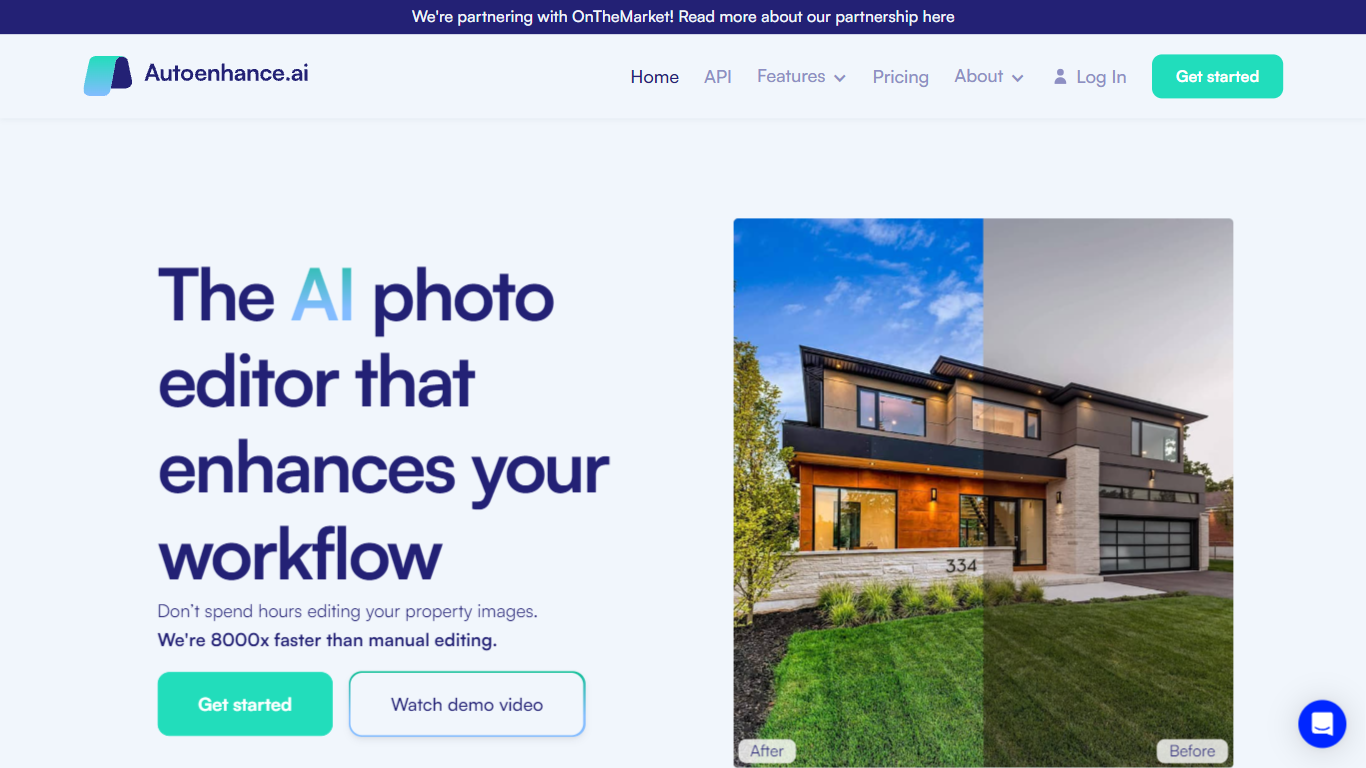
What is Autoenhance.ai?
Autoenhance.ai edits real estate photos automatically, handling HDR merging, window pulls, sky replacement, perspective correction, and camera removal from mirror reflections. Upload a full property shoot, set your preferences, and get listing-ready images back in 5 to 10 minutes without sending files to a human editor.
Traditional real estate editing means waiting days for an outsourced team or spending hours in Lightroom on every shoot. Autoenhance.ai targets photographers who need consistent, true-to-life results at AI speed. You preview every enhancement free with watermarks and pay only when you download the final file.
Real estate photographers, media companies, and agencies shooting 50 to 10,000 images per month are the core users. Subscription plans (Essential, Advanced, Expert) include monthly credits with one-month rollover, or you can pay per downloaded image with a single end-of-month invoice.
DecorAI Upvotes
Autoenhance.ai Upvotes
DecorAI Top Features
Generates photorealistic redesigns from one photo in about 30 seconds at 4K resolution
175 design styles across 135 space types including kitchens, bathrooms, and gardens
20 plus AI tools covering kitchen design, AI Relight, sketch-to-render, and frame extension
Unlimited image generations on paid plans at $24 per month with no per-image credits
Magic Edit Brush paints over one area and replaces it with a described element
40 million plus designs generated across residential and outdoor space categories
Commercial usage rights and private generation mode on every paid subscription
Autoenhance.ai Top Features
Full property shoots edited in 5 to 10 minutes
HDR merging, window pulls, sky replacement, and perspective correction in one upload
Free watermarked previews; credits charged only when you download a final image
Subscription plans from Essential (50 to 250 images/mo) through Expert (up to 10,000/mo)
Pay-per-image option with end-of-month invoicing and no upfront bundles
Supports bracketed HDR uploads, RAW and JPG formats, and 360 photos
DecorAI Category
- Real Estate
Autoenhance.ai Category
- Real Estate
DecorAI Pricing Type
- Freemium
Autoenhance.ai Pricing Type
- Freemium