AutoOptimize vs Sendsteps
When comparing AutoOptimize vs Sendsteps, which AI Automation tool shines brighter? We look at pricing, alternatives, upvotes, features, reviews, and more.
In a comparison between AutoOptimize and Sendsteps, which one comes out on top?
When we put AutoOptimize and Sendsteps side by side, both being AI-powered automation tools, Interestingly, both tools have managed to secure the same number of upvotes. You can help us determine the winner by casting your vote and tipping the scales in favor of one of the tools.
Does the result make you go "hmm"? Cast your vote and turn that frown upside down!
AutoOptimize

What is AutoOptimize?
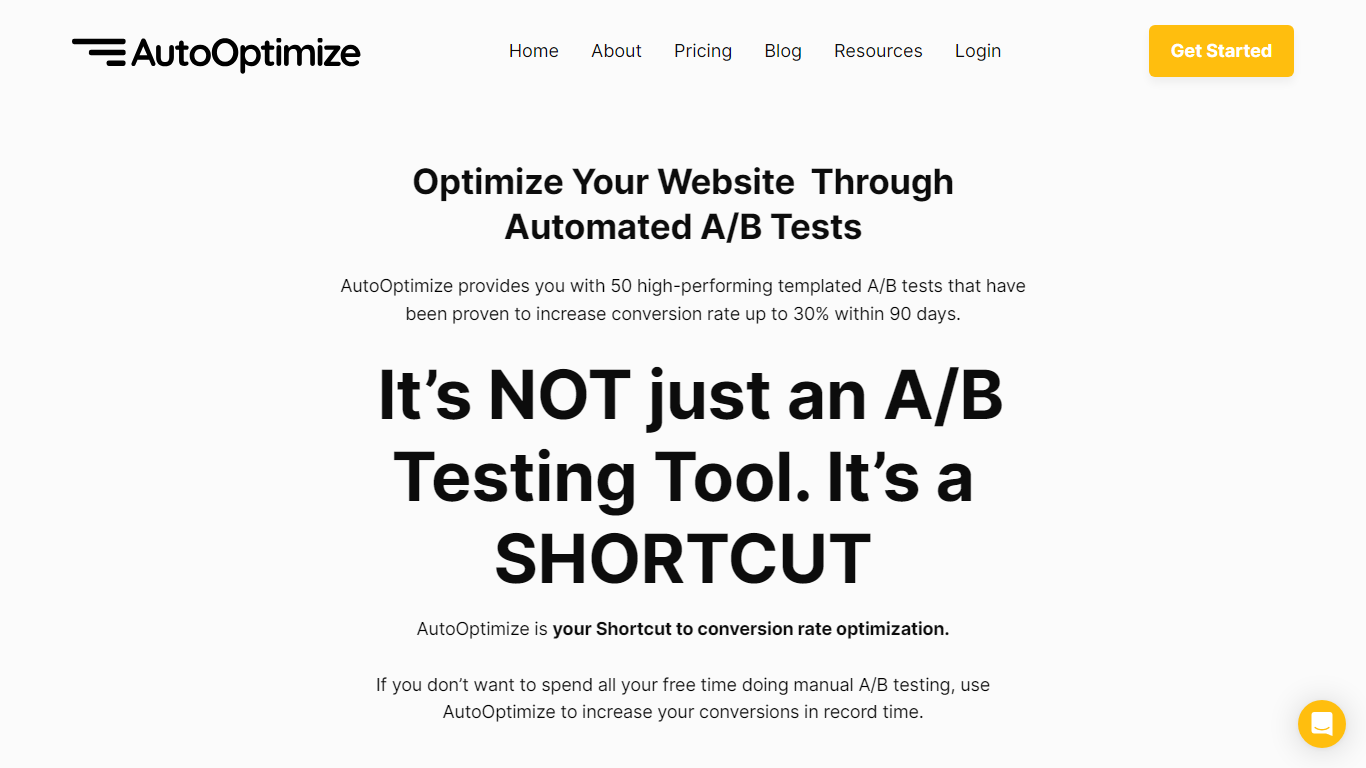
Maximize your website's potential with AutoOptimize’s advanced A/B testing tool! Designed to streamline conversion rate optimization, our platform offers 50 ready-to-use templated A/B tests that have demonstrated up to 30% increase in conversions within just 90 days. No extensive manual testing or hiring expensive CRO professionals—AutoOptimize is your affordable, automated shortcut to better performance.
AutoOptimize is not only about A/B testing; it’s the ultimate time-saving solution compatible with every platform, ensuring you get quick results. The tool provides real-time data, built-in AI features, and dedicated support, all without the need for coding skills. Plus, it’s cloud-based with advanced 256-bit encryption, promising easy organization and top-notch security.
Struggling with rising ad costs, neglected landing page optimizations, or instabilities on ad platforms? AutoOptimize tackles these challenges head-on. Easily set the service in motion in four straightforward steps, then watch as your website optimization takes care of itself, reducing ad costs, increasing revenue, and lowering customer acquisition costs.
Sendsteps
What is Sendsteps?
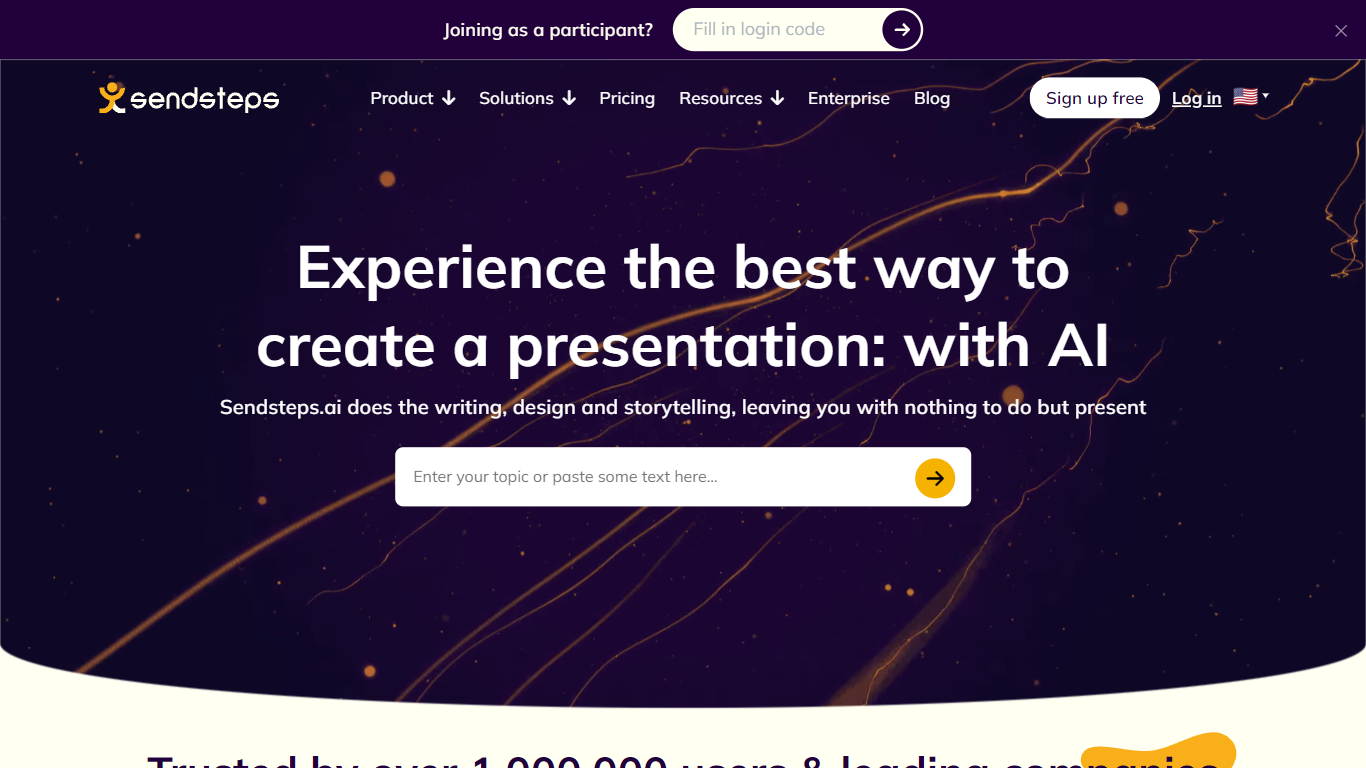
Sendsteps automates the teaching workflow from lesson creation through live engagement to learning validation. Teachers build interactive presentations with AI, run polls and word clouds in class, and get dashboards that show whether students actually understood the material.
Polling apps add applause meters; slide generators spit out decks without proof anyone learned. Sendsteps connects create, interact, insights, and improve into one loop, positioning validated learning data over isolated engagement tricks.
Educators at Nyenrode and Zuyd use Sendsteps for in-person and online sessions. Free signup needs no credit card, and the site claims setup takes about five minutes for 2.5M+ users on the platform.
AutoOptimize Upvotes
Sendsteps Upvotes
AutoOptimize Top Features
Pre-Built A/B Tests: Simplifies the optimization process with 50 high-performance templates.
No-Code Solution: Easy to use without any technical expertise making it accessible for anyone.
Real-Time Data: Offers valuable insights with real-time project tracking and notifications.
Dedicated Support: Provides thorough onboarding and continuous customer assistance.
Increased Security: Ensures data protection with advanced 256-bit encryption for peace of mind.
Sendsteps Top Features
AI builds structured lessons with slides, questions, and flow in minutes
Live polls, open questions, and word clouds during class sessions
Teacher dashboards with outlier detection and learning validation insights
Document import plus multi-lesson AI generation from uploaded materials
Free account signup with no credit card and setup in about 5 minutes
Annual billing saves up to 31% compared to monthly plans
AutoOptimize Category
- Automation
Sendsteps Category
- Automation
AutoOptimize Pricing Type
- Freemium
Sendsteps Pricing Type
- Freemium