AutoPod vs Peech AI
When comparing AutoPod vs Peech AI, which AI Video Editing tool shines brighter? We look at pricing, alternatives, upvotes, features, reviews, and more.
In a comparison between AutoPod and Peech AI, which one comes out on top?
When we put AutoPod and Peech AI side by side, both being AI-powered video editing tools, The upvote count shows a clear preference for AutoPod. AutoPod has garnered 6 upvotes, and Peech AI has garnered 5 upvotes.
Want to flip the script? Upvote your favorite tool and change the game!
AutoPod

What is AutoPod?
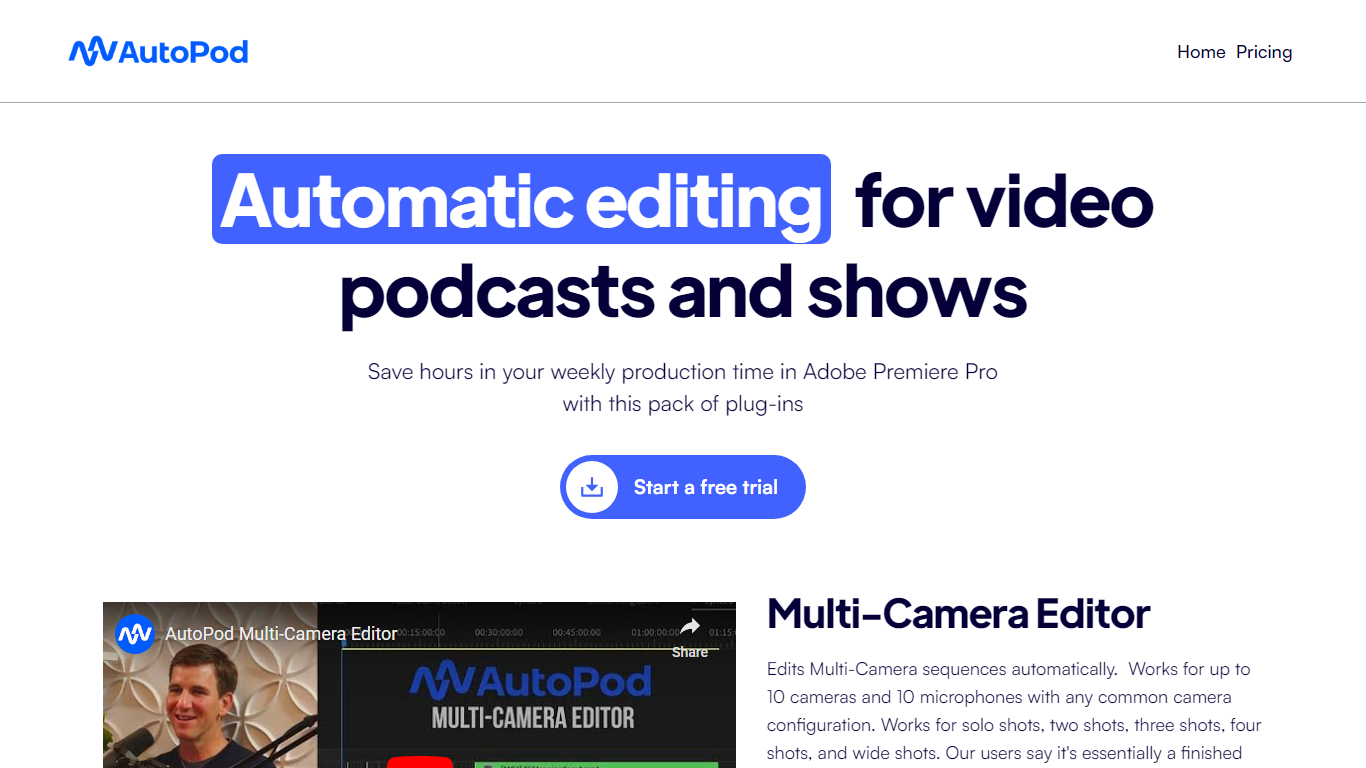
AutoPod is a pack of Adobe Premiere Pro extensions that automate the repetitive parts of video podcast editing. The Multi-Camera Editor cuts between up to 10 cameras and 10 microphones based on who is speaking, the Social Clip Creator exports 1920x1080, 1080x1350, and 1080x1920 clips from in/out points, and the Jump Cut Editor removes silence to keep social clips tight.
Unlike generic auto-edit tools that work across NLEs, AutoPod only targets Premiere Pro (with a separate DaVinci Resolve build) and trains its cuts on thousands of hours of podcast footage. That narrow focus means it handles solo shots, two-shots, three-shots, and wide shots out of the box, but it requires separate audio tracks per speaker and will not work with a single camera or single mic setup.
Video podcast producers and show editors who already live in Premiere Pro are the core audience. The $29 per month per-license price with a 30-day free trial targets freelancers and small teams who edit multi-cam interview shows weekly and want to skip the first-pass assembly before fine-tuning presets for their specific cutting style.
Peech AI

What is Peech AI?
Peech turns raw video footage into branded, platform-ready clips through automated post-production. Upload your content and the platform tags scenes, transcribes speech, applies your brand elements, and outputs resized versions for social, web, and ads. A text-to-video editor lets you trim clips and remove filler words as easily as editing a document.
Agency-style post-production usually means days of editor time for every batch of marketing videos. Peech automates transcription in 20+ languages, facial-recognition framing, aspect-ratio cropping, and highlight clip generation in one workflow. Media teams report cutting post-production time by up to 95% and design costs by over 80% compared to hiring external editors.
Marketing teams at B2B companies like Peerspot and Datarails use Peech to repurpose webinars and interviews into daily social clips. Media companies organize large footage libraries with automatic tagging and topic-based highlight recommendations. You can start free without a credit card, then scale to dozens of branded videos per month through the app at app.peech-ai.com.
AutoPod Upvotes
Peech AI Upvotes
AutoPod Top Features
Multi-Camera Editor supports up to 10 cameras and 10 microphones with solo, two-shot, three-shot, and wide shot layouts
Social Clip Creator exports 1920x1080, 1080x1350, and 1080x1920 clips with optional auto-reframe, watermarks, and end pages
Jump Cut Editor creates silence-based cuts with a customizable decibel cutoff per microphone
Custom presets for cutting style, wide-shot frequency, and standard vs multi-cam vs enable/disable modes
Batch export all social clips from a folder with a single click
Requires Adobe Premiere Pro 2023 or newer; DaVinci Resolve version available through a separate downloader
Peech AI Top Features
Real-time transcription and translation into 20+ languages with subtitle export
Text-to-video editor cuts clips and removes filler words like editing a doc
Automated brand elements applied across every output with one-click execution
Frame cropper centers speakers via facial recognition across aspect ratios
Clip Generator produces ready-to-publish social videos from long-form footage
AutoPod Category
- Video Editing
Peech AI Category
- Video Editing
AutoPod Pricing Type
- Paid
Peech AI Pricing Type
- Freemium