
Last updated 08-13-2026
Category:
Reviews:
Join thousands of AI enthusiasts in the World of AI!
AutoPod
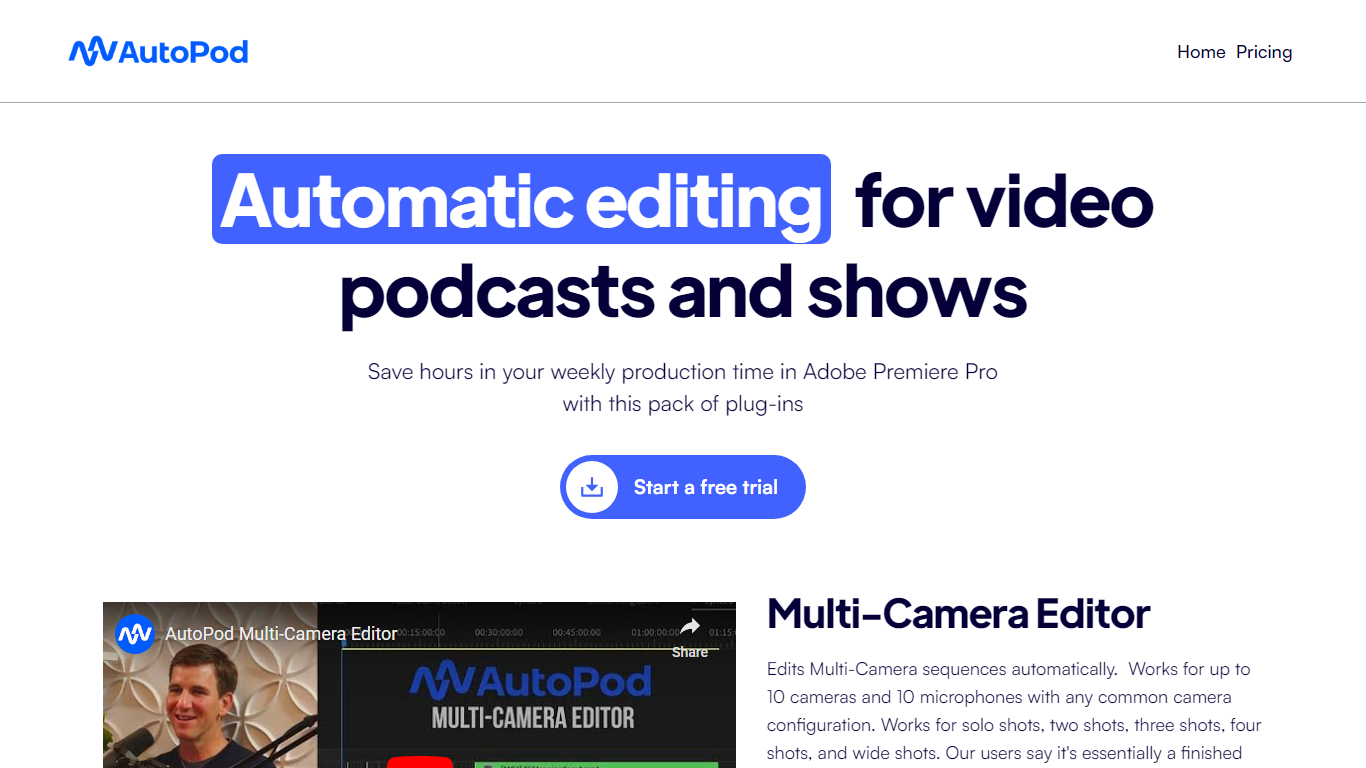
AutoPod is a pack of Adobe Premiere Pro extensions that automate the repetitive parts of video podcast editing. The Multi-Camera Editor cuts between up to 10 cameras and 10 microphones based on who is speaking, the Social Clip Creator exports 1920x1080, 1080x1350, and 1080x1920 clips from in/out points, and the Jump Cut Editor removes silence to keep social clips tight.
Unlike generic auto-edit tools that work across NLEs, AutoPod only targets Premiere Pro (with a separate DaVinci Resolve build) and trains its cuts on thousands of hours of podcast footage. That narrow focus means it handles solo shots, two-shots, three-shots, and wide shots out of the box, but it requires separate audio tracks per speaker and will not work with a single camera or single mic setup.
Video podcast producers and show editors who already live in Premiere Pro are the core audience. The $29 per month per-license price with a 30-day free trial targets freelancers and small teams who edit multi-cam interview shows weekly and want to skip the first-pass assembly before fine-tuning presets for their specific cutting style.
Multi-Camera Editor supports up to 10 cameras and 10 microphones with solo, two-shot, three-shot, and wide shot layouts
Social Clip Creator exports 1920x1080, 1080x1350, and 1080x1920 clips with optional auto-reframe, watermarks, and end pages
Jump Cut Editor creates silence-based cuts with a customizable decibel cutoff per microphone
Custom presets for cutting style, wide-shot frequency, and standard vs multi-cam vs enable/disable modes
Batch export all social clips from a folder with a single click
Requires Adobe Premiere Pro 2023 or newer; DaVinci Resolve version available through a separate downloader
Multi-Camera Editor handles up to 10 cameras and 10 mics, producing a near-finished first pass
Social Clip Creator exports three aspect ratios (16:9, 4:5, 9:16) with batch export in one click
Custom presets let you save cutting styles and wide-shot frequency for recurring show formats
30-day free trial on monthly billing lets you test on a real project before committing
Requires separate audio tracks per speaker; single-camera or single-mic setups are not supported
Only works in Premiere Pro and DaVinci Resolve, with no plans for Final Cut Pro or Avid
Each license locks to one computer, so switching machines requires a manual key transfer
How much does AutoPod cost?
AutoPod costs $29 per month per license and includes all three plugins: Multi-Camera Editor, Social Clip Creator, and Jump Cut Editor. Monthly billing includes a 30-day free trial, and annual billing includes one month free per year.
What are AutoPod's system requirements?
AutoPod requires Adobe Premiere Pro 2023 or newer. If your computer can run Premiere Pro, it should run AutoPod. After installing, open a project file and access the plugins through Window, then Extensions in the Premiere menu bar.
How does AutoPod Multi-Camera Editor work?
AutoPod Multi-Camera Editor analyzes who is speaking, the camera layout, and typical podcast editing conventions trained on thousands of hours of footage. It produces a near-finished edit for multi-cam sequences with up to 10 speakers and any combination of shot types.
Can AutoPod work with a single camera?
No. AutoPod Multi-Camera Editor requires multiple cameras and separate unique audio tracks per speaker to make editing decisions. It is not designed for single-camera or single-speaker setups.
Is AutoPod available for DaVinci Resolve?
Yes. AutoPod is available for DaVinci Resolve through the same purchase portal, with a separate downloader for the Resolve version. AutoPod is not available for Final Cut Pro, Avid, or other NLEs.
How many computers can use one AutoPod license?
Each AutoPod license works on one computer only. The machine where the key is first activated becomes the licensed device. To switch machines, use the computer switch form at autopod.fm/switch-computers.