Supercreator vs AutoPod
When comparing Supercreator vs AutoPod, which AI Video Editing tool shines brighter? We look at pricing, alternatives, upvotes, features, reviews, and more.
In a comparison between Supercreator and AutoPod, which one comes out on top?
When we put Supercreator and AutoPod side by side, both being AI-powered video editing tools, The upvote count is neck and neck for both Supercreator and AutoPod. Be a part of the decision-making process. Your vote could determine the winner.
Not your cup of tea? Upvote your preferred tool and stir things up!
Supercreator


What is Supercreator?
Supercreator.ai is a creator platform from CLB Creative that pairs AI-assisted scripting and video tools with templates, communities, and automations. The product is available through the web app at app.supercreator.ai and an iOS app where users sign in with Apple ID, pick interest categories, and move from idea to finished short-form content.
The public site positions Supercreator as an invitation-only entry point for creators and partners, while legal pages describe a broader ecosystem: registered users can browse template libraries, join free or paid communities, and publish creations after account review. Premium subscribers keep scripts and videos private; free users may have their generated content visible to others on the platform.
AutoPod
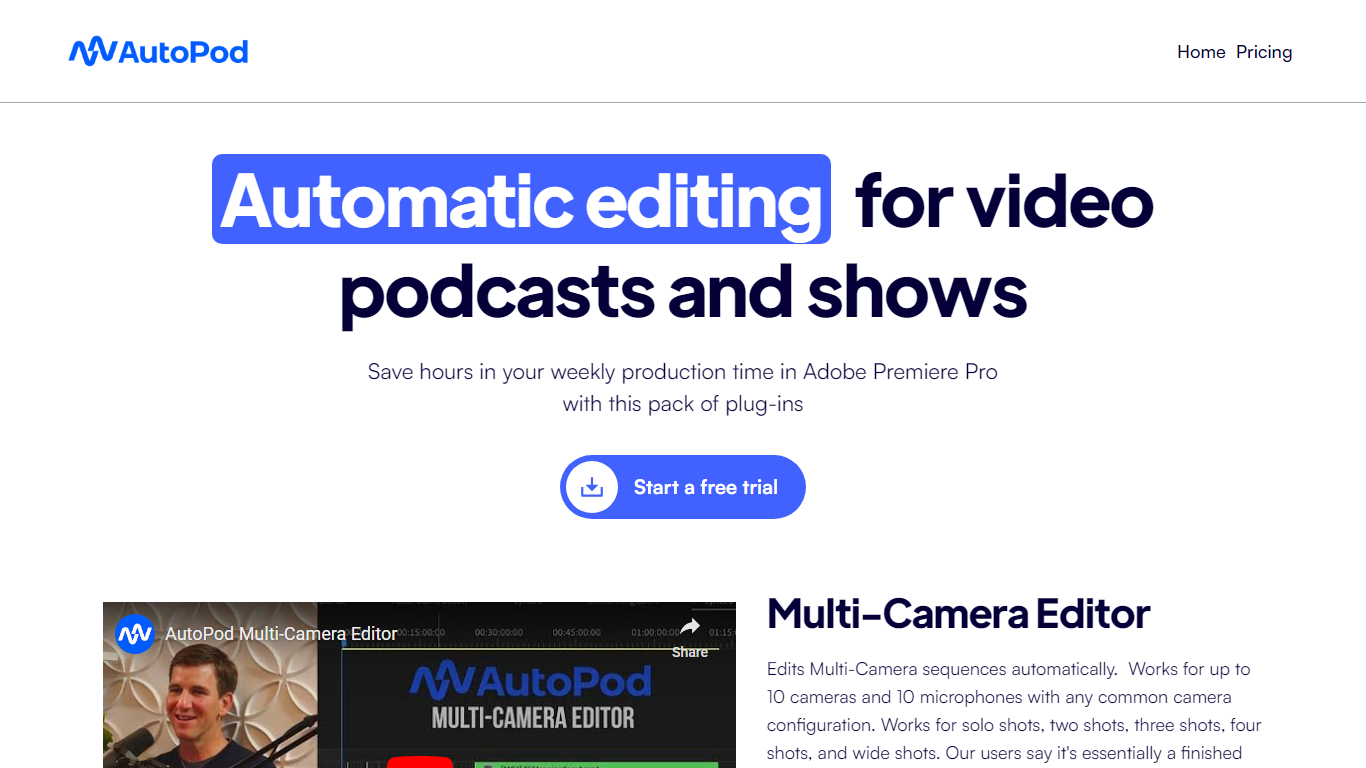
What is AutoPod?
AutoPod is a pack of Adobe Premiere Pro extensions that automate the repetitive parts of video podcast editing. The Multi-Camera Editor cuts between up to 10 cameras and 10 microphones based on who is speaking, the Social Clip Creator exports 1920x1080, 1080x1350, and 1080x1920 clips from in/out points, and the Jump Cut Editor removes silence to keep social clips tight.
Unlike generic auto-edit tools that work across NLEs, AutoPod only targets Premiere Pro (with a separate DaVinci Resolve build) and trains its cuts on thousands of hours of podcast footage. That narrow focus means it handles solo shots, two-shots, three-shots, and wide shots out of the box, but it requires separate audio tracks per speaker and will not work with a single camera or single mic setup.
Video podcast producers and show editors who already live in Premiere Pro are the core audience. The $29 per month per-license price with a 30-day free trial targets freelancers and small teams who edit multi-cam interview shows weekly and want to skip the first-pass assembly before fine-tuning presets for their specific cutting style.
Supercreator Upvotes
AutoPod Upvotes
Supercreator Top Features
Generate video scripts with AI from your topics or existing source material
Record in-app with speech mode that turns spoken lines into on-screen text
Apply TrueDepth AR face masks and effects while filming on iPhone
Separate foreground subjects from backgrounds for green-screen style shots
Browse a template library to start projects faster
Join free or paid creator communities inside the platform
Choose interest categories such as sports, fashion, education, or finance for tailored suggestions
AutoPod Top Features
Multi-Camera Editor supports up to 10 cameras and 10 microphones with solo, two-shot, three-shot, and wide shot layouts
Social Clip Creator exports 1920x1080, 1080x1350, and 1080x1920 clips with optional auto-reframe, watermarks, and end pages
Jump Cut Editor creates silence-based cuts with a customizable decibel cutoff per microphone
Custom presets for cutting style, wide-shot frequency, and standard vs multi-cam vs enable/disable modes
Batch export all social clips from a folder with a single click
Requires Adobe Premiere Pro 2023 or newer; DaVinci Resolve version available through a separate downloader
Supercreator Category
- Video Editing
AutoPod Category
- Video Editing
Supercreator Pricing Type
- Freemium
AutoPod Pricing Type
- Paid