AutoPod vs Timebolt
In the clash of AutoPod vs Timebolt, which AI Video Editing tool emerges victorious? We assess reviews, pricing, alternatives, features, upvotes, and more.
When we put AutoPod and Timebolt head to head, which one emerges as the victor?
Let's take a closer look at AutoPod and Timebolt, both of which are AI-driven video editing tools, and see what sets them apart. With more upvotes, Timebolt is the preferred choice. The number of upvotes for Timebolt stands at 18, and for AutoPod it's 6.
Disagree with the result? Upvote your favorite tool and help it win!
AutoPod

What is AutoPod?
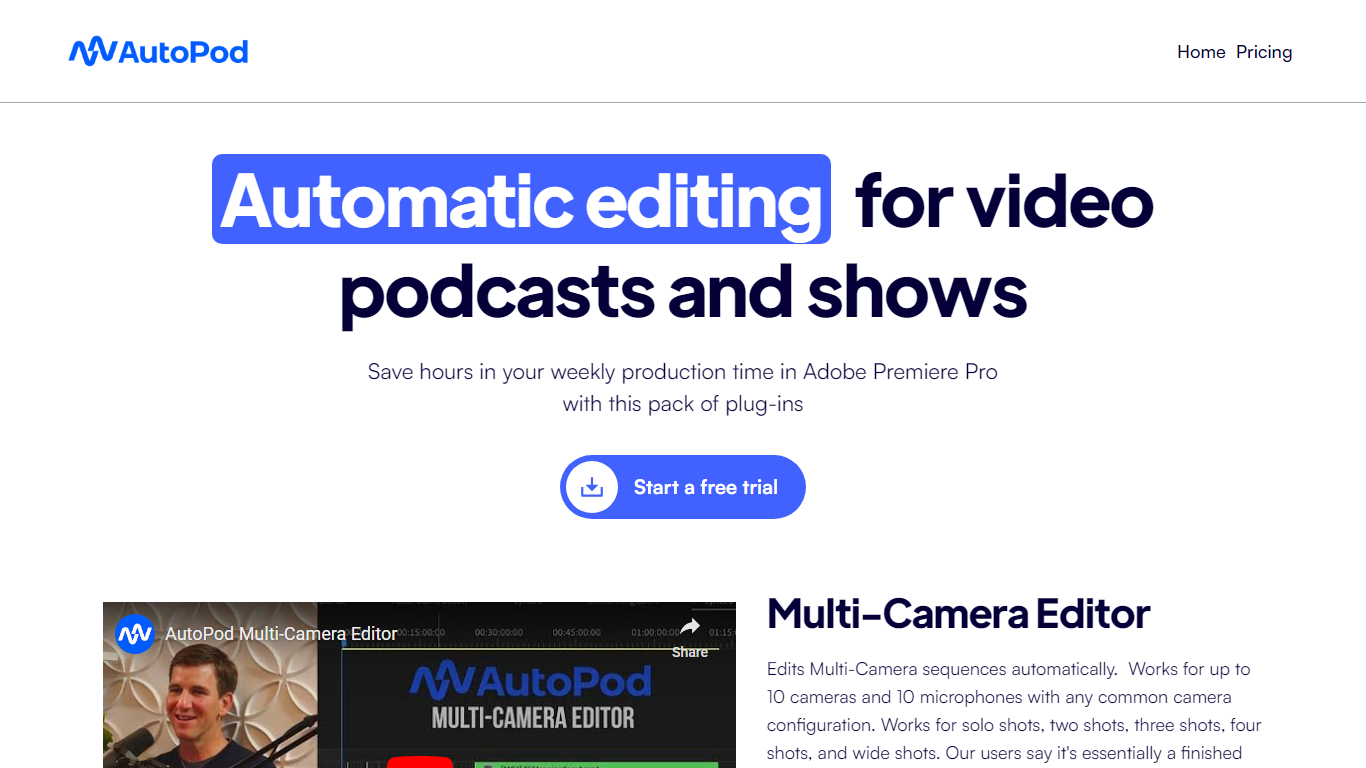
AutoPod is a pack of Adobe Premiere Pro extensions that automate the repetitive parts of video podcast editing. The Multi-Camera Editor cuts between up to 10 cameras and 10 microphones based on who is speaking, the Social Clip Creator exports 1920x1080, 1080x1350, and 1080x1920 clips from in/out points, and the Jump Cut Editor removes silence to keep social clips tight.
Unlike generic auto-edit tools that work across NLEs, AutoPod only targets Premiere Pro (with a separate DaVinci Resolve build) and trains its cuts on thousands of hours of podcast footage. That narrow focus means it handles solo shots, two-shots, three-shots, and wide shots out of the box, but it requires separate audio tracks per speaker and will not work with a single camera or single mic setup.
Video podcast producers and show editors who already live in Premiere Pro are the core audience. The $29 per month per-license price with a 30-day free trial targets freelancers and small teams who edit multi-cam interview shows weekly and want to skip the first-pass assembly before fine-tuning presets for their specific cutting style.
Timebolt

What is Timebolt?
Timebolt is a desktop video editor built around waveform-first jump cuts for podcasts, interviews, and screen recordings. It strips silence, filler words, and bad takes with 0.01 second cut control, then exports timelines to Premiere Pro, Final Cut Pro, DaVinci Resolve, or Camtasia without re-cutting by hand.
Most text-based AI editors guess where pauses live and leave hundreds of missed cuts per hour. Timebolt measures the audio waveform first, which is why its benchmark claims zero mistakes left per hour while rivals like Descript and Gling still need manual cleanup. That trade-off favors editors who want frame-tight cuts over a chat-style transcript workflow.
Podcasters, YouTubers, and course creators use Timebolt to shrink raw talking-head footage before publishing. Post-production teams also route Riverside multicam sessions through Timebolt XML exports so senior editors finish polish work in their preferred NLE.
AutoPod Upvotes
Timebolt Upvotes
AutoPod Top Features
Multi-Camera Editor supports up to 10 cameras and 10 microphones with solo, two-shot, three-shot, and wide shot layouts
Social Clip Creator exports 1920x1080, 1080x1350, and 1080x1920 clips with optional auto-reframe, watermarks, and end pages
Jump Cut Editor creates silence-based cuts with a customizable decibel cutoff per microphone
Custom presets for cutting style, wide-shot frequency, and standard vs multi-cam vs enable/disable modes
Batch export all social clips from a folder with a single click
Requires Adobe Premiere Pro 2023 or newer; DaVinci Resolve version available through a separate downloader
Timebolt Top Features
0.01 second cut control on waveform-based silence removal
Processes an hour of footage in about 13 seconds for jump cuts
Exports XML timelines to Premiere Pro, Final Cut Pro, and DaVinci Resolve
UMCHECK removes filler words automatically from recorded speech
Free 4K screen capture tool for Mac and Windows
Benchmark reports zero missed cuts per hour versus hundreds on rival AI editors
AutoPod Category
- Video Editing
Timebolt Category
- Video Editing
AutoPod Pricing Type
- Paid
Timebolt Pricing Type
- Freemium