Typeframes vs AutoPod
Dive into the comparison of Typeframes vs AutoPod and discover which AI Video Editing tool stands out. We examine alternatives, upvotes, features, reviews, pricing, and beyond.
In a comparison between Typeframes and AutoPod, which one comes out on top?
When we compare Typeframes and AutoPod, two exceptional video editing tools powered by artificial intelligence, and place them side by side, several key similarities and differences come to light. The community has spoken, Typeframes leads with more upvotes. Typeframes has been upvoted 7 times by aitools.fyi users, and AutoPod has been upvoted 6 times.
Think we got it wrong? Cast your vote and show us who's boss!
Typeframes


What is Typeframes?
Typeframes converts simple text prompts into engaging product videos optimized for social media platforms like YouTube, Instagram, and TikTok. It enables users to produce high-quality videos quickly without advanced video editing skills.
What sets Typeframes apart is its AI-driven approach that simplifies video production by offering customizable templates and automated suggestions to boost engagement. Unlike traditional video editors, it focuses on speed and ease of use, allowing creators to generate videos in minutes rather than hours.
The platform supports exporting videos in multiple resolutions tailored for different social media formats, including vertical videos. This makes Typeframes especially useful for content creators and marketers aiming to produce consistent, platform-optimized video content efficiently.
By streamlining the video creation process, Typeframes helps users save time and resources while enhancing their social media presence with visually appealing videos.
AutoPod
What is AutoPod?
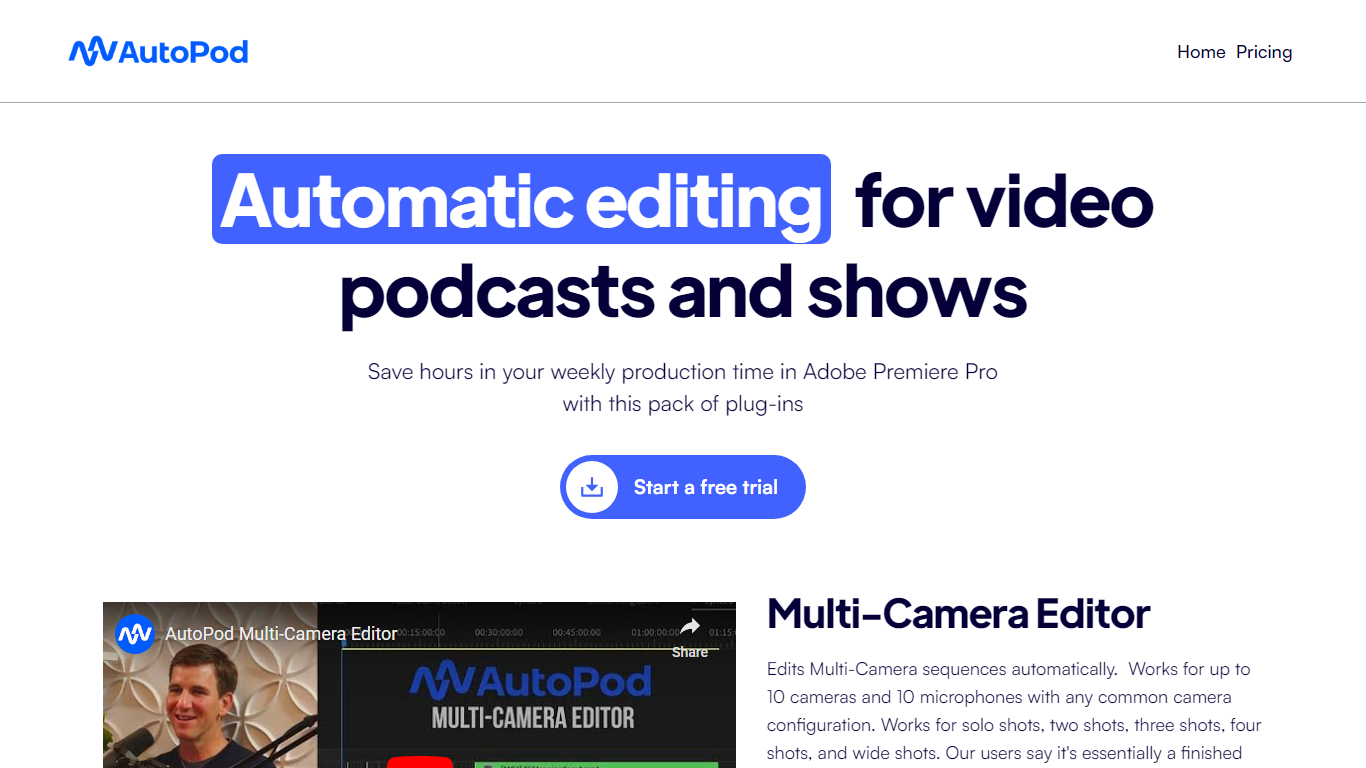
AutoPod is a pack of Adobe Premiere Pro extensions that automate the repetitive parts of video podcast editing. The Multi-Camera Editor cuts between up to 10 cameras and 10 microphones based on who is speaking, the Social Clip Creator exports 1920x1080, 1080x1350, and 1080x1920 clips from in/out points, and the Jump Cut Editor removes silence to keep social clips tight.
Unlike generic auto-edit tools that work across NLEs, AutoPod only targets Premiere Pro (with a separate DaVinci Resolve build) and trains its cuts on thousands of hours of podcast footage. That narrow focus means it handles solo shots, two-shots, three-shots, and wide shots out of the box, but it requires separate audio tracks per speaker and will not work with a single camera or single mic setup.
Video podcast producers and show editors who already live in Premiere Pro are the core audience. The $29 per month per-license price with a 30-day free trial targets freelancers and small teams who edit multi-cam interview shows weekly and want to skip the first-pass assembly before fine-tuning presets for their specific cutting style.
Typeframes Upvotes
AutoPod Upvotes
Typeframes Top Features
Transform text prompts into engaging videos quickly
Customize templates to match your brand style easily
Create vertical videos optimized for social platforms
Simple interface requires no video editing skills
Export videos in multiple resolutions including high quality
AI-driven suggestions to boost video engagement
AutoPod Top Features
Multi-Camera Editor supports up to 10 cameras and 10 microphones with solo, two-shot, three-shot, and wide shot layouts
Social Clip Creator exports 1920x1080, 1080x1350, and 1080x1920 clips with optional auto-reframe, watermarks, and end pages
Jump Cut Editor creates silence-based cuts with a customizable decibel cutoff per microphone
Custom presets for cutting style, wide-shot frequency, and standard vs multi-cam vs enable/disable modes
Batch export all social clips from a folder with a single click
Requires Adobe Premiere Pro 2023 or newer; DaVinci Resolve version available through a separate downloader
Typeframes Category
- Video Editing
AutoPod Category
- Video Editing
Typeframes Pricing Type
- Freemium
AutoPod Pricing Type
- Paid