Vidon.ai vs AutoPod
Explore the showdown between Vidon.ai vs AutoPod and find out which AI Video Editing tool wins. We analyze upvotes, features, reviews, pricing, alternatives, and more.
In a face-off between Vidon.ai and AutoPod, which one takes the crown?
When we contrast Vidon.ai with AutoPod, both of which are exceptional AI-operated video editing tools, and place them side by side, we can spot several crucial similarities and divergences. The upvote count is neck and neck for both Vidon.ai and AutoPod. Be a part of the decision-making process. Your vote could determine the winner.
Feeling rebellious? Cast your vote and shake things up!
Vidon.ai


What is Vidon.ai?
Vidon.ai turns text, URLs, and prompts into finished marketing videos, then lets you schedule, publish, and host them from one dashboard. You type copy, paste a blog link, or describe an idea, and the tool writes a script, selects clips from a 12-million-item stock library, adds voiceover and captions, and builds the video. The web editor runs free with no login required, and you pay only when you export.
Most AI video generators stop at the export button. Vidon.ai bundles a content calendar, one-click social publishing, CDN video hosting with Schema.org metadata, and performance analytics in the same product. That end-to-end pipeline fits teams repurposing blogs or product pages at volume rather than making one-off clips.
Marketers, content teams, and solo creators use Vidon.ai for blog-to-video repurposing, product page videos, and scheduled social series. Business plans add brand kits, API access, bulk CSV import, and video triggers that auto-generate when new blog posts appear.
AutoPod
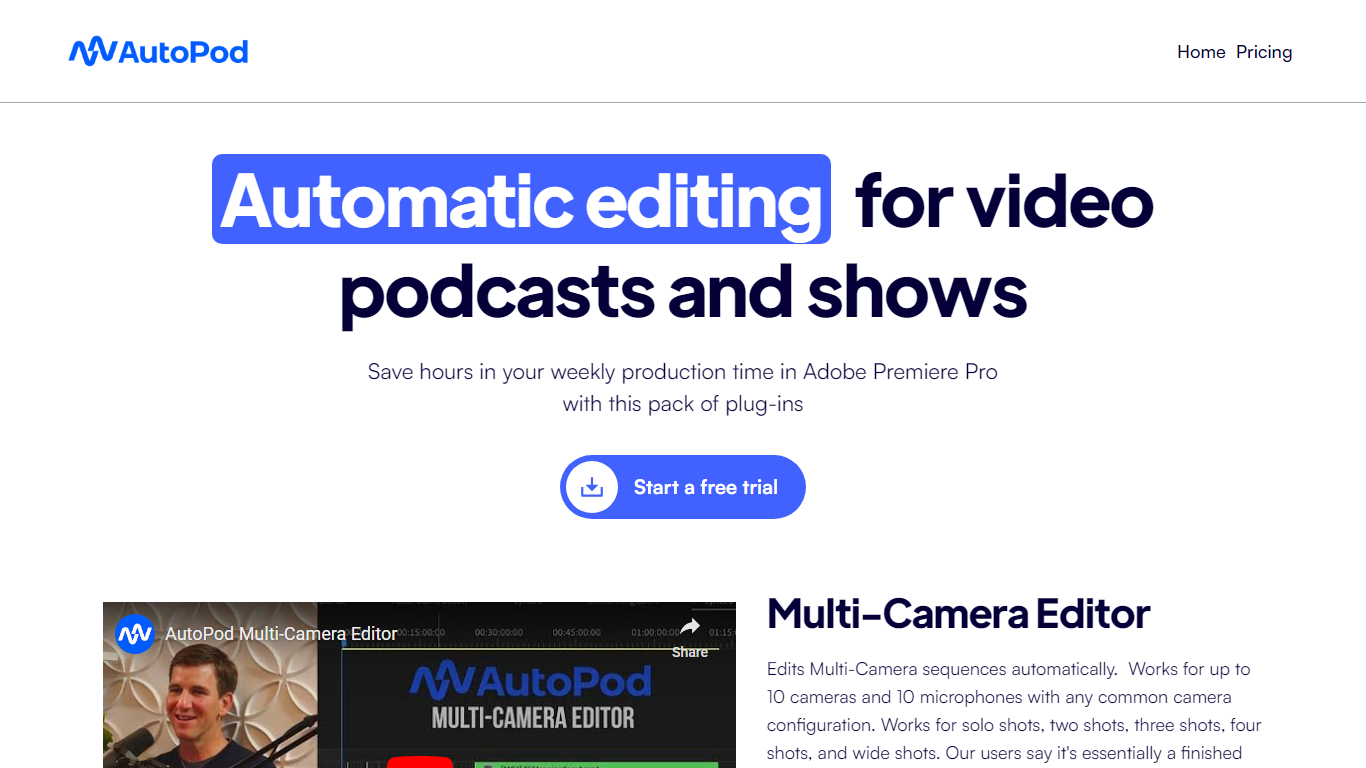
What is AutoPod?
AutoPod is a pack of Adobe Premiere Pro extensions that automate the repetitive parts of video podcast editing. The Multi-Camera Editor cuts between up to 10 cameras and 10 microphones based on who is speaking, the Social Clip Creator exports 1920x1080, 1080x1350, and 1080x1920 clips from in/out points, and the Jump Cut Editor removes silence to keep social clips tight.
Unlike generic auto-edit tools that work across NLEs, AutoPod only targets Premiere Pro (with a separate DaVinci Resolve build) and trains its cuts on thousands of hours of podcast footage. That narrow focus means it handles solo shots, two-shots, three-shots, and wide shots out of the box, but it requires separate audio tracks per speaker and will not work with a single camera or single mic setup.
Video podcast producers and show editors who already live in Premiere Pro are the core audience. The $29 per month per-license price with a 30-day free trial targets freelancers and small teams who edit multi-cam interview shows weekly and want to skip the first-pass assembly before fine-tuning presets for their specific cutting style.
Vidon.ai Upvotes
AutoPod Upvotes
Vidon.ai Top Features
Stock library access covers 12M+ clips with automatic image selection per scene
One video credit exports landscape, square, and vertical aspect ratios together
Prompt to Video uses ChatGPT to write scripts with voiceover in 50+ languages
Business plan includes 40 video exports per month plus REST API and CSV bulk import
Individual plan covers 10 monthly exports with content calendar and social publishing
Videos support up to 4000 characters per script, roughly 5 to 10 minutes of narration
AutoPod Top Features
Multi-Camera Editor supports up to 10 cameras and 10 microphones with solo, two-shot, three-shot, and wide shot layouts
Social Clip Creator exports 1920x1080, 1080x1350, and 1080x1920 clips with optional auto-reframe, watermarks, and end pages
Jump Cut Editor creates silence-based cuts with a customizable decibel cutoff per microphone
Custom presets for cutting style, wide-shot frequency, and standard vs multi-cam vs enable/disable modes
Batch export all social clips from a folder with a single click
Requires Adobe Premiere Pro 2023 or newer; DaVinci Resolve version available through a separate downloader
Vidon.ai Category
- Video Editing
AutoPod Category
- Video Editing
Vidon.ai Pricing Type
- Freemium
AutoPod Pricing Type
- Paid