AutoUnsubscribe vs Inbox Zero
Dive into the comparison of AutoUnsubscribe vs Inbox Zero and discover which AI Email Assistant tool stands out. We examine alternatives, upvotes, features, reviews, pricing, and beyond.
In a comparison between AutoUnsubscribe and Inbox Zero, which one comes out on top?
When we compare AutoUnsubscribe and Inbox Zero, two exceptional email assistant tools powered by artificial intelligence, and place them side by side, several key similarities and differences come to light. Inbox Zero is the clear winner in terms of upvotes. Inbox Zero has been upvoted 7 times by aitools.fyi users, and AutoUnsubscribe has been upvoted 6 times.
You don't agree with the result? Cast your vote to help us decide!
AutoUnsubscribe

What is AutoUnsubscribe?
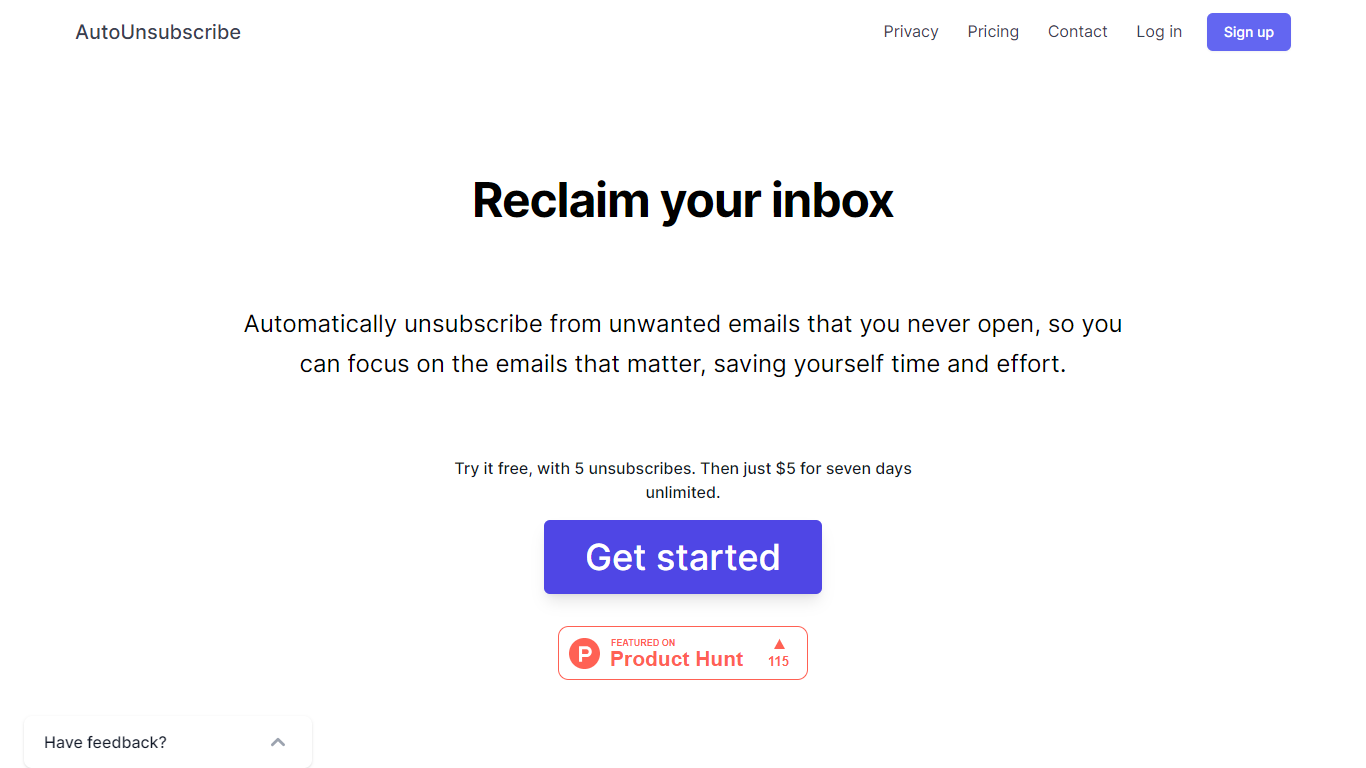
AutoUnsubscribe is an innovative email management tool designed to help you take back control of your inbox by eliminating the clutter of unwanted emails. Offering a seamless and automated way to unsubscribe from emails you never engage with, this service ensures that you can focus on the messages that truly matter. With the ability to work with all email providers that support IMAP, including Gmail, Yahoo, Outlook, and more, AutoUnsubscribe is both versatile and user-friendly.
The process is straightforward. When unread subscriptions in your inbox cross a certain threshold, AutoUnsubscribe intelligently flags them for removal. Before it proceeds with the automatic unsubscribe process, you receive a notification, allowing you to review these selections and make changes to your Keep List if necessary. For a hands-off approach, their AutoShield feature – available through a monthly subscription – will automatically discard all future emails from unsubscribed senders, offering peace of mind that you won't be bombarded with unwanted emails even if the unsubscribe function fails.
AutoUnsubscribe is privacy-focused, eschewing the reading or storage of your emails beyond sender information, and steadfastly refuses to sell any data. Available to try for free before committing to a modestly priced unlimited weekly plan, this service is built to be accessible and reassuringly secure.
Inbox Zero
What is Inbox Zero?
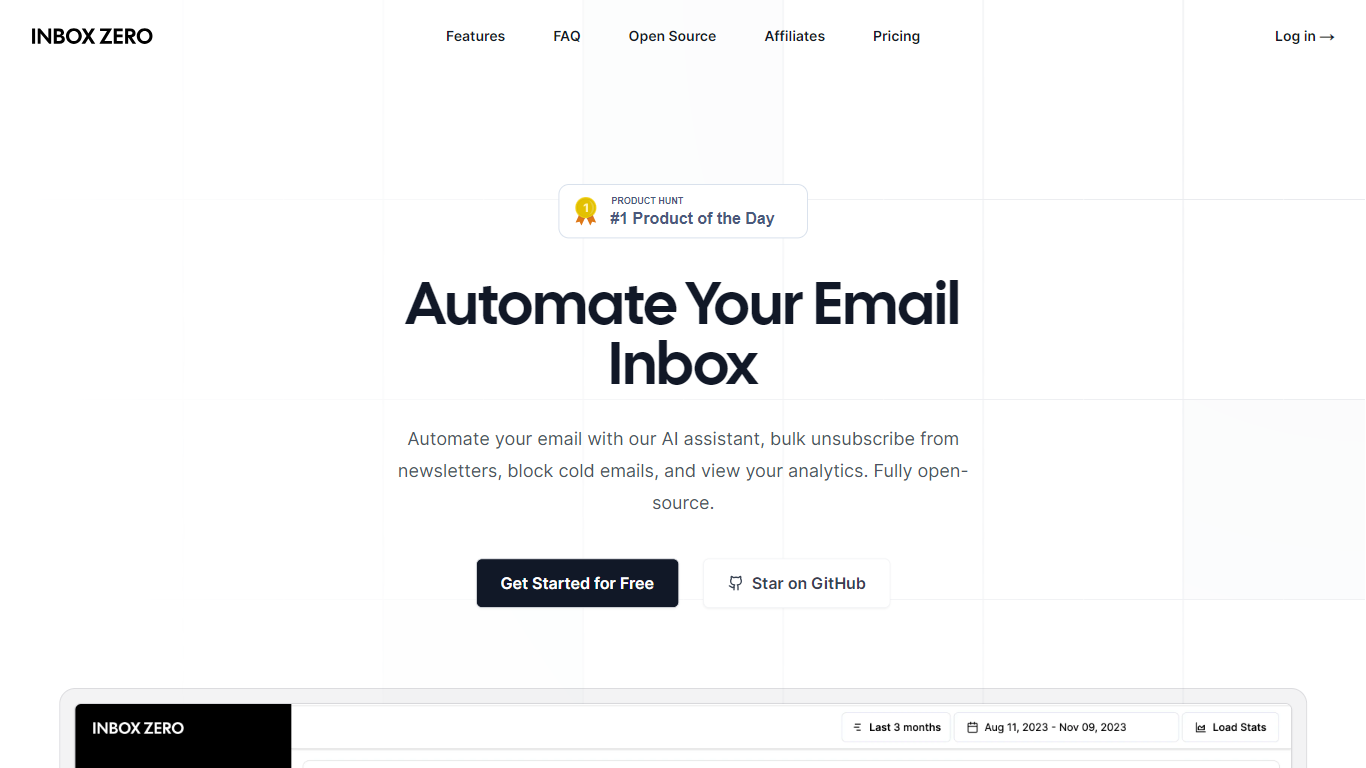
Inbox Zero connects to Gmail or Outlook and uses AI to label incoming mail, draft replies in your voice, and surface what needs attention first. You get pre-written responses waiting when you open your inbox, plus bulk unsubscribe tools for newsletters you never read. The product works on web, iOS, Android, Slack, and Telegram so you can triage mail without living in your email tab.
Most email assistants stop at summarization. Inbox Zero also blocks cold emails, files attachments automatically on higher tiers, and pulls calendar and CRM context into drafts so scheduling replies match your real availability. The codebase is open source with 9k GitHub stars, SOC 2 Type 2 certification, and a self-host option for teams that want full control.
Starter plans cover solo operators who want labels, analytics, and reply drafts. Plus adds Slack, Notion, Stripe integrations, and an unlimited knowledge base. Professional adds team analytics and dedicated onboarding. Over 20,000 professionals use Inbox Zero, and every paid plan includes a 7-day free trial.
AutoUnsubscribe Upvotes
Inbox Zero Upvotes
AutoUnsubscribe Top Features
Automatically Unsubscribe: Streamlines your inbox by unsubscribing from emails you do not open.
Keep List: Protects important subscriptions you wish not to unsubscribe from.
Real Unsubscribing: Utilizes genuine unsubscribe links for permanent removal from sender lists.
One-Click Unsubscribing: Allows easy unsubscribe operations directly from the dashboard.
Privacy Assurance: Prioritizes your privacy by not reading emails or storing unnecessary data.
Inbox Zero Top Features
Connect Gmail or Outlook in two clicks and auto-label mail into categories like To Reply, Newsletter, and Urgent
Pre-drafted replies in your tone appear for every email that needs a response
Bulk unsubscribe and archive shows newsletters you never read with one-click cleanup
Works on Slack, Telegram, iOS, Android, and web without switching apps
Starter plan at $20 per user per month includes analytics and cold email blocking
Open-source codebase with 9k GitHub stars and SOC 2 Type 2 certification
AutoUnsubscribe Category
- Email Assistant
Inbox Zero Category
- Email Assistant
AutoUnsubscribe Pricing Type
- Freemium
Inbox Zero Pricing Type
- Freemium