AvatarCraft vs ImagineMe
In the clash of AvatarCraft vs ImagineMe, which AI Avatar Generation tool emerges victorious? We assess reviews, pricing, alternatives, features, upvotes, and more.
When we put AvatarCraft and ImagineMe head to head, which one emerges as the victor?
Let's take a closer look at AvatarCraft and ImagineMe, both of which are AI-driven avatar generation tools, and see what sets them apart. Both tools are equally favored, as indicated by the identical upvote count. Be a part of the decision-making process. Your vote could determine the winner.
Not your cup of tea? Upvote your preferred tool and stir things up!
AvatarCraft
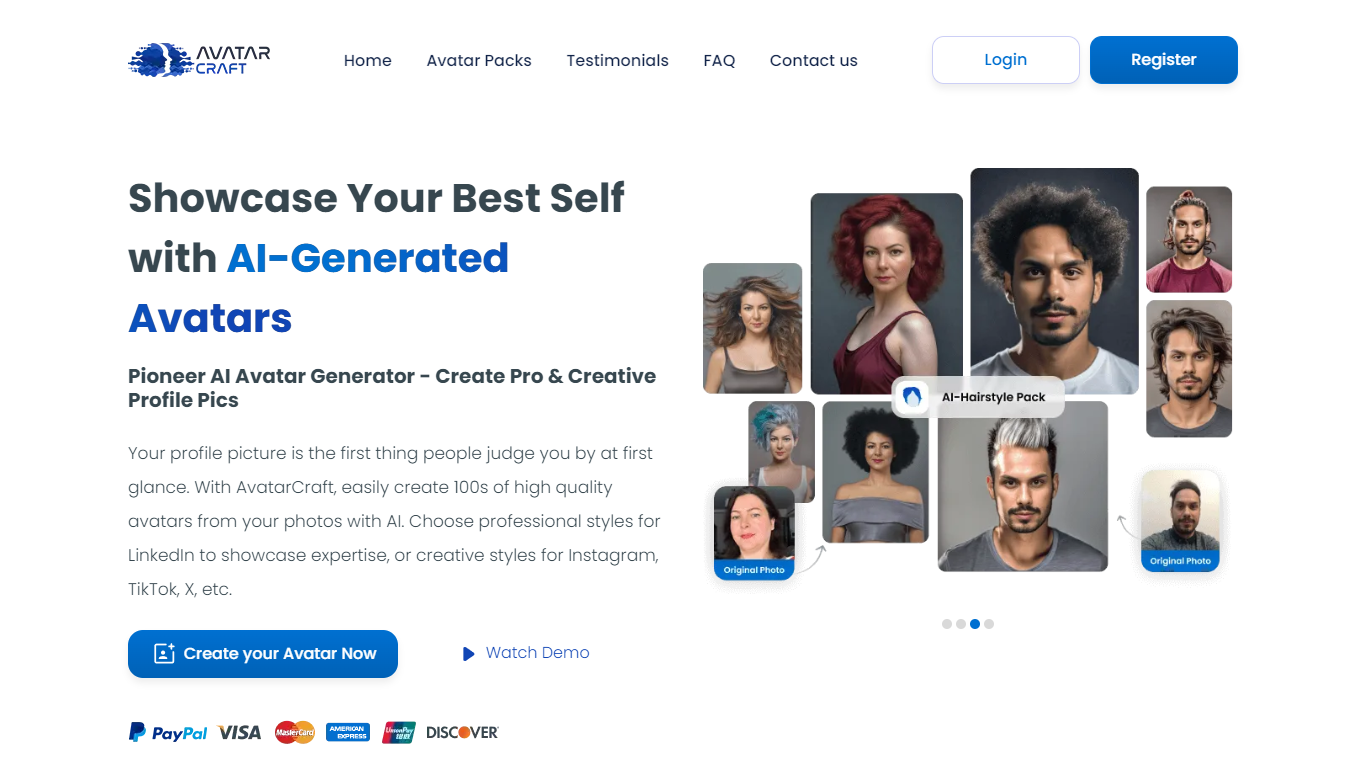

What is AvatarCraft?
AvatarCraft is an AI avatar video platform for creating talking presenter clips from text, audio, or a portrait photo. You can generate spokesperson-style videos for marketing, training, social content, and product demos without filming new footage each time.
The platform includes tools for talking avatars, AI presenters, spokesperson videos, singing avatars, and custom avatars built from your own upload. It supports 100+ preset avatars, 300+ voices, 30+ languages, subtitle generation, and export for commercial use on paid plans.
Workflows start from image, script, or audio input. You pick an avatar, add voice or text, choose resolution, and render a lip-synced video. AvatarCraft also offers related generators for talking babies, talking animals, and music video lip sync.
ImagineMe
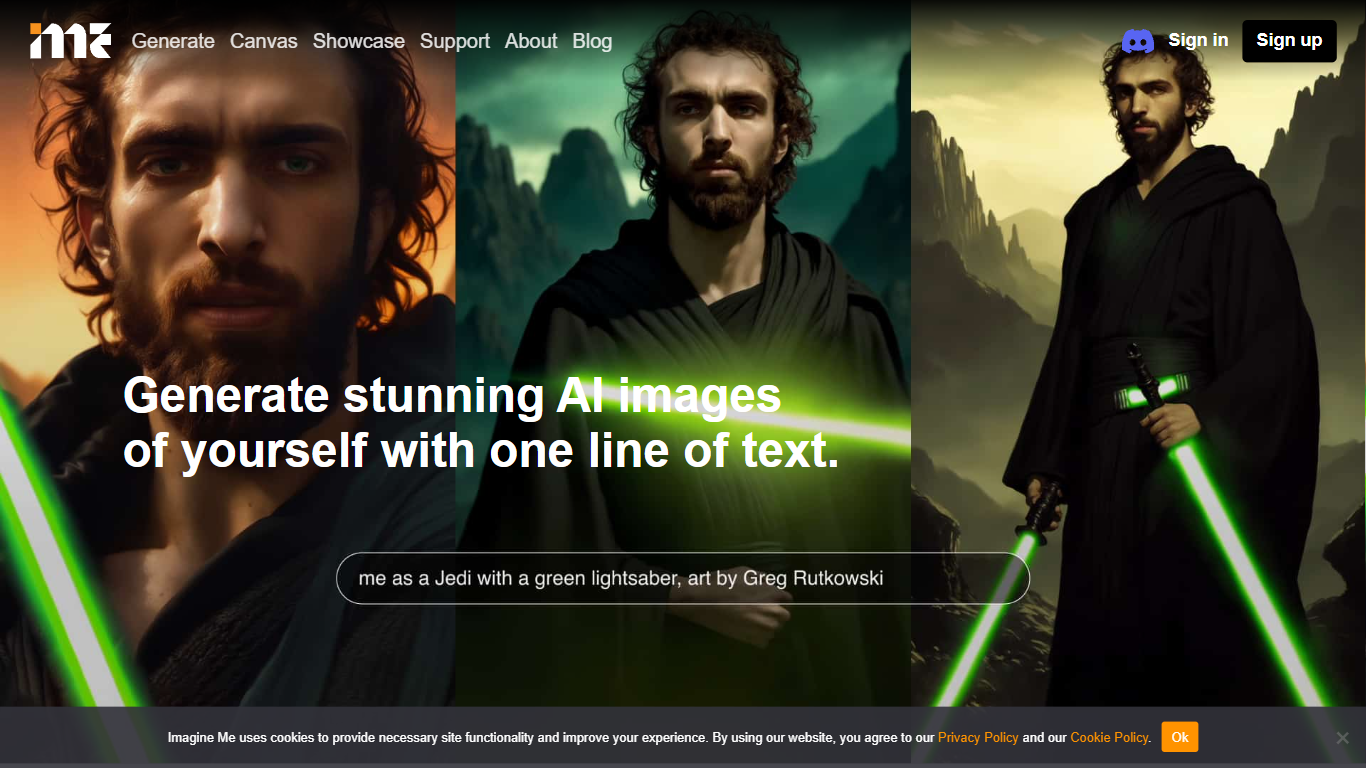
What is ImagineMe?
ImagineMe is a personal avatar generator that trains a private AI model on your own photos, then turns text prompts into images and videos of you. Upload 10 to 20 reference photos, wait for training to finish, and type a scene description to see yourself in fantasy settings, professional headshots, cosplay looks, or cartoon styles.
Most avatar tools apply a one-size filter to your face. ImagineMe trains a separate model per user, so the output is meant to look like you rather than a generic stock face. That per-user training takes up to 5 hours, but once it is done, new images generate in about 10 seconds after a short cold start.
The platform suits creators who want stylized self-portraits, tabletop gamers building D&D character art, pet owners making cartoon versions of their animals, and anyone who wants LinkedIn headshots or social media avatars without a photo shoot. Video, upscale, and Canvas editing tools extend the same trained model beyond still images.
AvatarCraft Upvotes
ImagineMe Upvotes
AvatarCraft Top Features
Generate talking avatar videos from text, uploaded audio, or a portrait photo
Choose from 100+ avatars and 300+ voices across 30+ languages
Create custom avatars by uploading your own video or image
Build spokesperson, presenter, training, and social media videos without reshooting
Export HD videos with subtitles and commercial use on paid plans
ImagineMe Top Features
Upload 10 to 20 photos to train a private model that learns your likeness
Generate new images in about 10 seconds after the initial cold start
Credit packs start at $5 for 10 credits, with images from $0.08 each on the 45-credit plan
Create AI videos at 5 or 10 seconds with Fast, Normal, or High Quality modes costing 3 credits
Canvas editor with pose detection, depth view, and inpainting on desktop
Upscale tool to sharpen generated images after creation
Sign in with Google, Facebook, or Apple plus a Discord community for support
AvatarCraft Category
- Avatar Generation
ImagineMe Category
- Avatar Generation
AvatarCraft Pricing Type
- Freemium
ImagineMe Pricing Type
- Paid