Ayanza vs GeniePM
Compare Ayanza vs GeniePM and see which AI Project Management tool is better when we compare features, reviews, pricing, alternatives, upvotes, etc.
Which one is better? Ayanza or GeniePM?
When we compare Ayanza with GeniePM, which are both AI-powered project management tools, Both tools are equally favored, as indicated by the identical upvote count. You can help us determine the winner by casting your vote and tipping the scales in favor of one of the tools.
Think we got it wrong? Cast your vote and show us who's boss!
Ayanza


What is Ayanza?
Ayanza is a project management workspace that combines team spaces, OKRs, tasks, notes, and custom lists in one app. Teams use it to align on objectives, run projects, capture knowledge, and chat without juggling separate tools for docs, tasks, and goals.
Where most PM tools bolt AI onto a task board, Ayanza builds objectives, metrics, and workflows into the same hierarchy as your docs and databases. You can view items as tables, kanban boards, or galleries, link tasks to OKRs for automatic progress tracking, and schedule reflection time through its Rhythm feature.
Startups, NGOs, schools, and distributed teams that want OKRs plus daily execution in one place are the natural fit. Ayanza offers iOS, Android, Mac, and Windows apps, and its free tier supports up to 5 users and 200 docs before paid plans unlock unlimited usage and stronger AI models.
GeniePM
What is GeniePM?
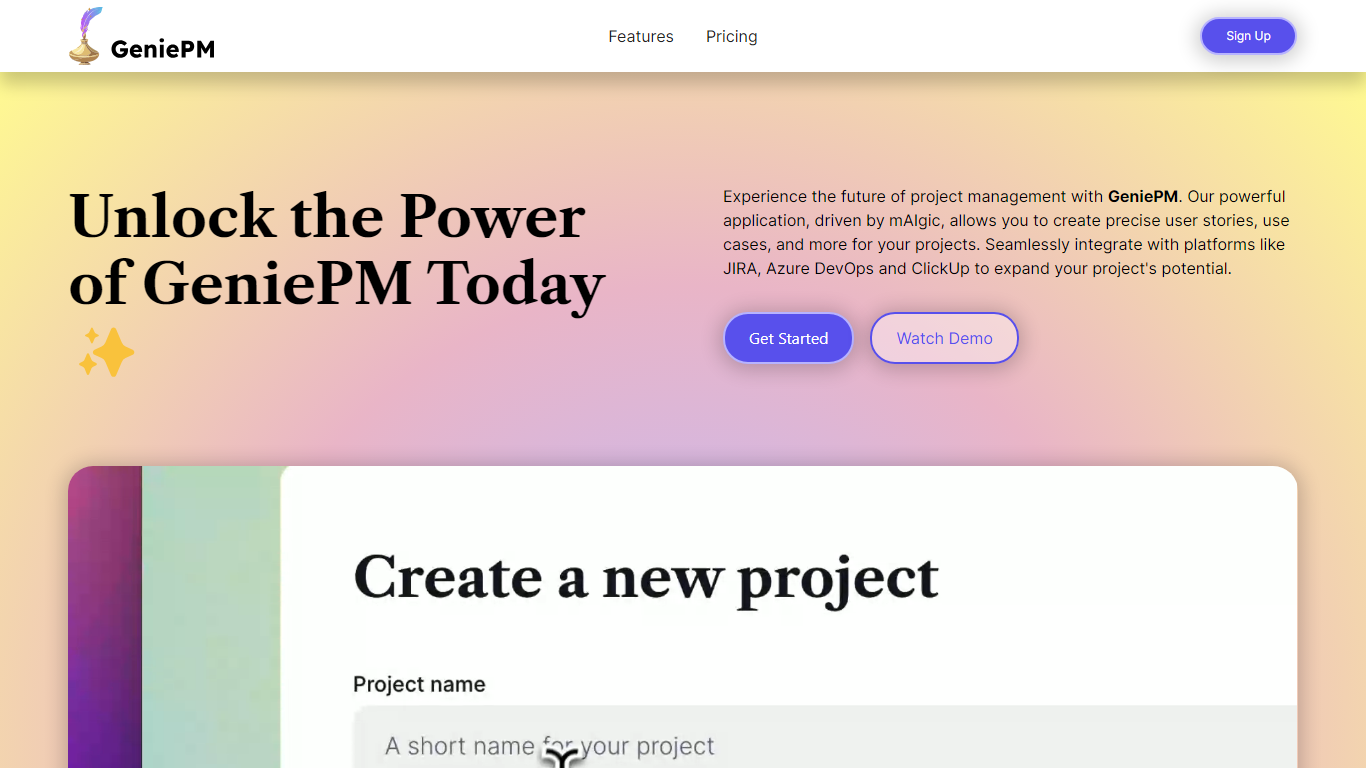
GeniePM helps agile teams draft user stories, tasks, and ticket descriptions from rough ideas instead of staring at blank fields. You describe what you need, and GeniePM turns it into structured project narratives, sub-issues, and rephrased ticket copy you can export to JIRA, Linear, Notion, ClickUp, or CSV.
Unlike general PM suites that expect you to write every story by hand, GeniePM centers on narrative generation and rephrasing. Its mAIgic engine focuses on user story wording, subtask breakdown, and use case drafting, then hands the output to the tools you already track work in, including Azure DevOps and ClickUp.
Startup and product teams use GeniePM when story writing slows sprint planning. Pro plans start at $9.99 per month with unlimited projects and exports, while Teams adds role-based permissions and unified billing for growing groups. Free credits are available at signup with no credit card required.
Ayanza Upvotes
GeniePM Upvotes
Ayanza Top Features
Free plan covers up to 5 users and 200 docs with objectives, chat, and wiki
Premium AI assistant runs on GPT-3.5 at $6 per user per month
Ultra tier upgrades the assistant to GPT-4 at $15 per user per month
Spaces show tasks and databases as tables, kanban boards, or galleries
Link tasks to OKRs for automatic progress measurement against key workflows
GeniePM Top Features
Pro plan costs $9.99 per month with unlimited projects and ticket edits
Teams plan costs $12.50 per user per month with role-based permissions
Exports unlimited tickets to JIRA, Linear, Notion, ClickUp, and CSV
Generates sub-issues and rephrased ticket details from project narratives
Integrates with Azure DevOps, JIRA, and ClickUp for centralized workflows
Free signup credits available with no credit card required
Ayanza Category
- Project Management
GeniePM Category
- Project Management
Ayanza Pricing Type
- Freemium
GeniePM Pricing Type
- Freemium