Befront vs Acrylic
In the face-off between Befront vs Acrylic, which AI Design tool takes the crown? We scrutinize features, alternatives, upvotes, reviews, pricing, and more.
When we put Befront and Acrylic head to head, which one emerges as the victor?
If we were to analyze Befront and Acrylic, both of which are AI-powered design tools, what would we find? The upvote count is neck and neck for both Befront and Acrylic. Be a part of the decision-making process. Your vote could determine the winner.
Not your cup of tea? Upvote your preferred tool and stir things up!
Befront

What is Befront?
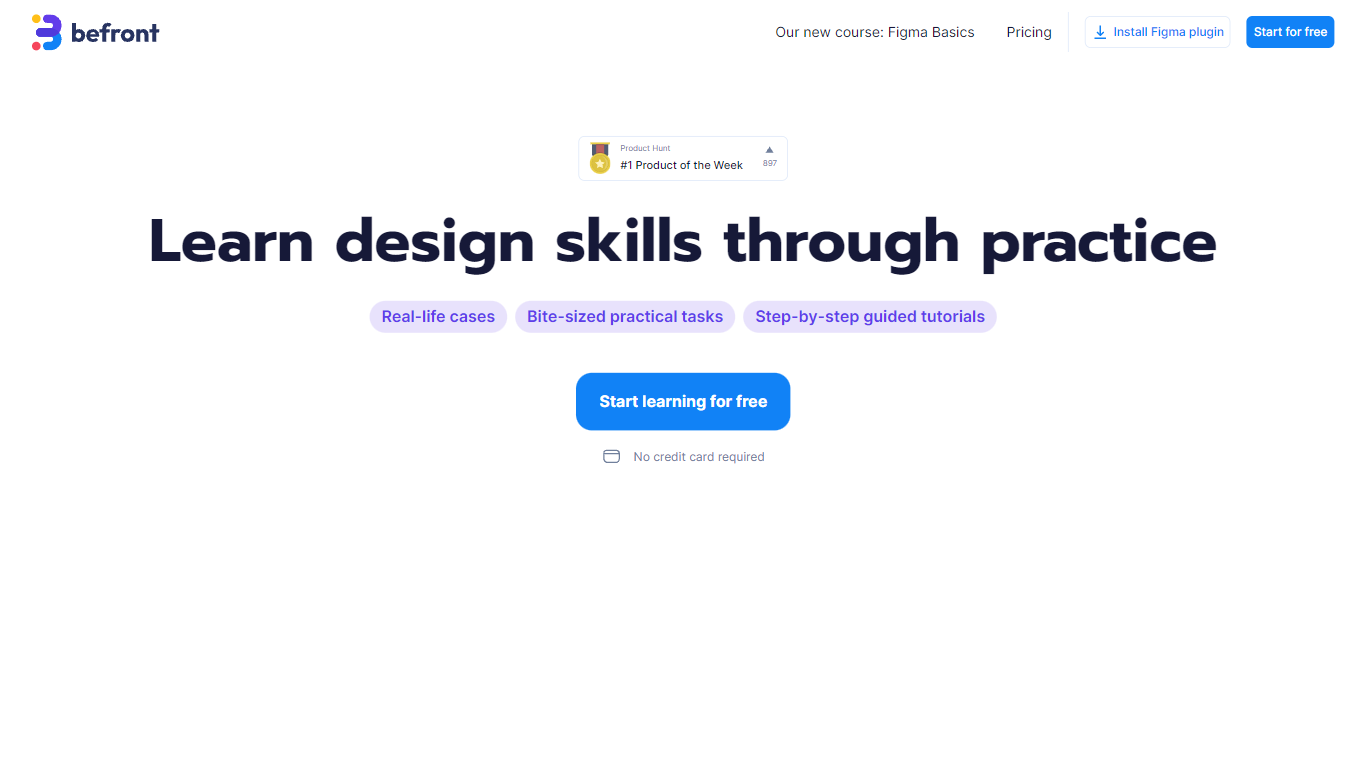
Befront is a Figma Community plugin that works as a hands-on design trainer. You install it in Figma, pick a skill to train, and complete short UI tasks on real interfaces with instant feedback as you work. It focuses on practical layout and component work rather than passive theory.
Most design courses lean on video lectures that are easy to watch and hard to retain. Befront runs short drills you can finish in about five minutes, with topic picks like Auto Layout and components instead of a fixed syllabus. That makes it closer to a daily gym routine than a semester-long course.
The homepage positions Befront for designers who feel stuck in Figma, working designers who want more speed, and career switchers learning UX/UI from scratch. Developers, product managers, founders, and marketers who need to work confidently in Figma are also called out in the FAQ.
You track progress over time, compete with other designers, and can try design mini-games for quick interactive practice. A free trial offers access to trial lessons, while paid plans start at $11 per week or $30 per month for full access.
Acrylic
What is Acrylic?
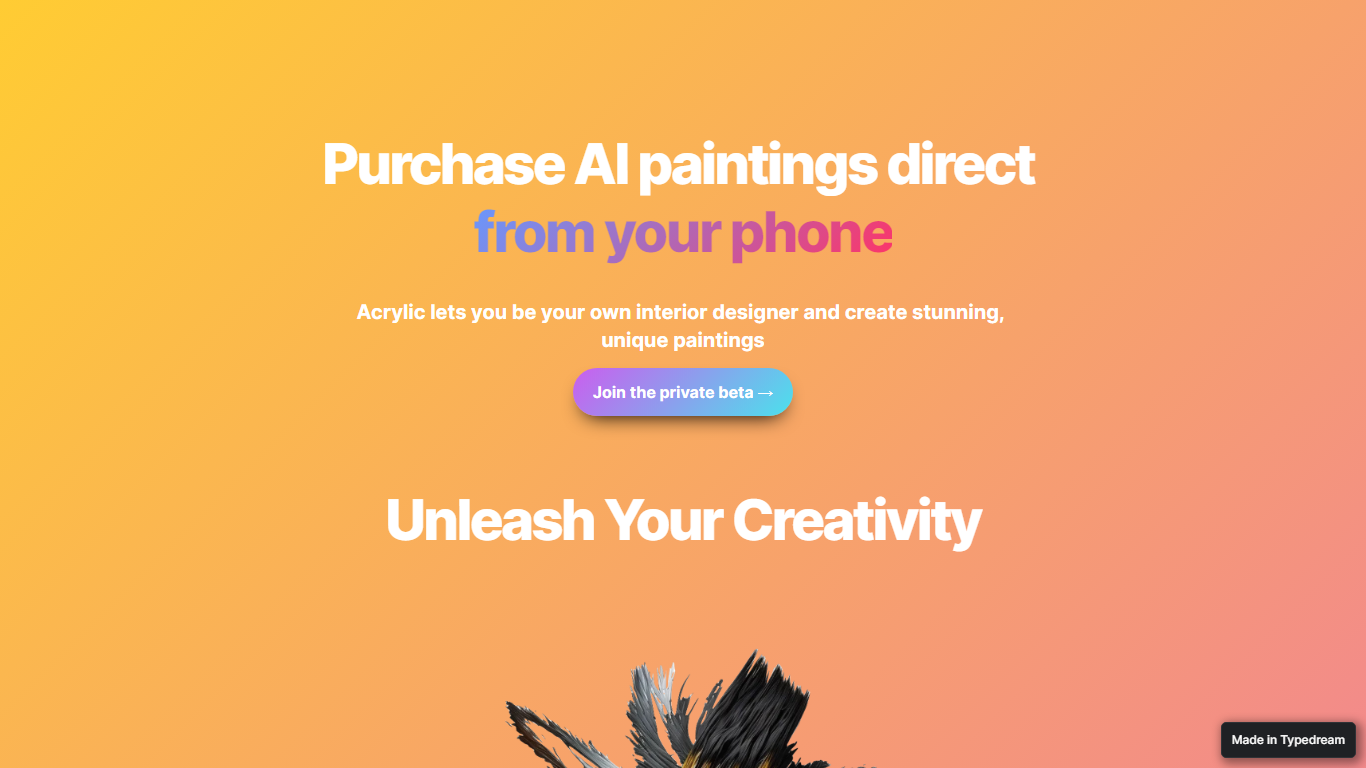
Acrylic generates custom paintings on your phone for home design projects, previews them with augmented reality on your walls, and ships canvas prints when you buy. You create artwork from your phone, stage it with augmented reality in your own room, and order a canvas print if you like the result. The site tagline is "Purchase AI paintings direct from your phone."
Wall-art marketplaces sell stock prints; Acrylic lets you generate one-off images in seconds and see them in context through AR staging. Preset style selections guide beginners, while the interface still allows free experimentation. The trade-off is narrow scope: it is built for personalized wall art and home decor, not general image editing or room layout planning.
Homeowners and renters decorating on a budget are the obvious audience. Access is through a private beta signup linked from the homepage, and checkout mentions Apple Pay for ordering prints. No public price list is published on the marketing site.
Befront Upvotes
Acrylic Upvotes
Befront Top Features
Daily drills you can finish in about five minutes with instant feedback inside Figma
Monthly plan at $30 per month or Weekly plan at $11 per week for full access to all content
Topic-specific training for Auto Layout, components, and other job-ready Figma skills
Design mini-games for quick interactive practice on real interfaces
Free Trial at $0 with access to trial lessons inside the Figma plugin
Acrylic Top Features
Generates artwork in seconds from preset style guides or your own prompts on mobile
AR staging previews pieces on your walls through the phone camera before purchase
Canvas print orders available with Apple Pay referenced on the marketing site
Private beta access via homepage signup form
Befront Category
- Design
Acrylic Category
- Design
Befront Pricing Type
- Freemium
Acrylic Pricing Type
- Freemium