Befront vs TattoosAI
Compare Befront vs TattoosAI and see which AI Design tool is better when we compare features, reviews, pricing, alternatives, upvotes, etc.
Which one is better? Befront or TattoosAI?
When we compare Befront with TattoosAI, which are both AI-powered design tools, There's no clear winner in terms of upvotes, as both tools have received the same number. Every vote counts! Cast yours and contribute to the decision of the winner.
Don't agree with the result? Cast your vote and be a part of the decision-making process!
Befront

What is Befront?
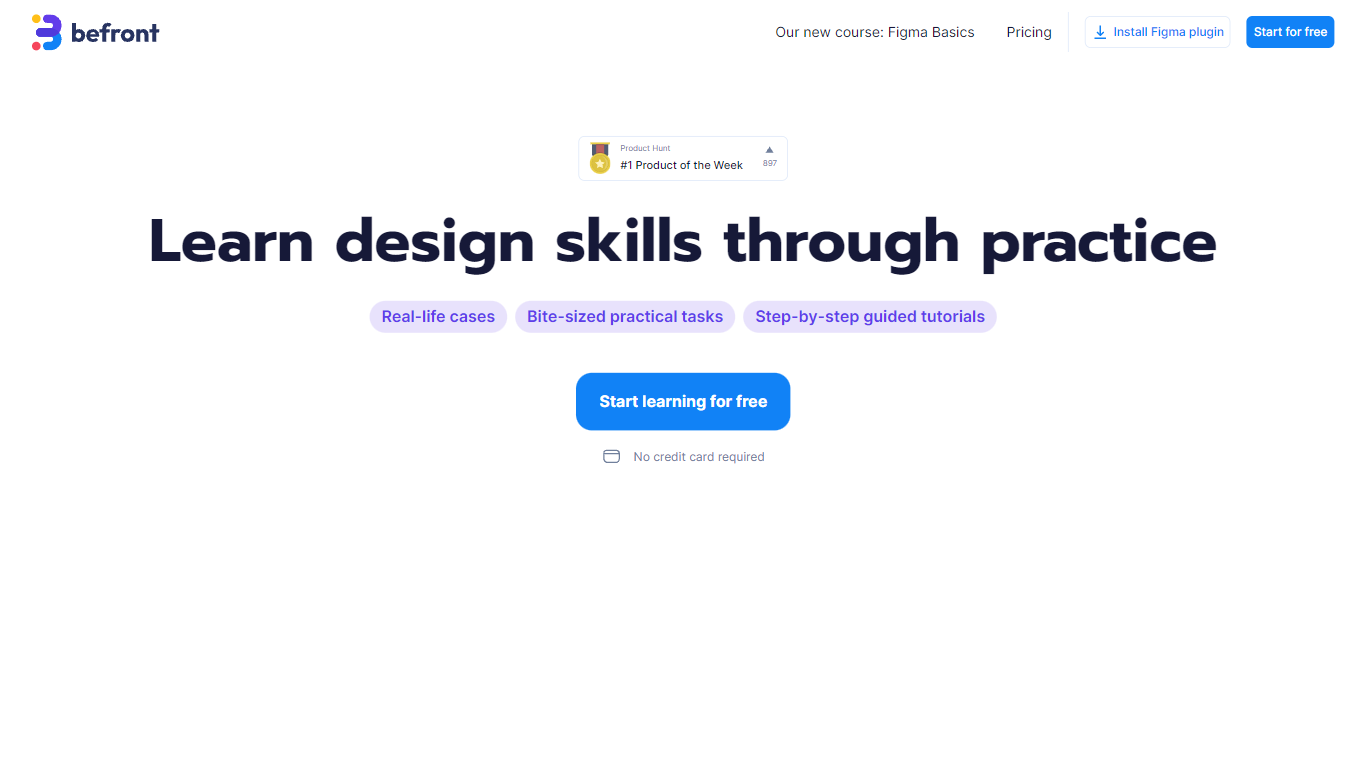
Befront is a Figma Community plugin that works as a hands-on design trainer. You install it in Figma, pick a skill to train, and complete short UI tasks on real interfaces with instant feedback as you work. It focuses on practical layout and component work rather than passive theory.
Most design courses lean on video lectures that are easy to watch and hard to retain. Befront runs short drills you can finish in about five minutes, with topic picks like Auto Layout and components instead of a fixed syllabus. That makes it closer to a daily gym routine than a semester-long course.
The homepage positions Befront for designers who feel stuck in Figma, working designers who want more speed, and career switchers learning UX/UI from scratch. Developers, product managers, founders, and marketers who need to work confidently in Figma are also called out in the FAQ.
You track progress over time, compete with other designers, and can try design mini-games for quick interactive practice. A free trial offers access to trial lessons, while paid plans start at $11 per week or $30 per month for full access.
TattoosAI
What is TattoosAI?
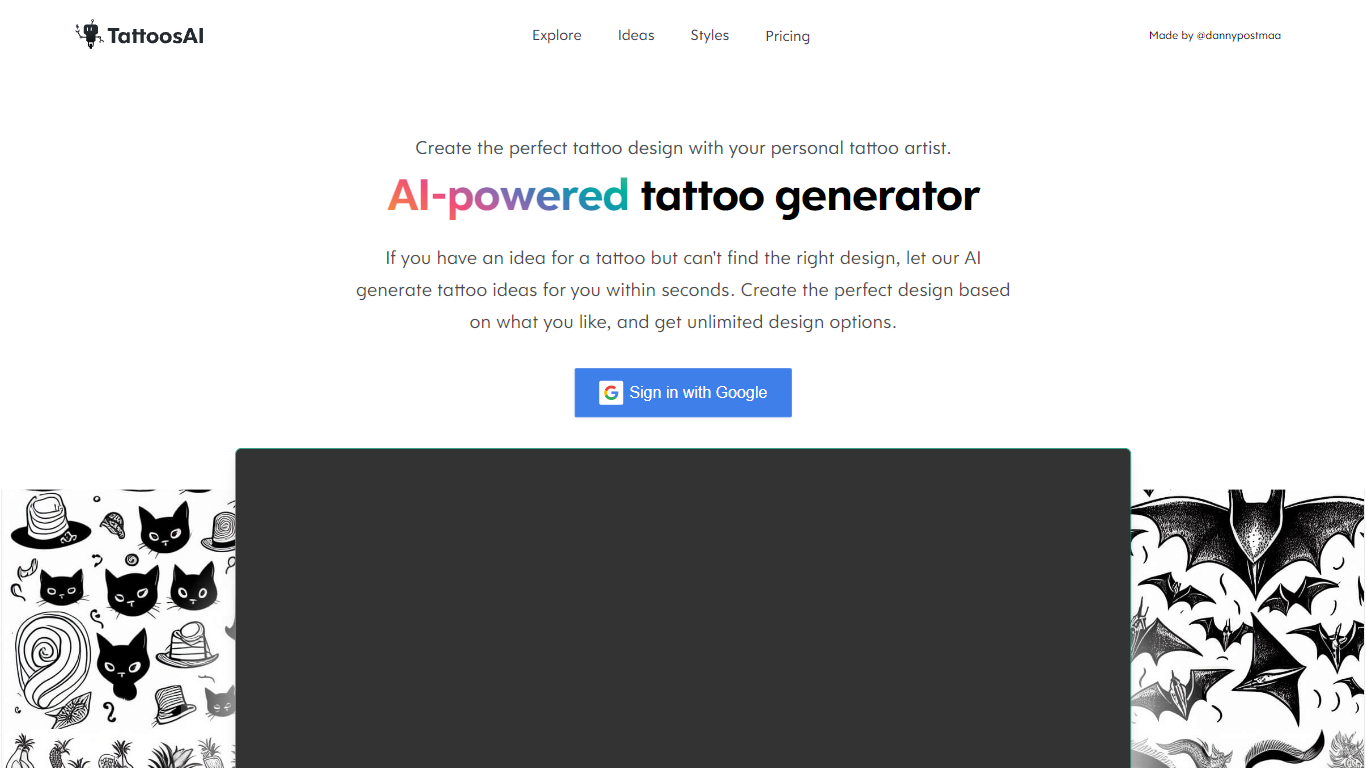
TattoosAI turns a text prompt into a custom tattoo concept in seconds. You describe the idea, pick from more than 18 styles like dotwork, watercolor, or Japanese, and the generator returns unique artwork you can bring to a tattoo artist.
Unlike stock tattoo flash sites, TattoosAI builds every concept from scratch with its own model, so the site claims no two outputs repeat. The trade-off is there is no body preview yet: you get flat design files, not an on-skin simulator, though the FAQ says a virtual try-on is in development.
Tattoo enthusiasts, first-timers planning ink, and artists looking for client starting points use TattoosAI to explore ideas before booking a session. A basic tier shares designs in a public gallery, while paid plans keep creations private with unlimited generations and permanent cloud storage.
Befront Upvotes
TattoosAI Upvotes
Befront Top Features
Daily drills you can finish in about five minutes with instant feedback inside Figma
Monthly plan at $30 per month or Weekly plan at $11 per week for full access to all content
Topic-specific training for Auto Layout, components, and other job-ready Figma skills
Design mini-games for quick interactive practice on real interfaces
Free Trial at $0 with access to trial lessons inside the Figma plugin
TattoosAI Top Features
Over 18 tattoo styles including dotwork, watercolor, minimalist, and Japanese
1,031,667 tattoo designs generated across 9,635 customers listed on the homepage
Annual plan at $4.99 per month with unlimited designs and 365-day access
Monthly plan at $14.99 per month with 30-day access and unlimited designs
Pro plan keeps designs private; basic plan adds them to the public exploration gallery
Google sign-in for account access on the site
Befront Category
- Design
TattoosAI Category
- Design
Befront Pricing Type
- Freemium
TattoosAI Pricing Type
- Freemium