Befront vs WhatTheFont
In the face-off between Befront vs WhatTheFont, which AI Design tool takes the crown? We scrutinize features, alternatives, upvotes, reviews, pricing, and more.
When we put Befront and WhatTheFont head to head, which one emerges as the victor?
If we were to analyze Befront and WhatTheFont, both of which are AI-powered design tools, what would we find? The upvote count is neck and neck for both Befront and WhatTheFont. You can help us determine the winner by casting your vote and tipping the scales in favor of one of the tools.
Disagree with the result? Upvote your favorite tool and help it win!
Befront

What is Befront?
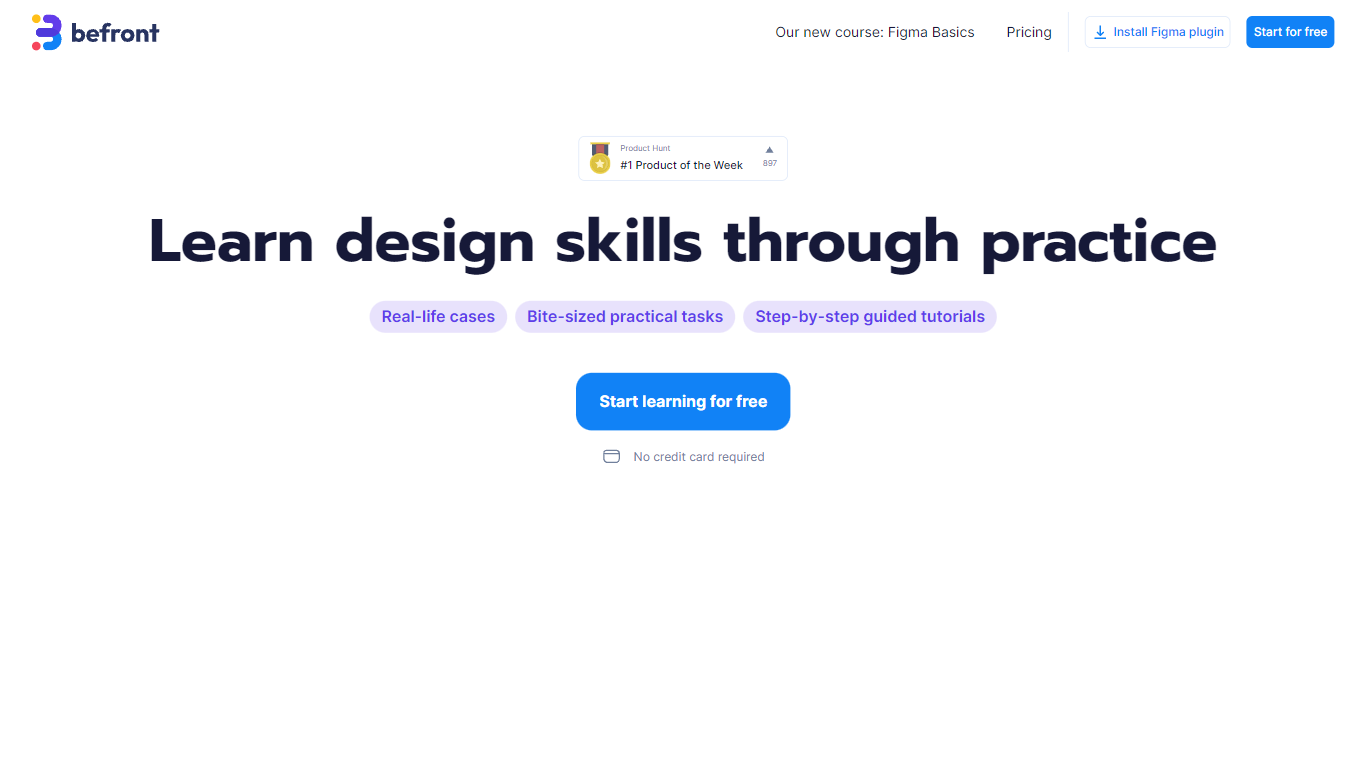
Befront is a Figma Community plugin that works as a hands-on design trainer. You install it in Figma, pick a skill to train, and complete short UI tasks on real interfaces with instant feedback as you work. It focuses on practical layout and component work rather than passive theory.
Most design courses lean on video lectures that are easy to watch and hard to retain. Befront runs short drills you can finish in about five minutes, with topic picks like Auto Layout and components instead of a fixed syllabus. That makes it closer to a daily gym routine than a semester-long course.
The homepage positions Befront for designers who feel stuck in Figma, working designers who want more speed, and career switchers learning UX/UI from scratch. Developers, product managers, founders, and marketers who need to work confidently in Figma are also called out in the FAQ.
You track progress over time, compete with other designers, and can try design mini-games for quick interactive practice. A free trial offers access to trial lessons, while paid plans start at $11 per week or $30 per month for full access.
WhatTheFont
What is WhatTheFont?
WhatTheFont identifies fonts from photos, screenshots, or image URLs using deep learning against MyFonts' catalog of more than 233,000 font styles. Upload a PNG or JPG, paste a direct image link, or drag a file onto the page, then click the text line you want matched. The tool returns ranked font names with previews and links to buy the family on MyFonts.
Generic reverse-image searches cannot name a typeface, and guessing from memory fails on lookalike grotesks. WhatTheFont is tuned for typography: it handles connected scripts, multiple fonts in one image, and horizontal Latin text with automatic detection plus optional manual crops around a single line. Results tie back to MyFonts' marketplace of 300,000+ fonts and foundries, so you move from identification to licensing in one place.
Upload limits are 5MB max, 50x50 pixel minimum, and Latin scripts only (Japanese and other CJK languages are not supported). For field work, the WhatTheFont mobile app on iOS and Android identifies fonts from your camera, supports multiple fonts per shot, and lets you test matches with your own sample text. Font identification is free; purchasing fonts uses separate MyFonts desktop, webfont, or app licenses.
Befront Upvotes
WhatTheFont Upvotes
Befront Top Features
Daily drills you can finish in about five minutes with instant feedback inside Figma
Monthly plan at $30 per month or Weekly plan at $11 per week for full access to all content
Topic-specific training for Auto Layout, components, and other job-ready Figma skills
Design mini-games for quick interactive practice on real interfaces
Free Trial at $0 with access to trial lessons inside the Figma plugin
WhatTheFont Top Features
Deep learning search across 233,000+ font styles in the MyFonts catalog
Upload PNG or JPG files up to 5MB or paste a direct image URL for identification
Detects connected scripts and multiple fonts within a single image
Automatic text detection with optional manual crop around one horizontal line
Preview matched fonts with your own sample text before buying on MyFonts
WhatTheFont mobile app on iOS and Android identifies fonts from your camera
Befront Category
- Design
WhatTheFont Category
- Design
Befront Pricing Type
- Freemium
WhatTheFont Pricing Type
- Free