Behnevis vs Shook
In the face-off between Behnevis vs Shook, which AI Translation tool takes the crown? We scrutinize features, alternatives, upvotes, reviews, pricing, and more.
When we put Behnevis and Shook head to head, which one emerges as the victor?
If we were to analyze Behnevis and Shook, both of which are AI-powered translation tools, what would we find? The upvote count is neck and neck for both Behnevis and Shook. Since other aitools.fyi users could decide the winner, the ball is in your court now to cast your vote and help us determine the winner.
Not your cup of tea? Upvote your preferred tool and stir things up!
Behnevis
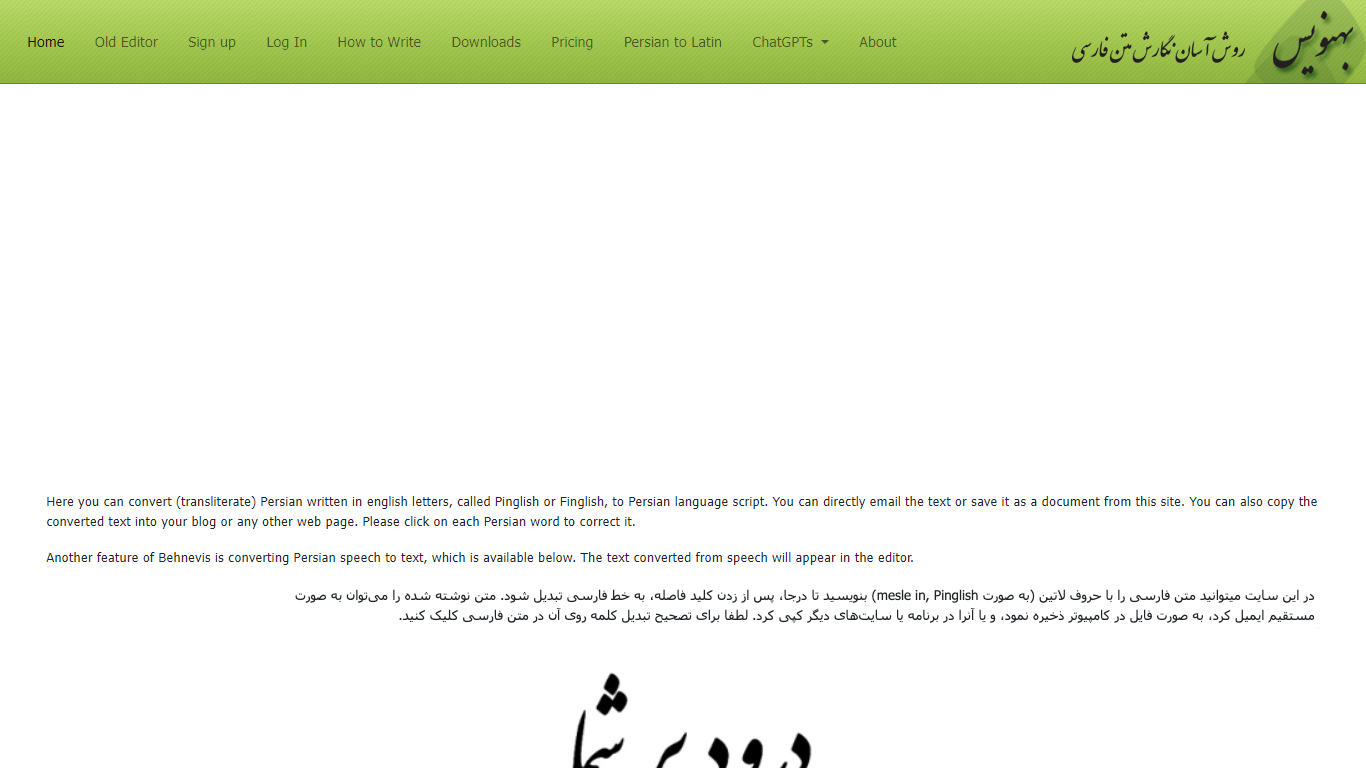

What is Behnevis?
Behnevis is an online Persian writing tool that turns Pinglish or Finglish (Persian typed with Latin letters) into standard Persian script. You type in the editor, and the site converts words as you go. It has been running since 2009 and targets Persian speakers who prefer typing with an English keyboard.
The main site offers an in-place editor plus speech-to-text that supports Persian and more than 100 other languages. You can click any converted word to fix its spelling, and Behnevis remembers that correction for later. The legacy two-part editor remains available for free with no usage limits.
Paid plans unlock unlimited in-place editing, speech-to-text, an ad-free experience, and a Microsoft Word add-on for Windows. Behnevis also links to custom OpenAI GPT chatbots for Persian conversation practice.
Shook
What is Shook?
Shook clones your voice on iOS and plays back typed messages in other languages. You record a short voice sample, write or pick a message, choose a target language, and hear the result spoken in a version of your own voice. The marketing site describes the core pitch as hearing yourself speak in different languages, then sends you to the App Store download.
Most translation apps output a generic synthetic voice. Shook focuses on voice cloning so the translated audio still sounds like you, which makes shared voice messages feel more personal than standard text-to-speech. The privacy policy confirms the app stores voice samples and language preferences to power cloning and translation, but the public website itself stays minimal with almost no feature breakdown beyond the download flow.
It suits iPhone users who want to experiment with multilingual voice messages for friends, language practice, or curiosity about how they sound in another tongue. Android users are out of luck since the site only links to iOS. Without a public pricing page on getshook.app, plan details live inside the App Store listing rather than on the web.
Behnevis Upvotes
Shook Upvotes
Behnevis Top Features
Type Persian in Latin letters and watch words convert to Persian script in the editor
Click any converted word to fix its transliteration; Behnevis saves your correction
Turn spoken Persian (and 100+ other languages) into text with the speech tool
Use the legacy two-part Pinglish editor for free with no usage caps
Run the MS Word add-on on Windows for offline Latin-to-Persian conversion inside Word
Shook Top Features
Clones your voice from a short audio sample for translated playback
Translates typed English messages into your selected target language
Outputs speech that mimics your own voice instead of a generic narrator
Available as an iOS download through the App Store
Privacy policy documents voice-sample storage for cloning and translation
Behnevis Category
- Translation
Shook Category
- Translation
Behnevis Pricing Type
- Freemium
Shook Pricing Type
- Freemium