Morse Code Translator vs Shook
In the contest of Morse Code Translator vs Shook, which AI Translation tool is the champion? We evaluate pricing, alternatives, upvotes, features, reviews, and more.
If you had to choose between Morse Code Translator and Shook, which one would you go for?
When we examine Morse Code Translator and Shook, both of which are AI-enabled translation tools, what unique characteristics do we discover? Interestingly, both tools have managed to secure the same number of upvotes. You can help us determine the winner by casting your vote and tipping the scales in favor of one of the tools.
Not your cup of tea? Upvote your preferred tool and stir things up!
Morse Code Translator

What is Morse Code Translator?
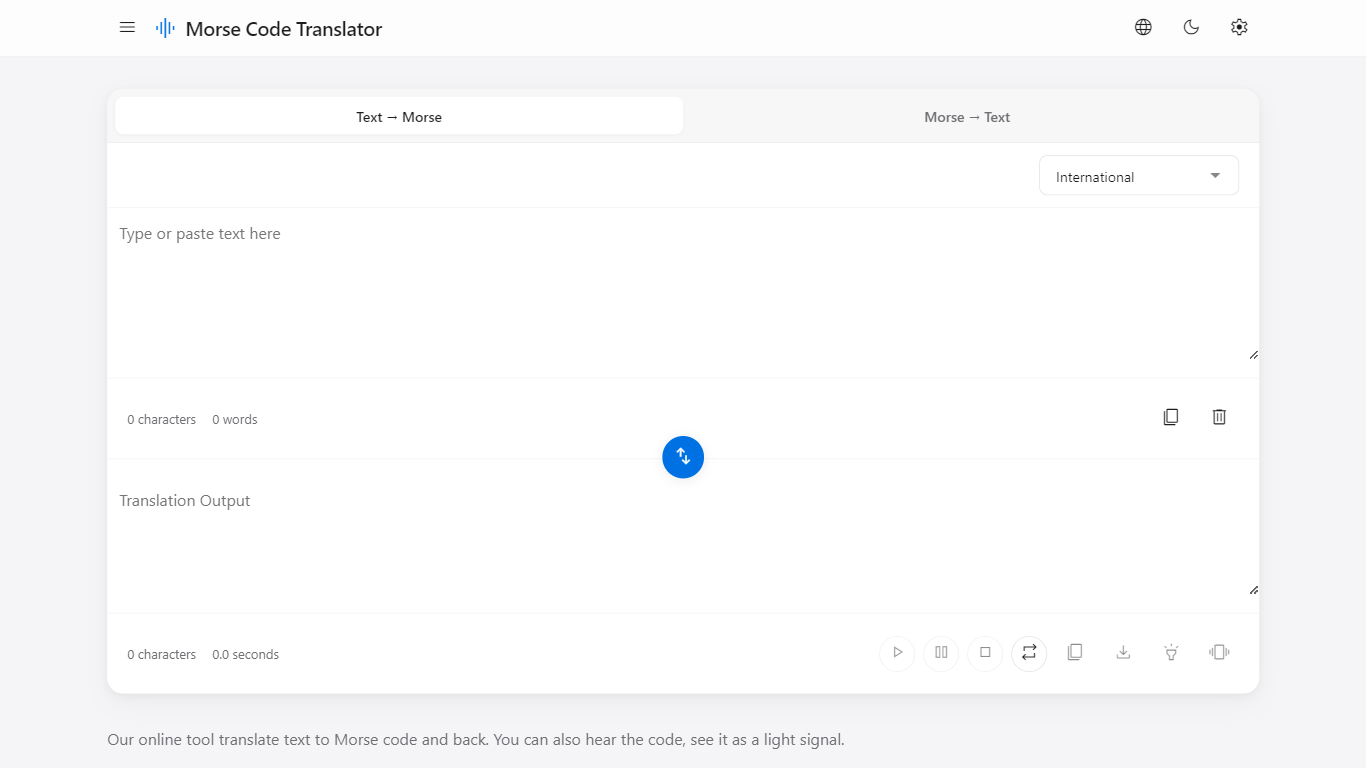
Morse Code Translator turns plain text into Morse dots and dashes, and decodes pasted Morse back to readable letters on the same page. Type or paste on either side, pick an alphabet in Settings, and the translation updates instantly in the opposite box.
Unlike basic Morse charts that only show letter tables, this translator adds audio playback, a flashing light signal popup, device vibration for the pattern, and WAV file export. It also covers nine Morse systems beyond International, including American, Greek, Cyrillic, Hebrew, Arabic, Japanese Wabun, Korean SKATS, and Thai.
It works for hobbyists learning Morse, scouts and students practicing SOS and HELLO patterns, radio operators checking encodings, and anyone decoding a message without installing desktop software. No account is required and the interface runs entirely in the browser.
Shook
What is Shook?
Shook clones your voice on iOS and plays back typed messages in other languages. You record a short voice sample, write or pick a message, choose a target language, and hear the result spoken in a version of your own voice. The marketing site describes the core pitch as hearing yourself speak in different languages, then sends you to the App Store download.
Most translation apps output a generic synthetic voice. Shook focuses on voice cloning so the translated audio still sounds like you, which makes shared voice messages feel more personal than standard text-to-speech. The privacy policy confirms the app stores voice samples and language preferences to power cloning and translation, but the public website itself stays minimal with almost no feature breakdown beyond the download flow.
It suits iPhone users who want to experiment with multilingual voice messages for friends, language practice, or curiosity about how they sound in another tongue. Android users are out of luck since the site only links to iOS. Without a public pricing page on getshook.app, plan details live inside the App Store listing rather than on the web.
Morse Code Translator Upvotes
Shook Upvotes
Morse Code Translator Top Features
Bidirectional translation between plain text and Morse code in real time
Nine Morse alphabet systems: International, American, Greek, Cyrillic, Hebrew, Arabic, Japanese Wabun, Korean SKATS, and Thai
Play, pause, stop, and repeat audio playback of the Morse pattern
Download Morse code sound as a WAV audio file
Flashing light signal popup shows dots and dashes visually
Device vibration mode reproduces the Morse pattern on supported phones
Swap button flips translation direction between text-to-Morse and Morse-to-text
Shook Top Features
Clones your voice from a short audio sample for translated playback
Translates typed English messages into your selected target language
Outputs speech that mimics your own voice instead of a generic narrator
Available as an iOS download through the App Store
Privacy policy documents voice-sample storage for cloning and translation
Morse Code Translator Category
- Translation
Shook Category
- Translation
Morse Code Translator Pricing Type
- Free
Shook Pricing Type
- Freemium