Bing Microsoft AI Translator vs Shook
Dive into the comparison of Bing Microsoft AI Translator vs Shook and discover which AI Translation tool stands out. We examine alternatives, upvotes, features, reviews, pricing, and beyond.
When comparing Bing Microsoft AI Translator and Shook, which one rises above the other?
When we compare Bing Microsoft AI Translator and Shook, two exceptional translation tools powered by artificial intelligence, and place them side by side, several key similarities and differences come to light. The upvote count shows a clear preference for Bing Microsoft AI Translator. Bing Microsoft AI Translator has 10 upvotes, and Shook has 6 upvotes.
Feeling rebellious? Cast your vote and shake things up!
Bing Microsoft AI Translator


What is Bing Microsoft AI Translator?
Microsoft Translator on Bing is a free web translator for turning words and phrases between English and more than 100 languages. Paste text, pick languages from long dropdown lists, or let the page auto-detect the source language before you translate.
The Bing interface adds practical extras beyond basic text swap. You can listen to a translation, open an on-screen keyboard, capture or upload an image to translate text in photos, and regenerate results in Standard, Casual, or Formal tone. A phrase helper surfaces common expressions grouped by topics like travel, dining, and emergencies.
It fits travelers, students, and anyone who needs a quick translation in the browser without installing software. Navigation on the page also points to separate Microsoft Translator experiences for live conversation, mobile apps, and business use.
Shook
What is Shook?
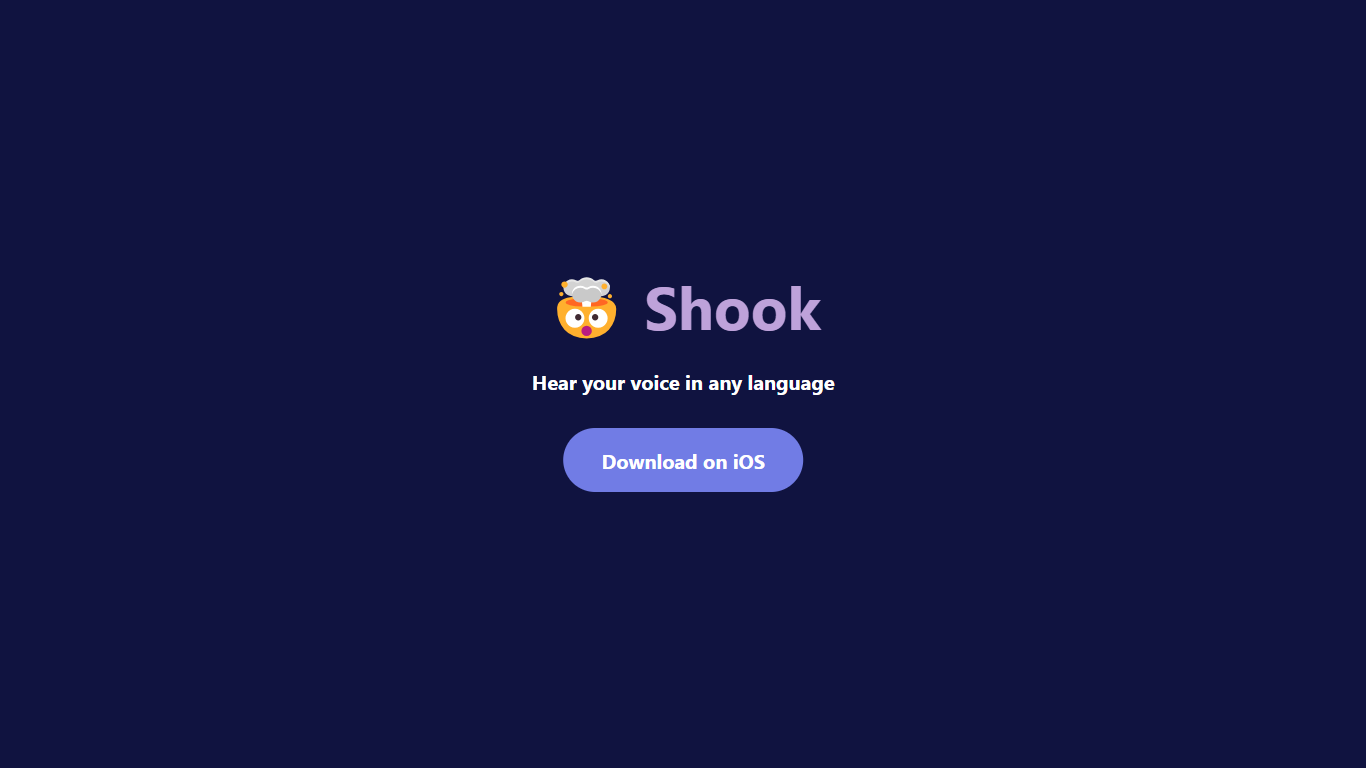
Shook clones your voice on iOS and plays back typed messages in other languages. You record a short voice sample, write or pick a message, choose a target language, and hear the result spoken in a version of your own voice. The marketing site describes the core pitch as hearing yourself speak in different languages, then sends you to the App Store download.
Most translation apps output a generic synthetic voice. Shook focuses on voice cloning so the translated audio still sounds like you, which makes shared voice messages feel more personal than standard text-to-speech. The privacy policy confirms the app stores voice samples and language preferences to power cloning and translation, but the public website itself stays minimal with almost no feature breakdown beyond the download flow.
It suits iPhone users who want to experiment with multilingual voice messages for friends, language practice, or curiosity about how they sound in another tongue. Android users are out of luck since the site only links to iOS. Without a public pricing page on getshook.app, plan details live inside the App Store listing rather than on the web.
Bing Microsoft AI Translator Upvotes
Shook Upvotes
Bing Microsoft AI Translator Top Features
Auto-detect source language across more than 100 listed language options
Each translation request accepts up to 1,000 characters of input text
Regenerate results in Standard, Casual, or Formal tone with one click
Capture or upload an image to translate text found in photos
Speak to translate when typing is awkward on mobile or desktop
Listen to translations read aloud from the results panel
Browse common phrase sets for travel, dining, and emergencies
Shook Top Features
Clones your voice from a short audio sample for translated playback
Translates typed English messages into your selected target language
Outputs speech that mimics your own voice instead of a generic narrator
Available as an iOS download through the App Store
Privacy policy documents voice-sample storage for cloning and translation
Bing Microsoft AI Translator Category
- Translation
Shook Category
- Translation
Bing Microsoft AI Translator Pricing Type
- Free
Shook Pricing Type
- Freemium