BestRegards vs Angry email translator
Compare BestRegards vs Angry email translator and see which AI Email Assistant tool is better when we compare features, reviews, pricing, alternatives, upvotes, etc.
Which one is better? BestRegards or Angry email translator?
When we compare BestRegards with Angry email translator, which are both AI-powered email assistant tools, There's no clear winner in terms of upvotes, as both tools have received the same number. Since other aitools.fyi users could decide the winner, the ball is in your court now to cast your vote and help us determine the winner.
Disagree with the result? Upvote your favorite tool and help it win!
BestRegards
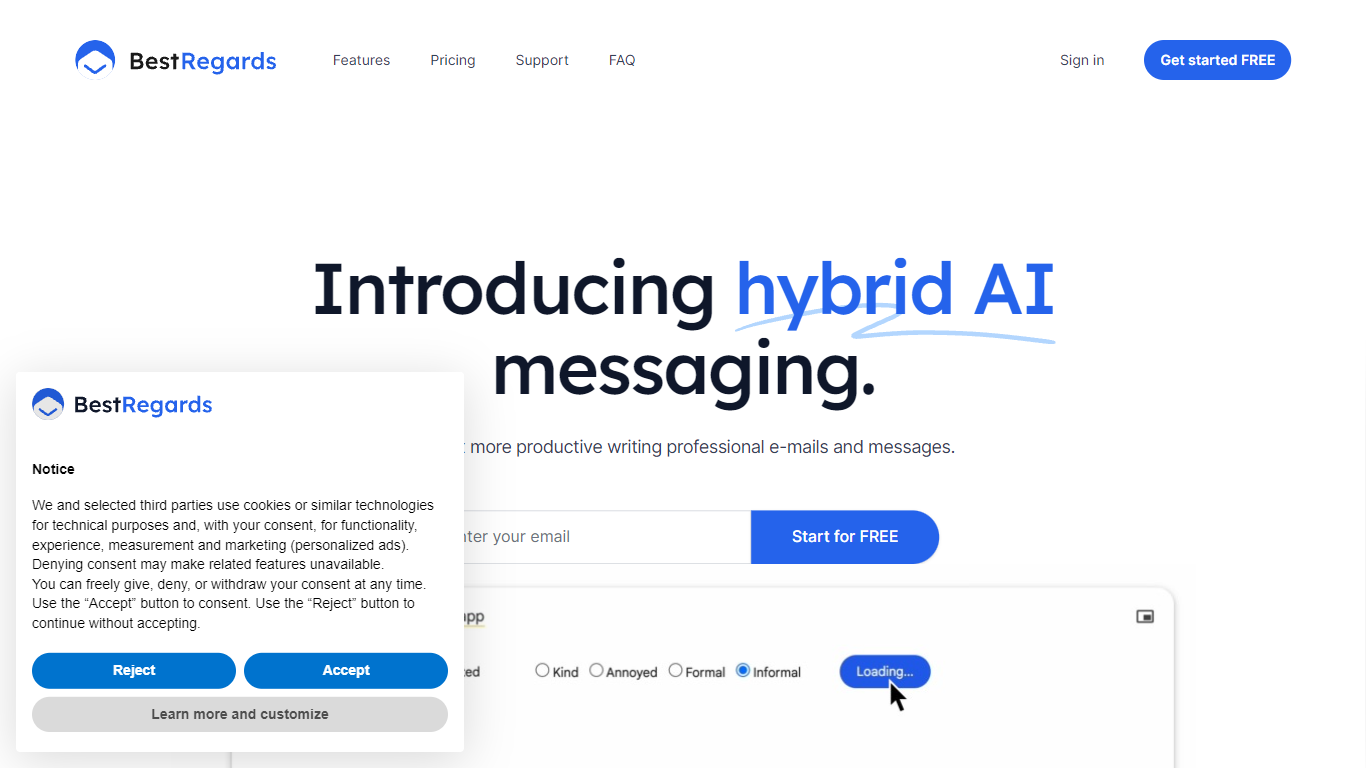

What is BestRegards?
BestRegards is an innovative Chrome extension designed to enhance your productivity by automating the process of writing emails and messages. With its advanced AI capabilities, BestRegards can understand the context of the emails you receive and generate personalized replies in seconds. Whether you're dealing with professional correspondence or casual messaging, BestRegards simplifies the task, allowing you to reply quickly and effectively. It supports all main languages and works seamlessly with any email service, particularly Gmail, where it offers enhanced context detection.
Angry email translator
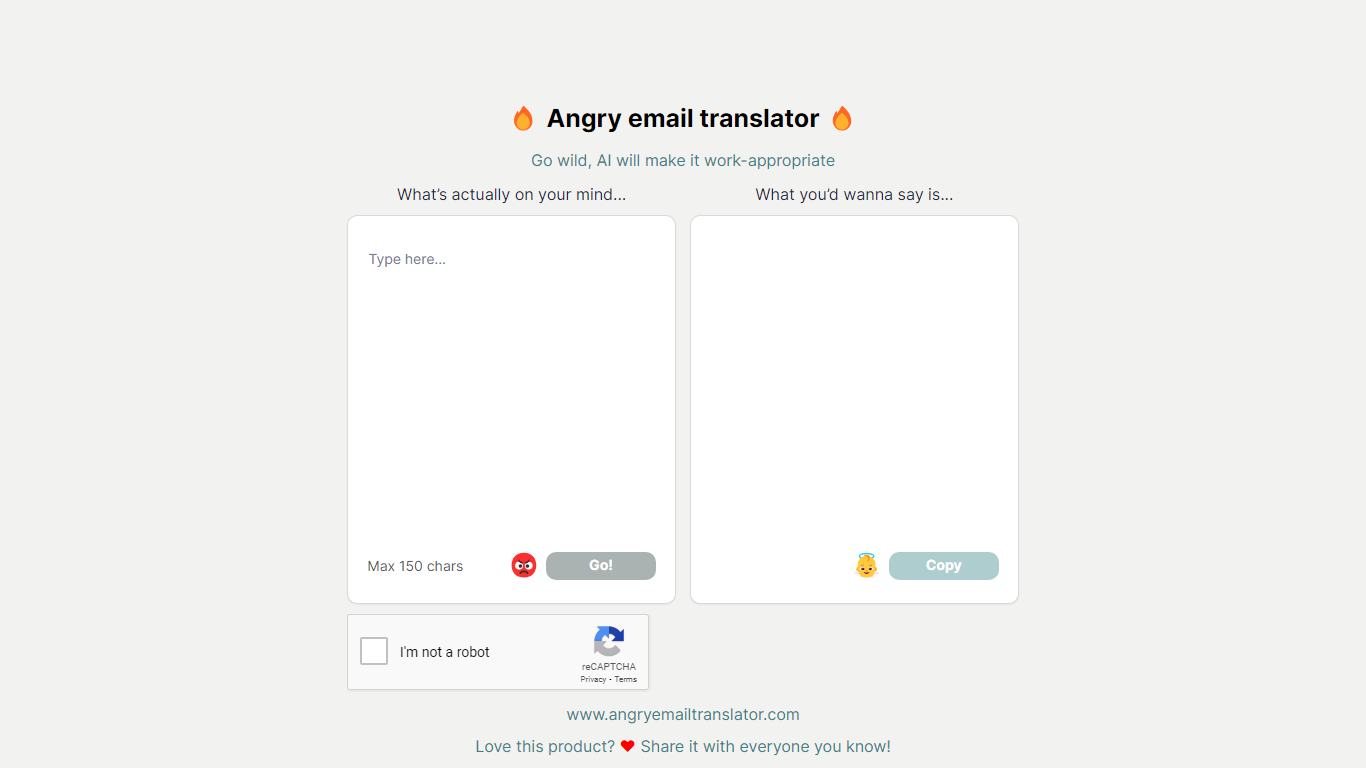
What is Angry email translator?
Angry email translator turns blunt, frustrated messages into polite workplace emails. You type what you actually want to say (up to 150 characters), hit Go, and get back a formal version you can copy into Gmail or Outlook. The whole flow lives on one page with no signup.
Most email assistants draft messages from scratch or polish long drafts you already wrote. Angry email translator does the opposite: it starts from venting. That 150-character cap forces you to name the grievance in a sentence, and the output leans into standard corporate phrasing ("I hope this email finds you well") rather than trying to sound clever.
Office workers use it before replying to a bad meeting invite or a lowball offer. Remote teammates reach for it when Slack frustration needs to become an email HR would not flag. Anyone who types angry first and regrets it later gets a fast tone reset without opening a full writing suite.
BestRegards Upvotes
Angry email translator Upvotes
BestRegards Top Features
Context Detection: BestRegards reads the email and understands its context to generate the most appropriate response.
Magic Composing: With minimal input BestRegards composes a full message streamlining the email writing process.
Polyglot Capability: This tool supports all main languages allowing you to respond in the same language as your interlocutor.
Use Anywhere: The extension is accessible from any website making it convenient to use across different platforms.
No Programming Skills Required: BestRegards is designed for ease of use making it accessible to users without technical backgrounds.
Angry email translator Top Features
Converts rude input into formal email copy with one Go button
150-character input cap keeps rewrites fast and focused
One-click Copy button for the polished output
Hall of Fame shows real before-and-after translation examples
Free to use with optional donation link for compute costs
BestRegards Category
- Email Assistant
Angry email translator Category
- Email Assistant
BestRegards Pricing Type
- Freemium
Angry email translator Pricing Type
- Free