
Last updated 08-12-2026
Category:
Reviews:
Join thousands of AI enthusiasts in the World of AI!
Angry email translator
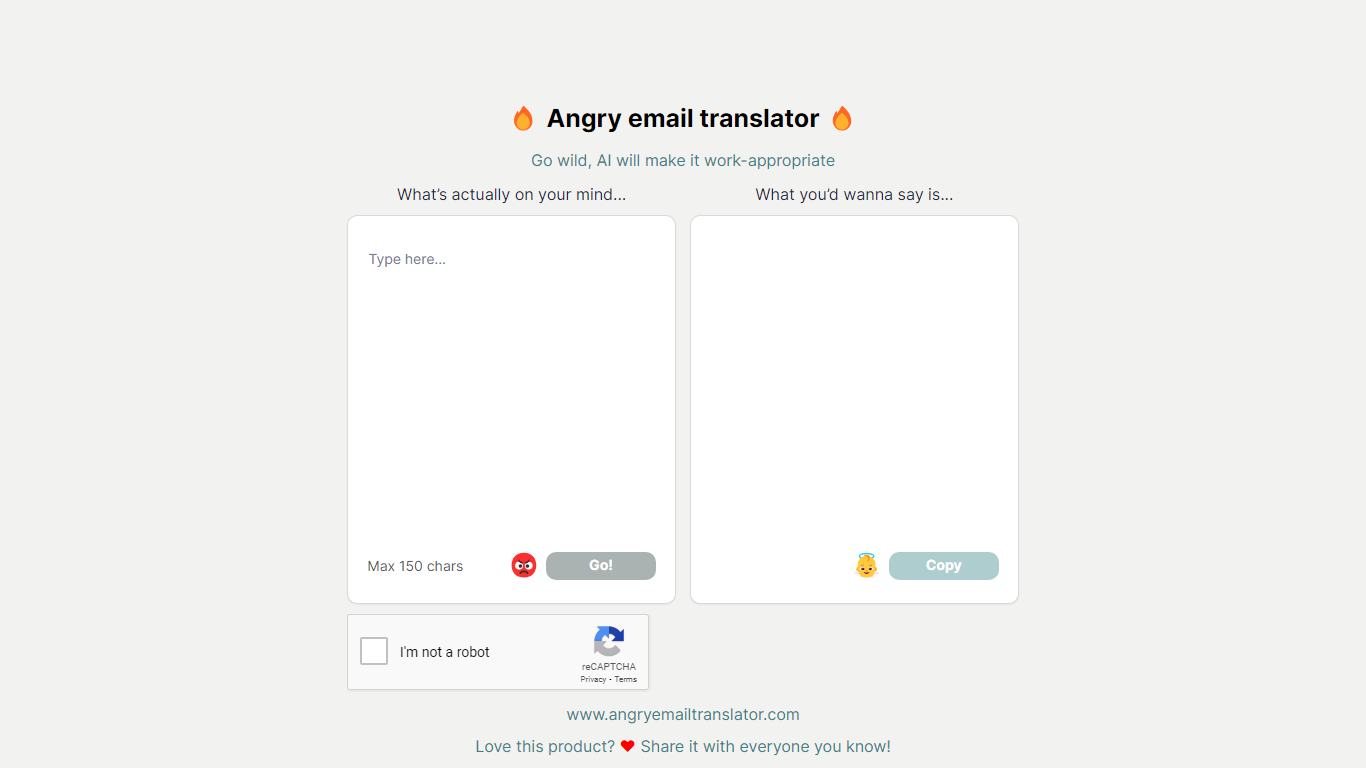
Angry email translator turns blunt, frustrated messages into polite workplace emails. You type what you actually want to say (up to 150 characters), hit Go, and get back a formal version you can copy into Gmail or Outlook. The whole flow lives on one page with no signup.
Most email assistants draft messages from scratch or polish long drafts you already wrote. Angry email translator does the opposite: it starts from venting. That 150-character cap forces you to name the grievance in a sentence, and the output leans into standard corporate phrasing ("I hope this email finds you well") rather than trying to sound clever.
Office workers use it before replying to a bad meeting invite or a lowball offer. Remote teammates reach for it when Slack frustration needs to become an email HR would not flag. Anyone who types angry first and regrets it later gets a fast tone reset without opening a full writing suite.
Converts rude input into formal email copy with one Go button
150-character input cap keeps rewrites fast and focused
One-click Copy button for the polished output
Hall of Fame shows real before-and-after translation examples
Free to use with optional donation link for compute costs
Completely free with no signup required.
150-character cap makes the rewrite step fast for quick venting.
Hall of Fame demonstrates real before-and-after examples.
One-click copy button sends polished text straight to your clipboard.
150-character input limit cannot handle full email threads.
No API, browser extension, or integration with email clients.
Single-page tool with no settings for tone or formality level.
What is Angry email translator?
Angry email translator is a free web tool at angryemailtranslator.com that rewrites blunt or angry text into polite, professional email language. Users type what they actually want to say, click Go, and receive a work-appropriate version they can copy into any email client.
Is Angry email translator free?
Yes, Angry email translator is free to use with no account required. The site notes that AI compute costs money to run and accepts optional donations, but there is no paywall or subscription tier on the homepage.
How long can my input be on Angry email translator?
Angry email translator accepts up to 150 characters in the input field labeled "What's actually on your mind." Longer rants need to be trimmed before the tool can rewrite them.
How does Angry email translator work?
Angry email translator uses AI to transform informal or angry text into formal email copy. You enter your raw message, click Go, and the tool returns a polished version with standard greetings and sign-offs that you can copy with one button.
Do I need an account for Angry email translator?
No, Angry email translator requires no login or account creation. The tool runs entirely on the homepage at angryemailtranslator.com with immediate access.
What is the Hall of Fame on Angry email translator?
The Hall of Fame on Angry email translator is a public gallery of notable before-and-after examples. Each entry shows the original angry input alongside the polite email the tool generated, demonstrating how blunt language gets reframed.
Can Angry email translator handle long emails?
No, Angry email translator is built for short bursts, not full email threads. The 150-character input limit means you need to summarize your frustration into one or two sentences before the rewrite step.