Inbox Zero vs Angry email translator
In the face-off between Inbox Zero vs Angry email translator, which AI Email Assistant tool takes the crown? We scrutinize features, alternatives, upvotes, reviews, pricing, and more.
In a face-off between Inbox Zero and Angry email translator, which one takes the crown?
If we were to analyze Inbox Zero and Angry email translator, both of which are AI-powered email assistant tools, what would we find? Inbox Zero stands out as the clear frontrunner in terms of upvotes. The upvote count for Inbox Zero is 7, and for Angry email translator it's 6.
You don't agree with the result? Cast your vote to help us decide!
Inbox Zero
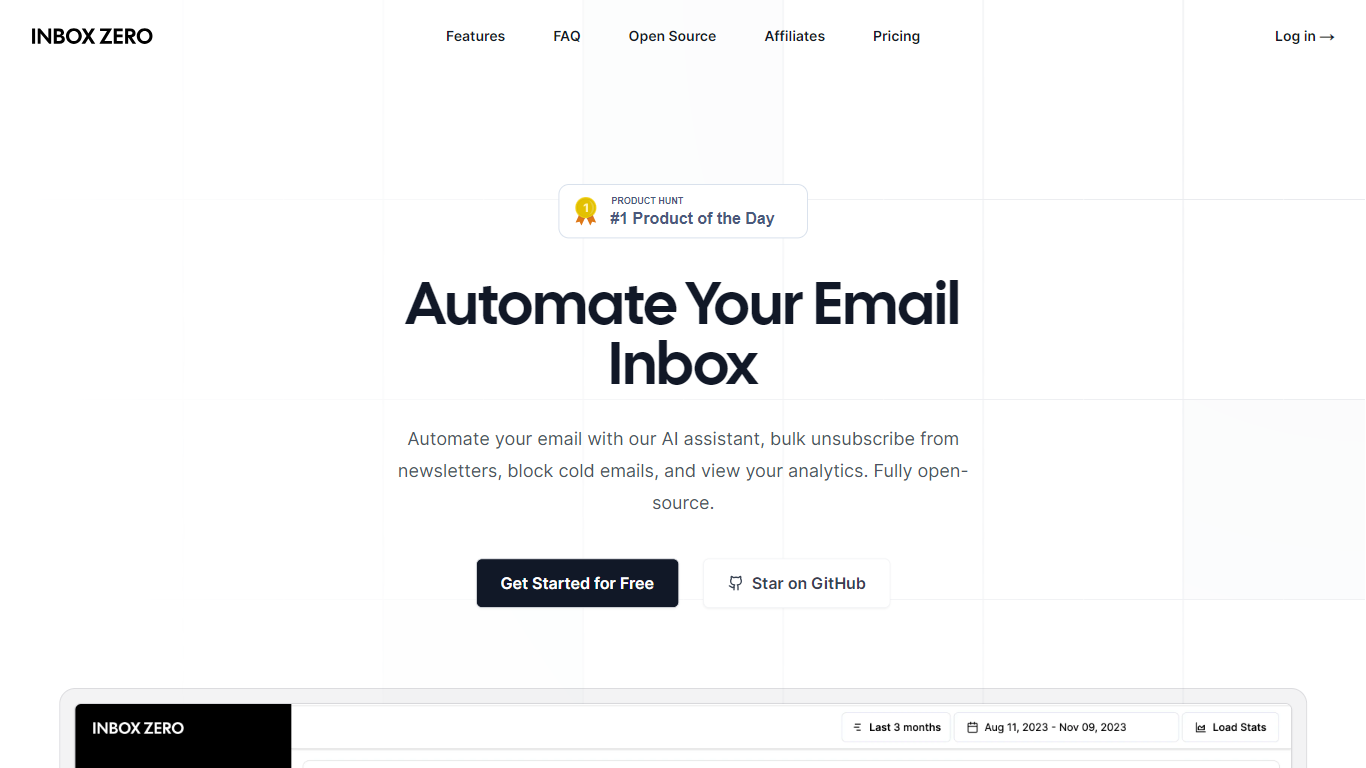

What is Inbox Zero?
Inbox Zero connects to Gmail or Outlook and uses AI to label incoming mail, draft replies in your voice, and surface what needs attention first. You get pre-written responses waiting when you open your inbox, plus bulk unsubscribe tools for newsletters you never read. The product works on web, iOS, Android, Slack, and Telegram so you can triage mail without living in your email tab.
Most email assistants stop at summarization. Inbox Zero also blocks cold emails, files attachments automatically on higher tiers, and pulls calendar and CRM context into drafts so scheduling replies match your real availability. The codebase is open source with 9k GitHub stars, SOC 2 Type 2 certification, and a self-host option for teams that want full control.
Starter plans cover solo operators who want labels, analytics, and reply drafts. Plus adds Slack, Notion, Stripe integrations, and an unlimited knowledge base. Professional adds team analytics and dedicated onboarding. Over 20,000 professionals use Inbox Zero, and every paid plan includes a 7-day free trial.
Angry email translator
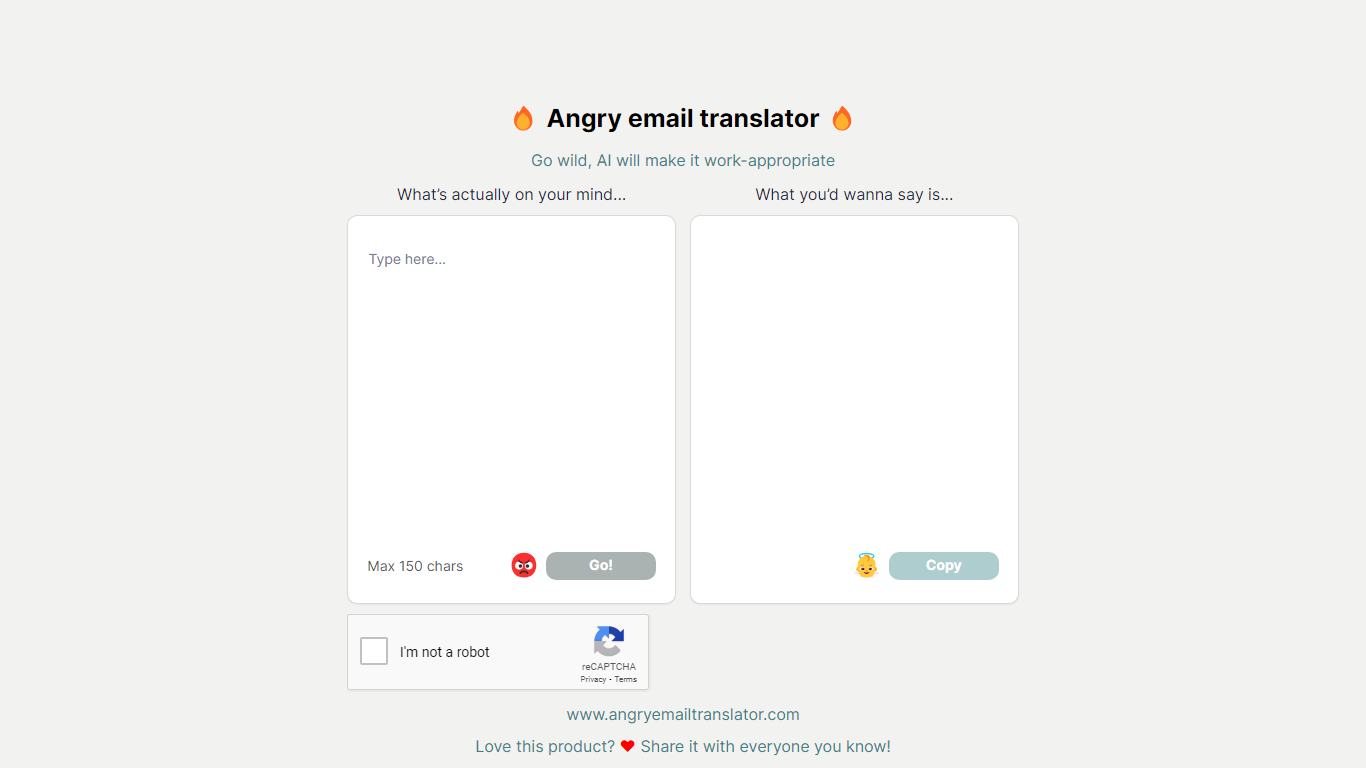
What is Angry email translator?
Angry email translator turns blunt, frustrated messages into polite workplace emails. You type what you actually want to say (up to 150 characters), hit Go, and get back a formal version you can copy into Gmail or Outlook. The whole flow lives on one page with no signup.
Most email assistants draft messages from scratch or polish long drafts you already wrote. Angry email translator does the opposite: it starts from venting. That 150-character cap forces you to name the grievance in a sentence, and the output leans into standard corporate phrasing ("I hope this email finds you well") rather than trying to sound clever.
Office workers use it before replying to a bad meeting invite or a lowball offer. Remote teammates reach for it when Slack frustration needs to become an email HR would not flag. Anyone who types angry first and regrets it later gets a fast tone reset without opening a full writing suite.
Inbox Zero Upvotes
Angry email translator Upvotes
Inbox Zero Top Features
Connect Gmail or Outlook in two clicks and auto-label mail into categories like To Reply, Newsletter, and Urgent
Pre-drafted replies in your tone appear for every email that needs a response
Bulk unsubscribe and archive shows newsletters you never read with one-click cleanup
Works on Slack, Telegram, iOS, Android, and web without switching apps
Starter plan at $20 per user per month includes analytics and cold email blocking
Open-source codebase with 9k GitHub stars and SOC 2 Type 2 certification
Angry email translator Top Features
Converts rude input into formal email copy with one Go button
150-character input cap keeps rewrites fast and focused
One-click Copy button for the polished output
Hall of Fame shows real before-and-after translation examples
Free to use with optional donation link for compute costs
Inbox Zero Category
- Email Assistant
Angry email translator Category
- Email Assistant
Inbox Zero Pricing Type
- Freemium
Angry email translator Pricing Type
- Free