PowerDMARC vs Angry email translator
In the contest of PowerDMARC vs Angry email translator, which AI Email Assistant tool is the champion? We evaluate pricing, alternatives, upvotes, features, reviews, and more.
If you had to choose between PowerDMARC and Angry email translator, which one would you go for?
When we examine PowerDMARC and Angry email translator, both of which are AI-enabled email assistant tools, what unique characteristics do we discover? Both tools are equally favored, as indicated by the identical upvote count. Be a part of the decision-making process. Your vote could determine the winner.
Want to flip the script? Upvote your favorite tool and change the game!
PowerDMARC
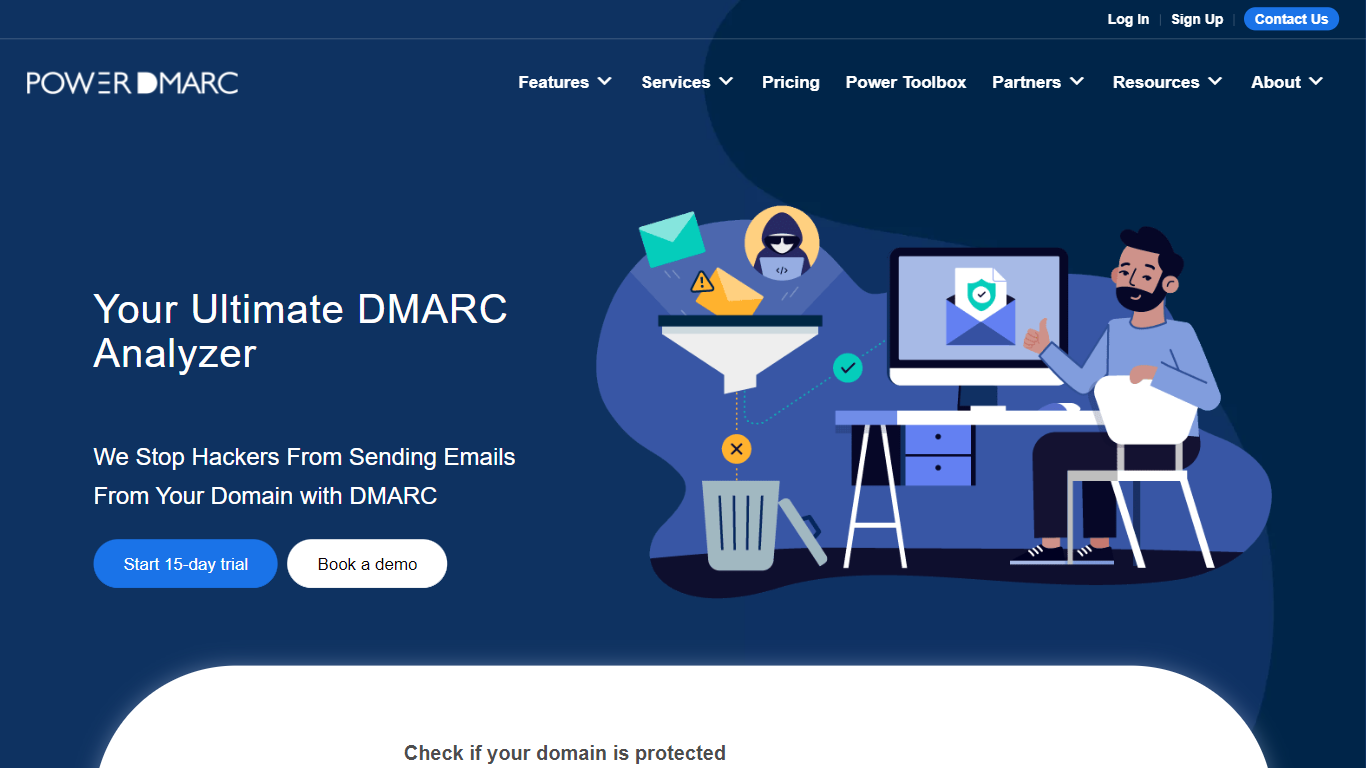

What is PowerDMARC?
PowerDMARC monitors and enforces DMARC, SPF, DKIM, MTA-STS, and BIMI records from a cloud dashboard. Teams publish authentication policies, review aggregate and forensic reports, and move domains from p=none toward quarantine or reject to block spoofing and phishing. The platform also ships free public checkers for DMARC, SPF, DKIM, and BIMI lookups.
Generic email security suites spread across many products. PowerDMARC centers on authentication enforcement with hosted SPF flattening, one-click DNS publishing, a live threat map, and an in-dashboard DMARC AI Agent for troubleshooting SPF permerrors and deliverability drops. MSP and MSSP partners get a white-label multi-tenant console to resell under their own brand.
IT admins, MSPs, and marketing teams at mid-size and enterprise organizations use PowerDMARC to meet Google and Yahoo sender requirements, protect domain reputation, and monitor blacklist and header health. Pricing starts with a free personal-domain tier and scales to custom enterprise quotes.
Angry email translator
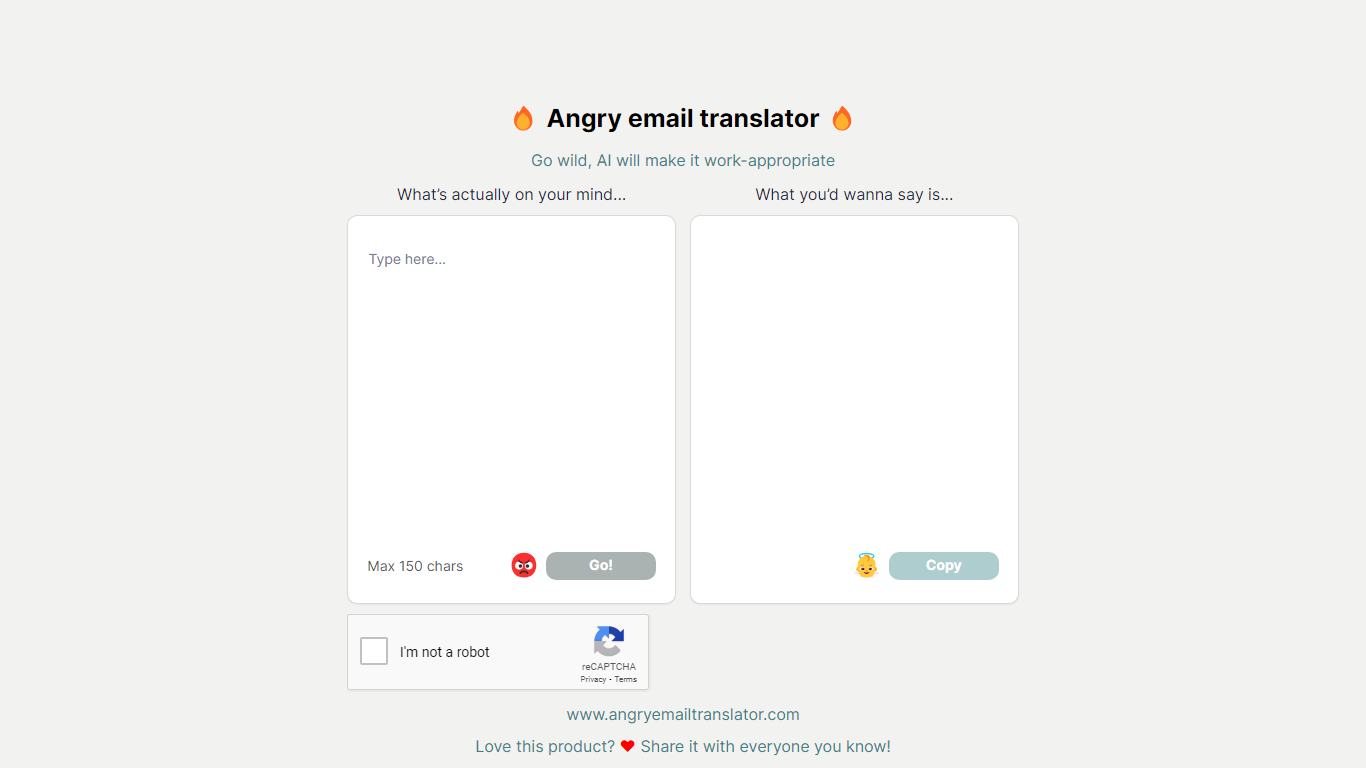
What is Angry email translator?
Angry email translator turns blunt, frustrated messages into polite workplace emails. You type what you actually want to say (up to 150 characters), hit Go, and get back a formal version you can copy into Gmail or Outlook. The whole flow lives on one page with no signup.
Most email assistants draft messages from scratch or polish long drafts you already wrote. Angry email translator does the opposite: it starts from venting. That 150-character cap forces you to name the grievance in a sentence, and the output leans into standard corporate phrasing ("I hope this email finds you well") rather than trying to sound clever.
Office workers use it before replying to a bad meeting invite or a lowball offer. Remote teammates reach for it when Slack frustration needs to become an email HR would not flag. Anyone who types angry first and regrets it later gets a fast tone reset without opening a full writing suite.
PowerDMARC Upvotes
Angry email translator Upvotes
PowerDMARC Top Features
Free tier covers 10,000 compliant emails per month on 1 personal domain
Basic plan from $12 per month (annual) with 100,000 emails and 5 active domains
Hosted DMARC, SPF flattening, DKIM, MTA-STS, TLS-RPT, and BIMI from one portal
DMARC AI Agent answers SPF, DKIM, and deliverability questions inside the dashboard
Live threat map and AI-driven threat intelligence for spoofing pattern detection
White-label MSP/MSSP partner program with multi-tenant domain management
Angry email translator Top Features
Converts rude input into formal email copy with one Go button
150-character input cap keeps rewrites fast and focused
One-click Copy button for the polished output
Hall of Fame shows real before-and-after translation examples
Free to use with optional donation link for compute costs
PowerDMARC Category
- Email Assistant
Angry email translator Category
- Email Assistant
PowerDMARC Pricing Type
- Freemium
Angry email translator Pricing Type
- Free