ChatGPT Services vs Angry email translator
In the face-off between ChatGPT Services vs Angry email translator, which AI Email Assistant tool takes the crown? We scrutinize features, alternatives, upvotes, reviews, pricing, and more.
In a face-off between ChatGPT Services and Angry email translator, which one takes the crown?
If we were to analyze ChatGPT Services and Angry email translator, both of which are AI-powered email assistant tools, what would we find? Both tools have received the same number of upvotes from aitools.fyi users. Your vote matters! Help us decide the winner among aitools.fyi users by casting your vote.
Think we got it wrong? Cast your vote and show us who's boss!
ChatGPT Services

What is ChatGPT Services?
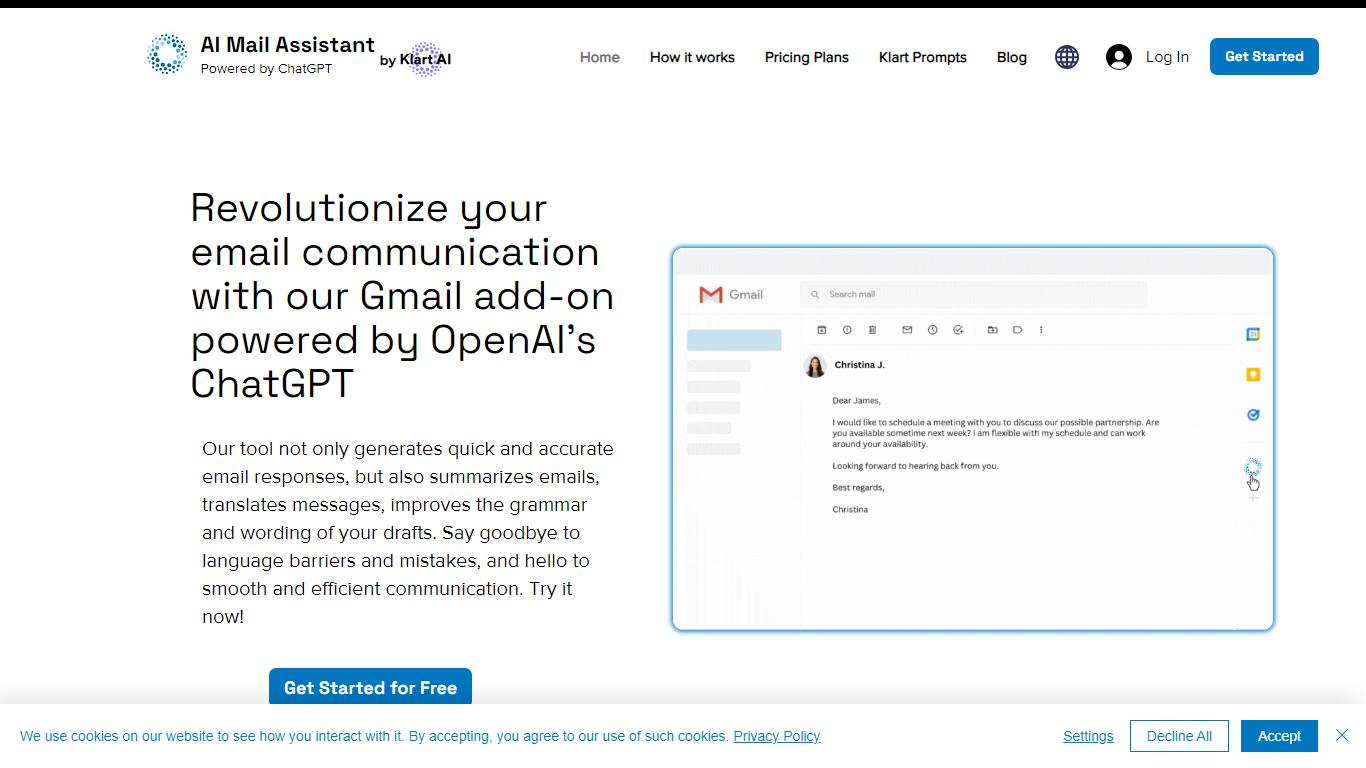
ChatGPT Services hosts Gmail add-ons from Klart AI that write, translate, summarize, and analyze email inside your inbox. AI Mail Assistant adds reply generation, draft polishing, 13-language translation, ChatGPT Q&A, and tone or ethics analysis to Gmail through the Google Workspace Marketplace.
Unlike standalone ChatGPT tabs, these tools live in Gmail's sidebar so you generate replies, insert drafts, and translate threads without switching apps. A separate AI Label Assistant product auto-labels and archives mail on an hourly schedule using your existing Gmail labels, with custom instructions when label titles alone are not specific enough.
The suite also includes Klart Prompts for GPT, Midjourney, and reverse prompt engineering. Plans start with 10 free AI Mail Assistant requests per month, paid tiers from €4.99 monthly, and Stripe or PayPal billing with cancel-anytime subscriptions.
Angry email translator
What is Angry email translator?
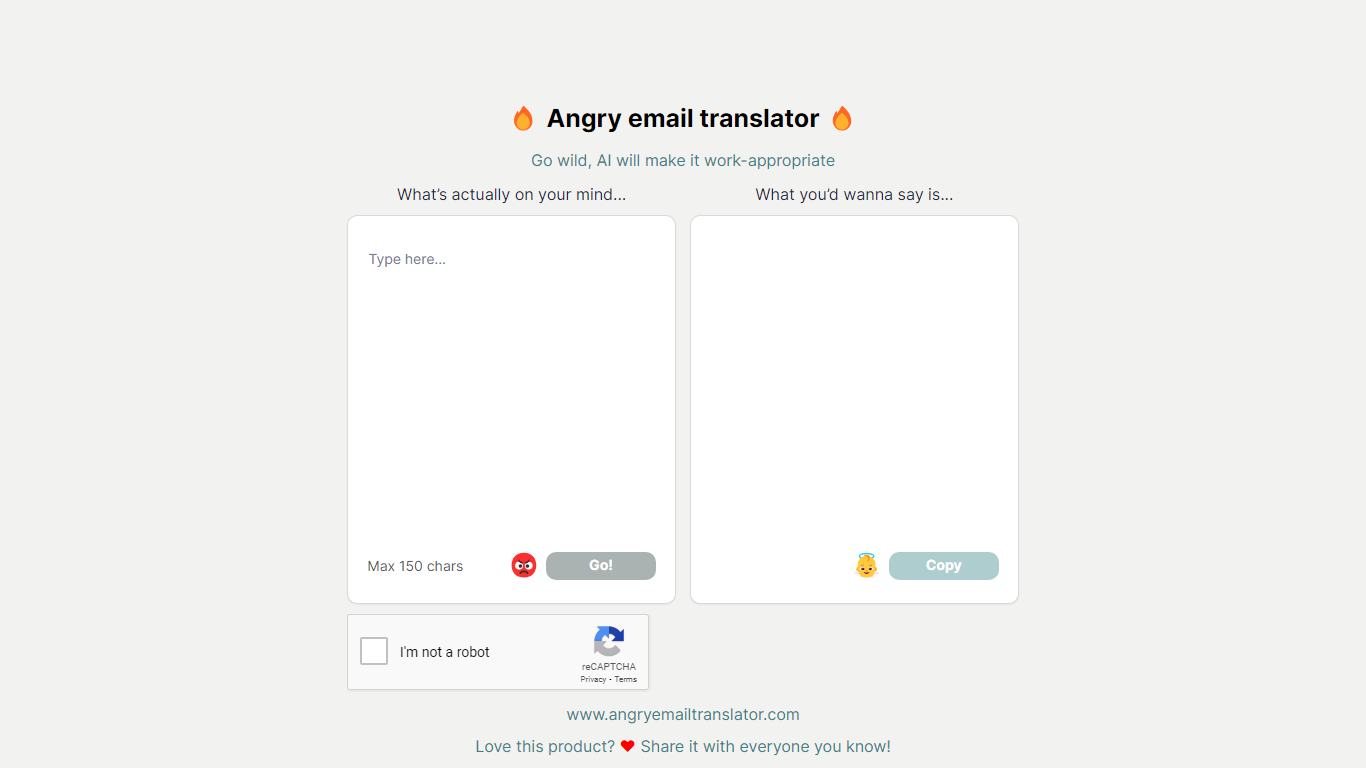
Angry email translator turns blunt, frustrated messages into polite workplace emails. You type what you actually want to say (up to 150 characters), hit Go, and get back a formal version you can copy into Gmail or Outlook. The whole flow lives on one page with no signup.
Most email assistants draft messages from scratch or polish long drafts you already wrote. Angry email translator does the opposite: it starts from venting. That 150-character cap forces you to name the grievance in a sentence, and the output leans into standard corporate phrasing ("I hope this email finds you well") rather than trying to sound clever.
Office workers use it before replying to a bad meeting invite or a lowball offer. Remote teammates reach for it when Slack frustration needs to become an email HR would not flag. Anyone who types angry first and regrets it later gets a fast tone reset without opening a full writing suite.
ChatGPT Services Upvotes
Angry email translator Upvotes
ChatGPT Services Top Features
AI Mail Assistant generates Gmail replies, summaries, and draft improvements powered by GPT-4 and GPT-4o
Built-in translation covers 13 languages for both incoming mail and outgoing drafts
Email analysis flags sarcasm, harassment, discrimination, mobbing, and ethical issues in threads
AI Label Assistant auto-labels mail hourly with up to 20 custom labels and optional auto-archiving
Free AI Mail Assistant tier includes 10 requests per month across all compose features
Klart Prompts Pro adds unlimited GPT, Midjourney, and reverse prompt engineering generators
Angry email translator Top Features
Converts rude input into formal email copy with one Go button
150-character input cap keeps rewrites fast and focused
One-click Copy button for the polished output
Hall of Fame shows real before-and-after translation examples
Free to use with optional donation link for compute costs
ChatGPT Services Category
- Email Assistant
Angry email translator Category
- Email Assistant
ChatGPT Services Pricing Type
- Freemium
Angry email translator Pricing Type
- Free